dEssence Blog
Ideas worth finding again.
Notes on AI, memory, saved knowledge, and the product patterns that make personal context useful instead of exhausting.
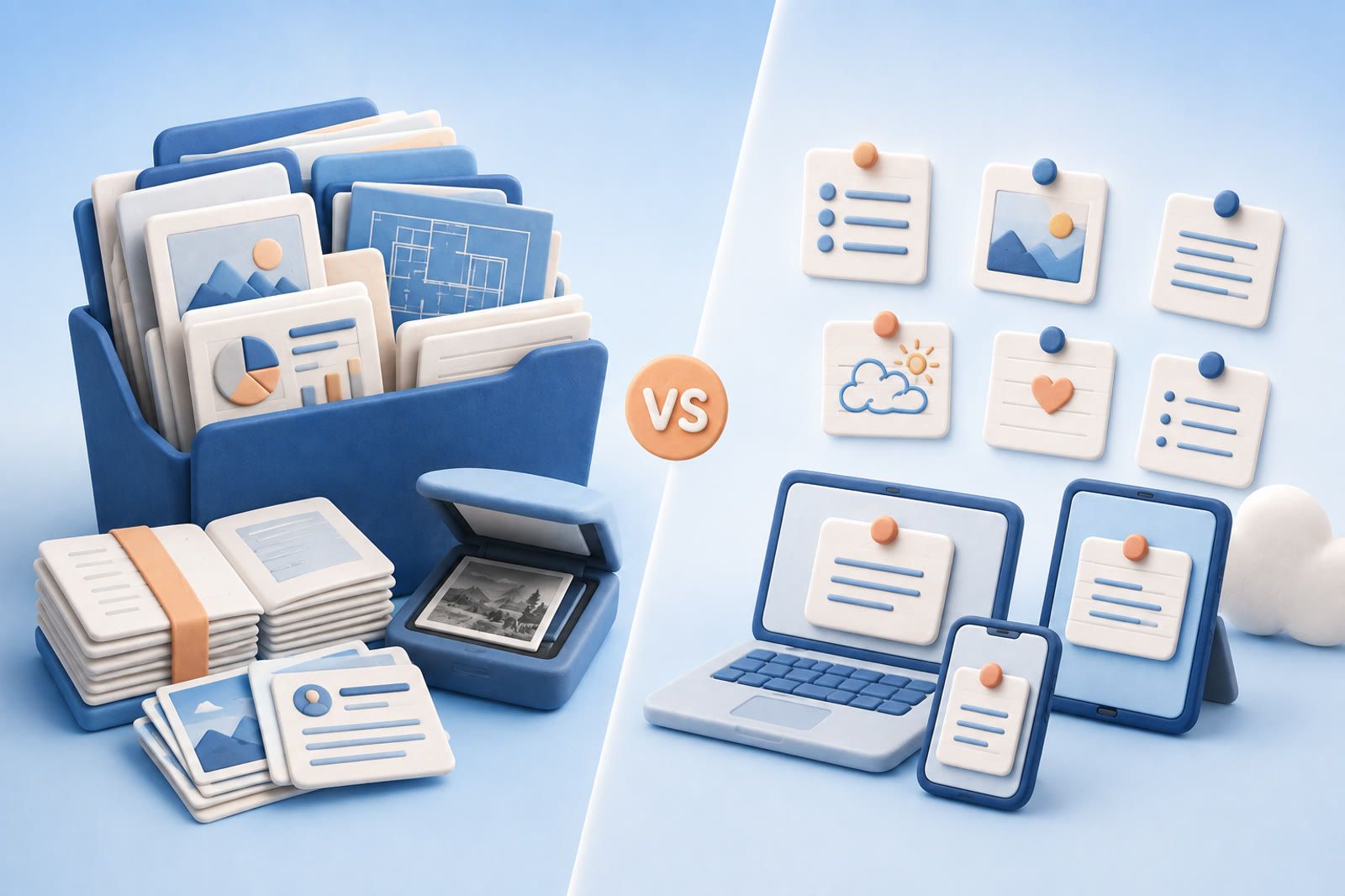
Apple Notes vs Google Keep: Which Should You Use?
Choose Apple Notes for richer notes on Apple devices. Choose Google Keep for quick cards that work across Android, iOS and the web.
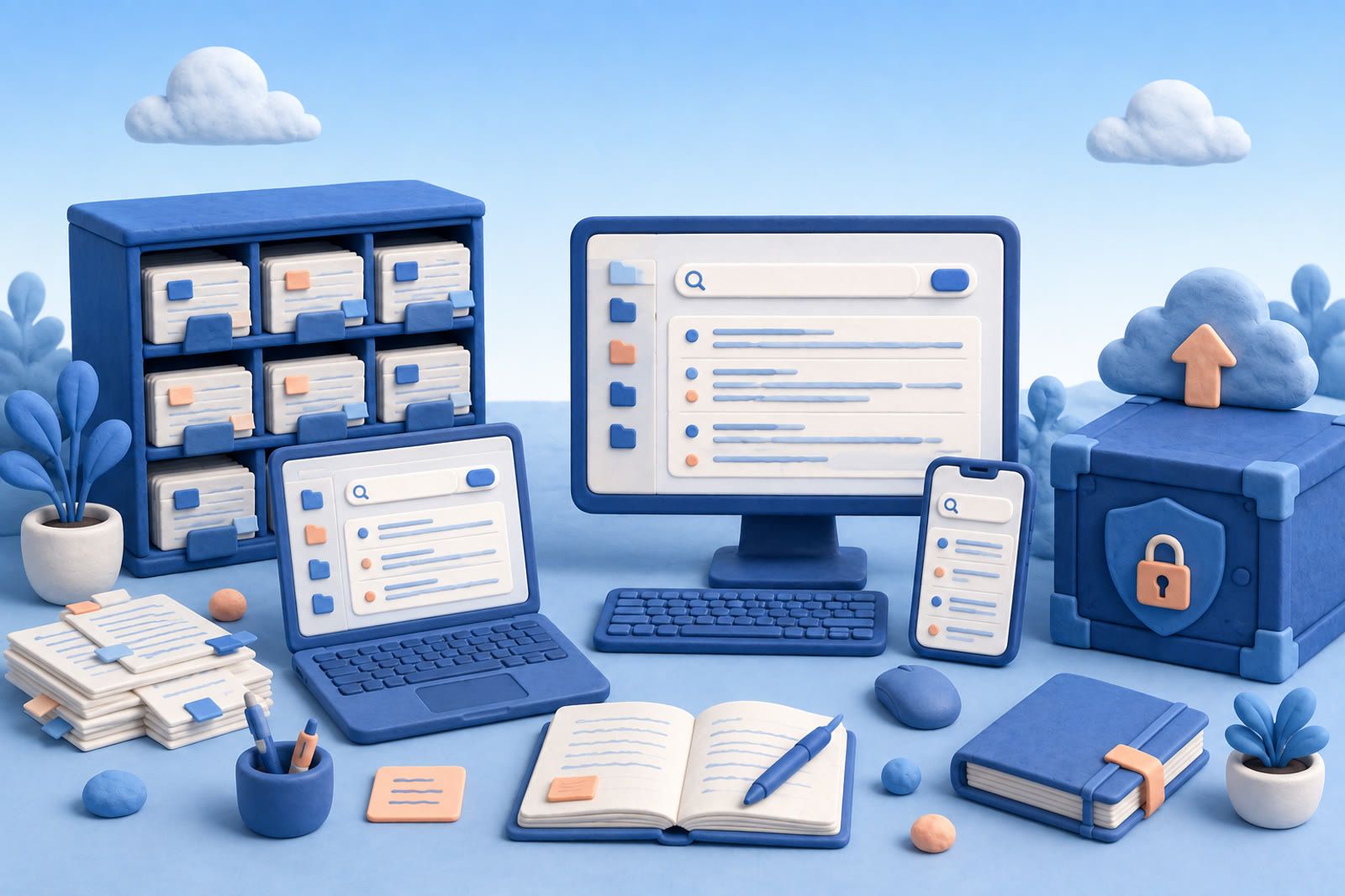
Evernote Search Not Working? Fixes for Large Archives
Troubleshoot missing Evernote search results, protect your archive and test a migration without losing searchable content.
How to Take Therapy Notes With Apple Voice Memos
Record a short Voice Memo after therapy, name it by the issue you discussed, and turn the insight into something you can use between sessions.
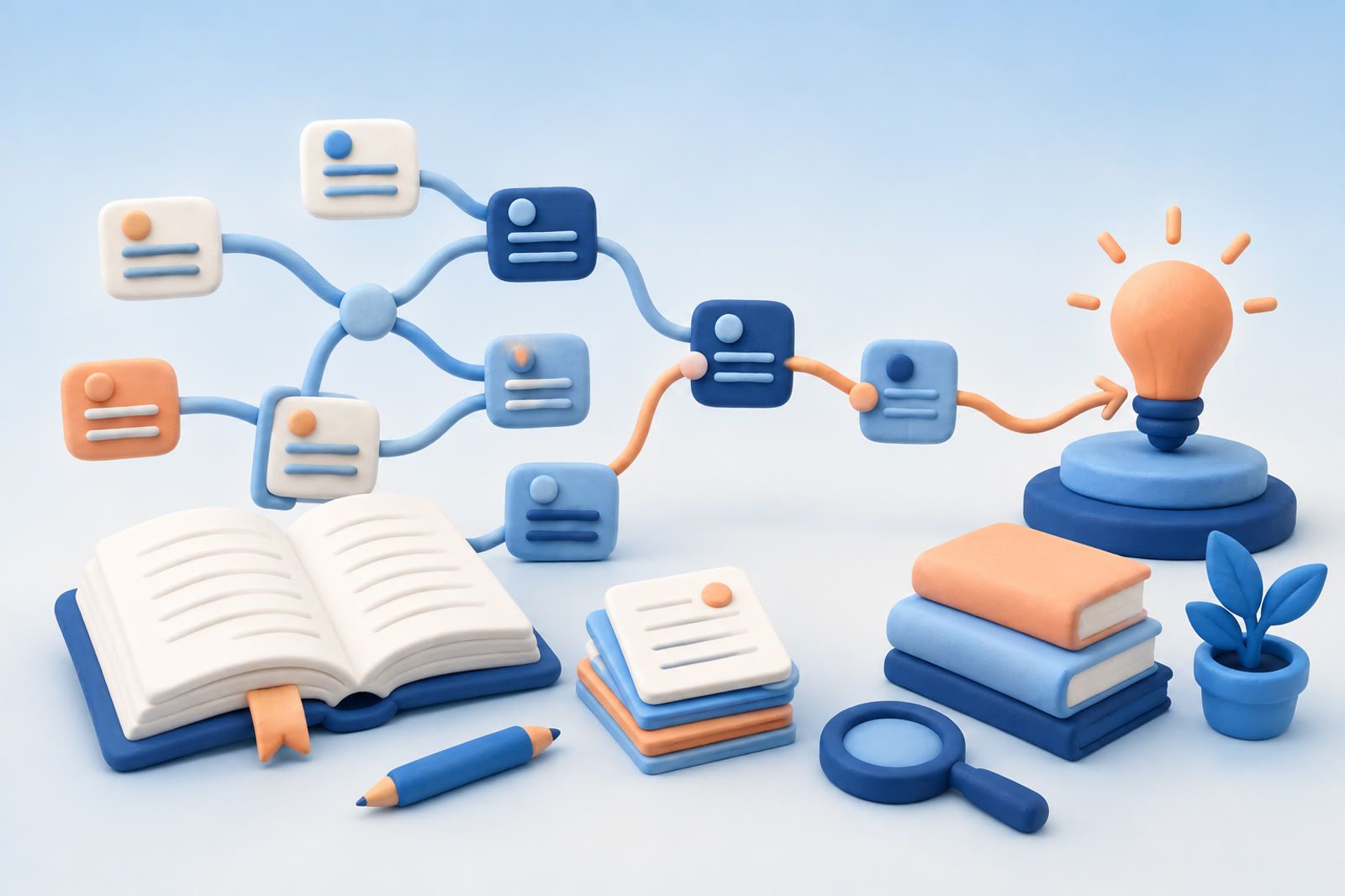
How to Remember What You Read With Obsidian
Use one Obsidian note per book, capture only useful ideas, rewrite them in your own words and review them through questions you might actually ask.
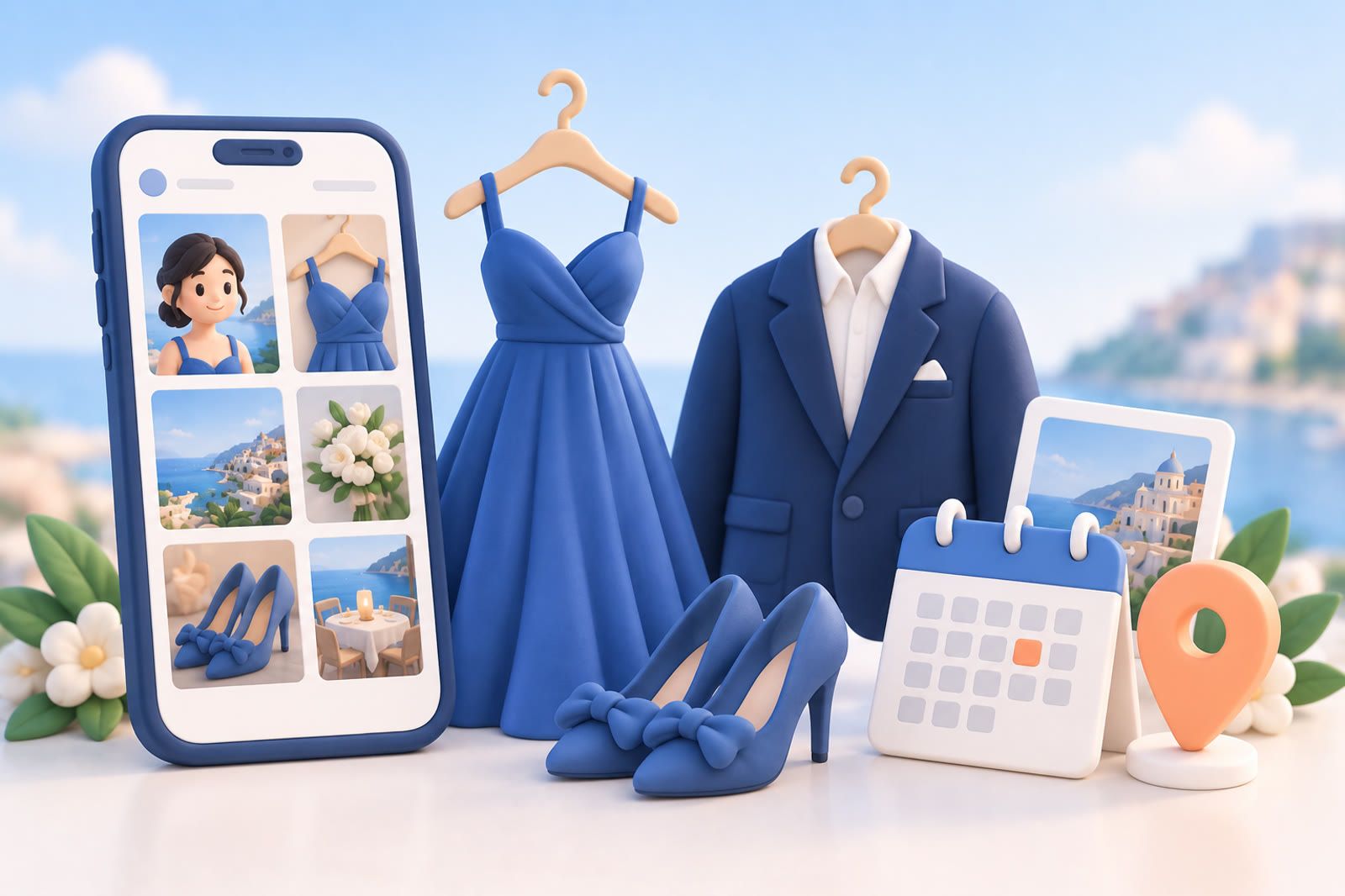
Outfit Tracker App or iPhone Photos? How to Track What You Wore to Each Event
An outfit tracker app logs what you wore, when and with whom. One Outfits album in iPhone Photos with a searchable caption per event does that job for most people. A dedicated app helps when you want a calendar or cost per wear.

How to Track Dietary Restrictions in Apple Notes
Use one Apple Notes list to remember allergies, restrictions and food preferences before shopping, cooking or booking a restaurant.
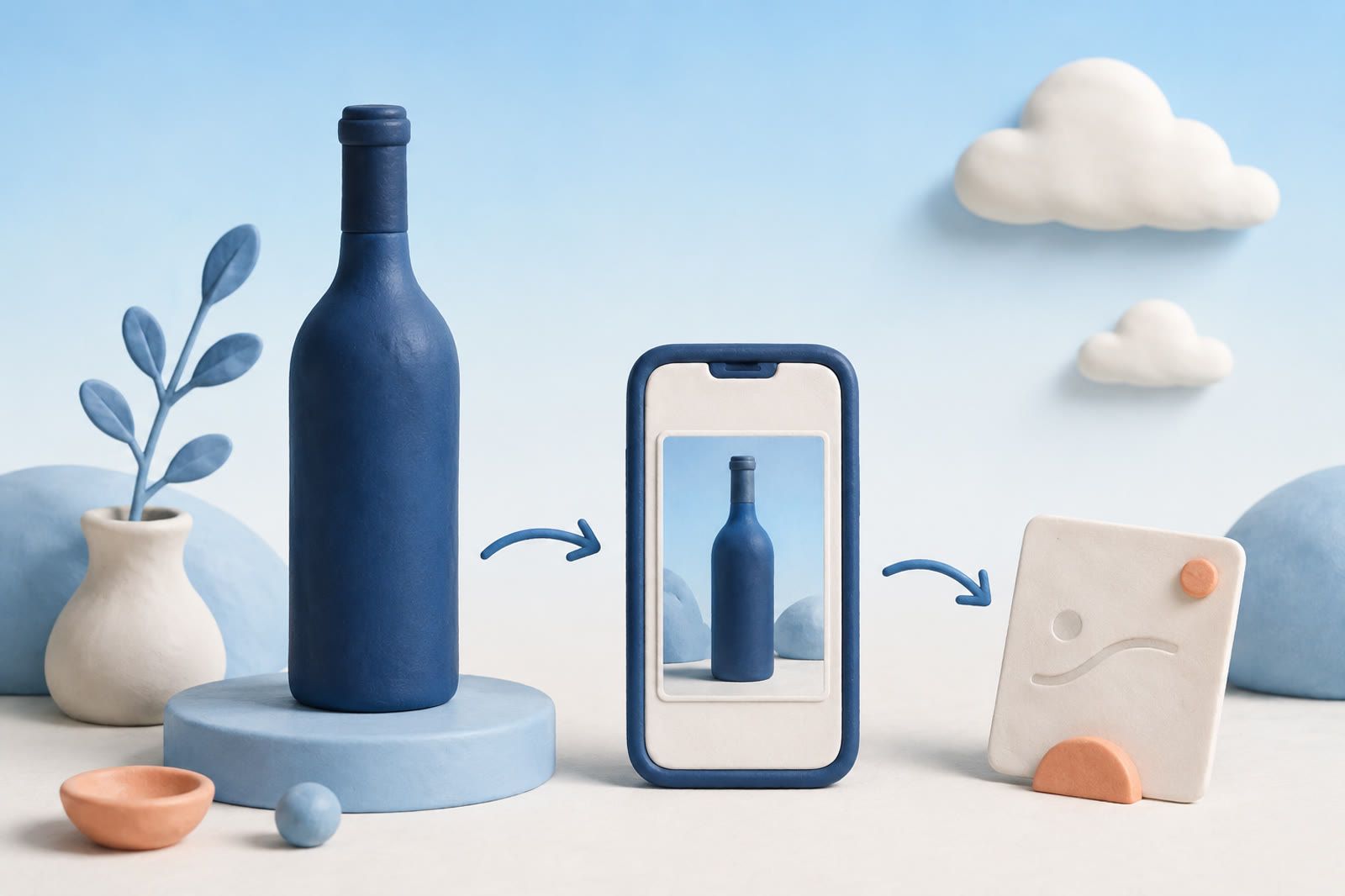
A Simple Vivino Alternative for Casual Wine Drinkers
You do not need a detailed wine journal to remember a good bottle. A label photo and one line of context can be enough.
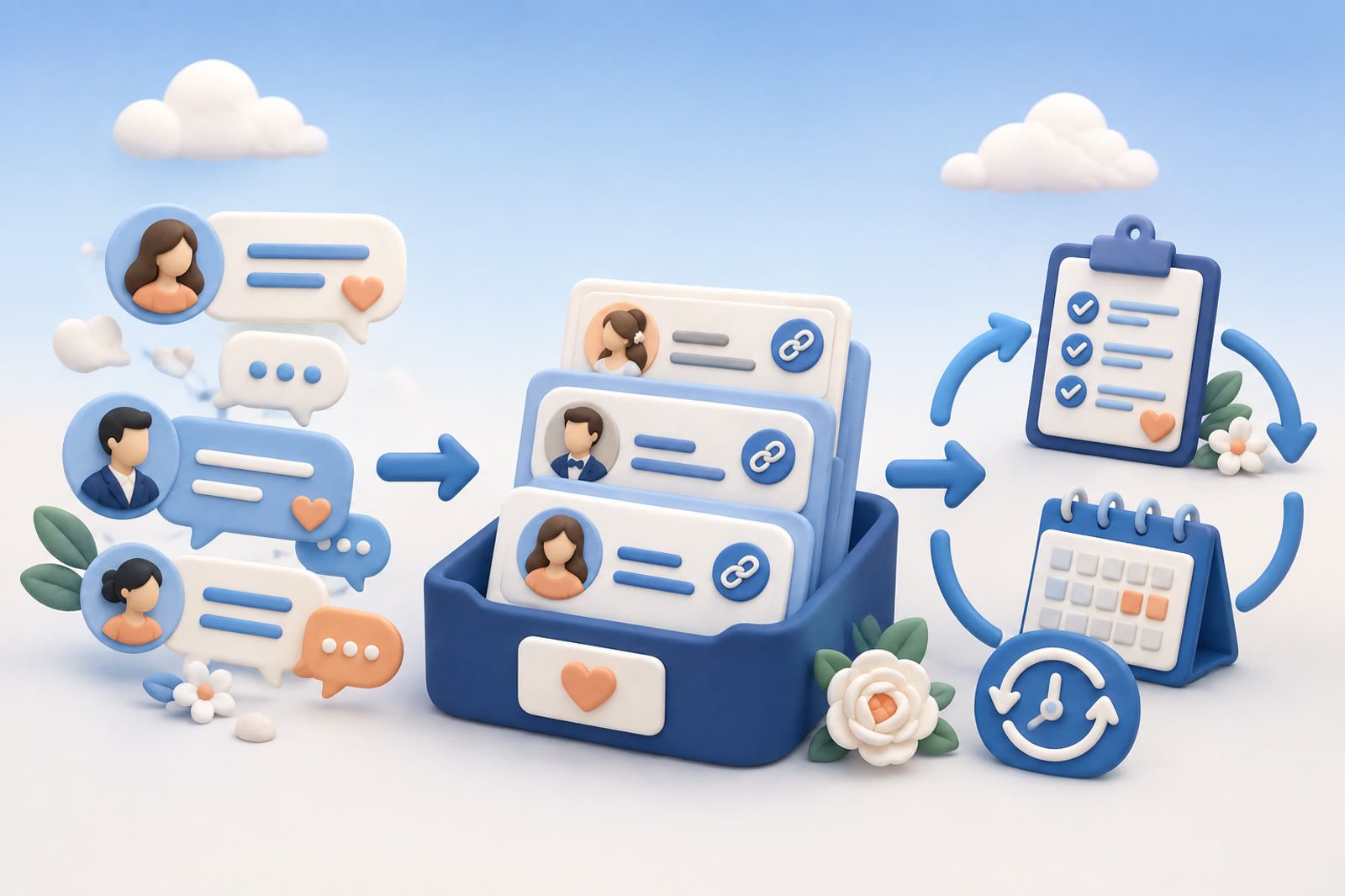
How to Track Follow Ups: A Simple Follow Up Tracker in Todoist
Track follow ups in one list. Write each one as an action with the person's name, add a date only when timing matters, mark the ones you are waiting on, and review the list once a week. Todoist handles all of this on its free plan.
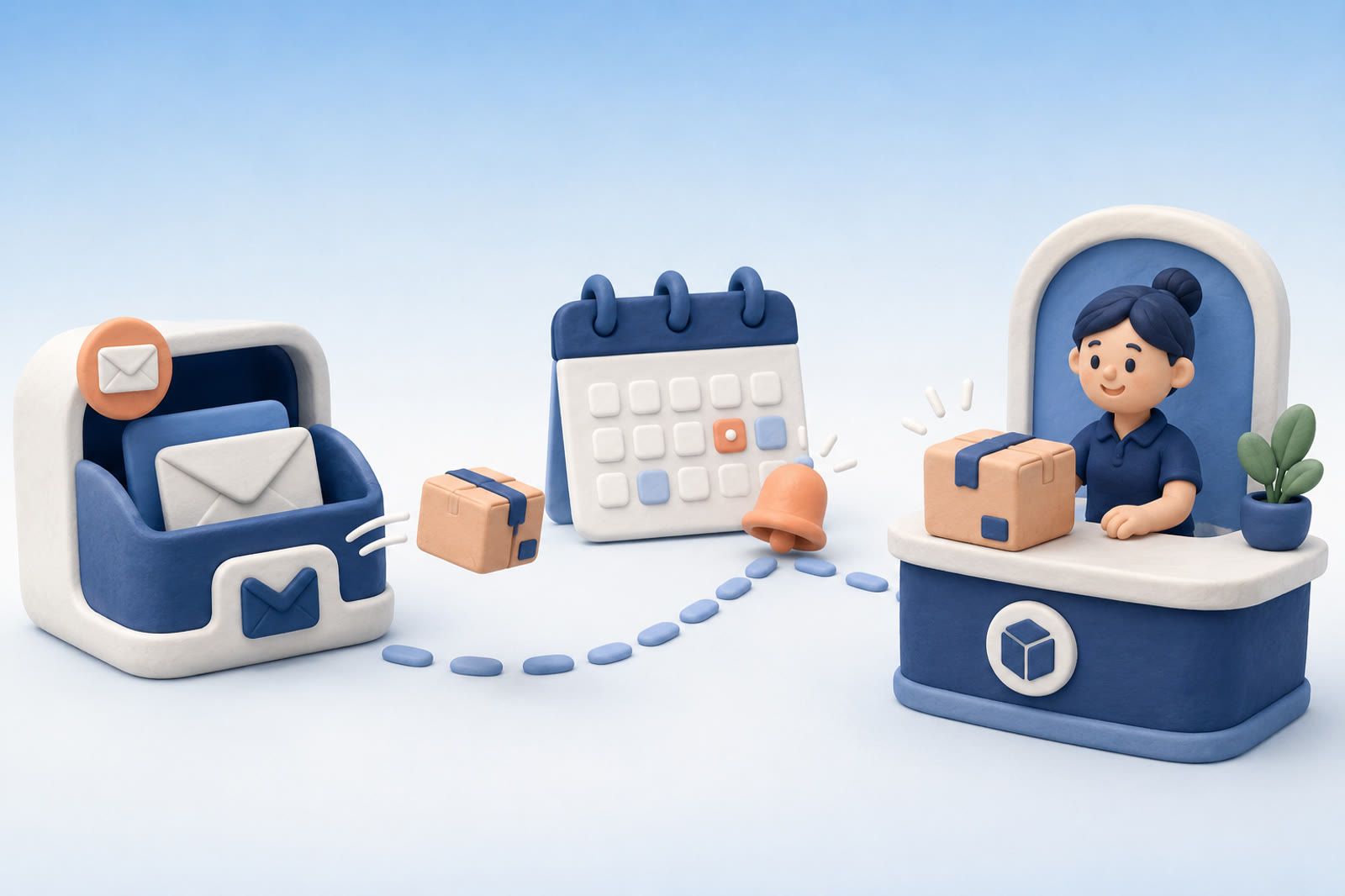
Amazon Return Window: How to Track Every Return Deadline in Gmail
Most Amazon items have a 30-day return window that starts on delivery, and the exact return by date is in Your Orders. Label the return email in Gmail, set a reminder days before that date and follow the refund in Your Returns.
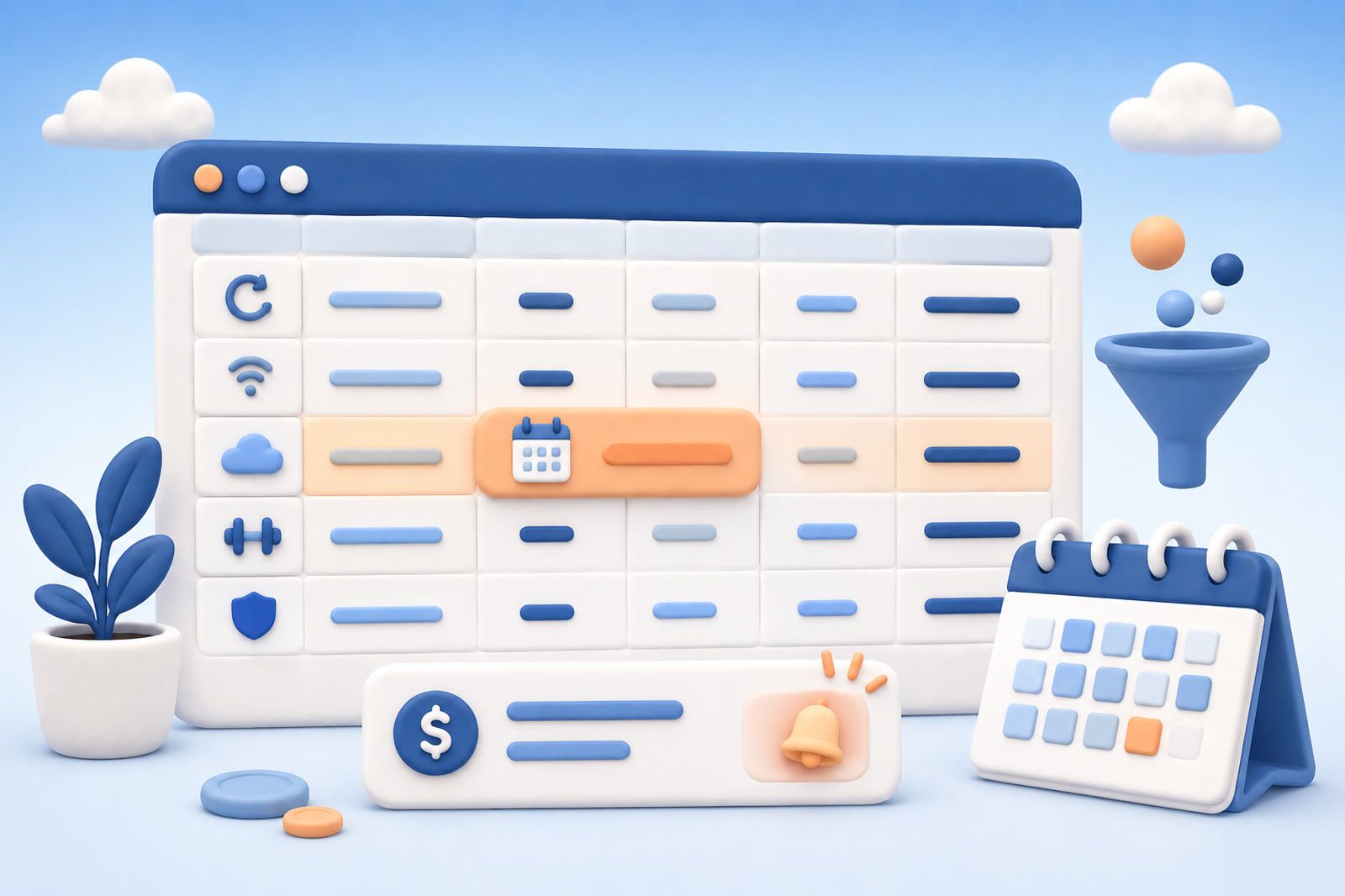
Subscription Tracker Google Sheets Template: Free Columns and Formulas
To build a subscription tracker in Google Sheets, paste one header row, give each subscription its own line and add two formulas: monthly cost and days until the next charge. A color rule then flags anything renewing within a week.

How to Keep Track of Who Owes Who on Venmo
Use Venmo for exact debts, record payments immediately and keep a simple note for informal turns when nobody needs to settle the bill.
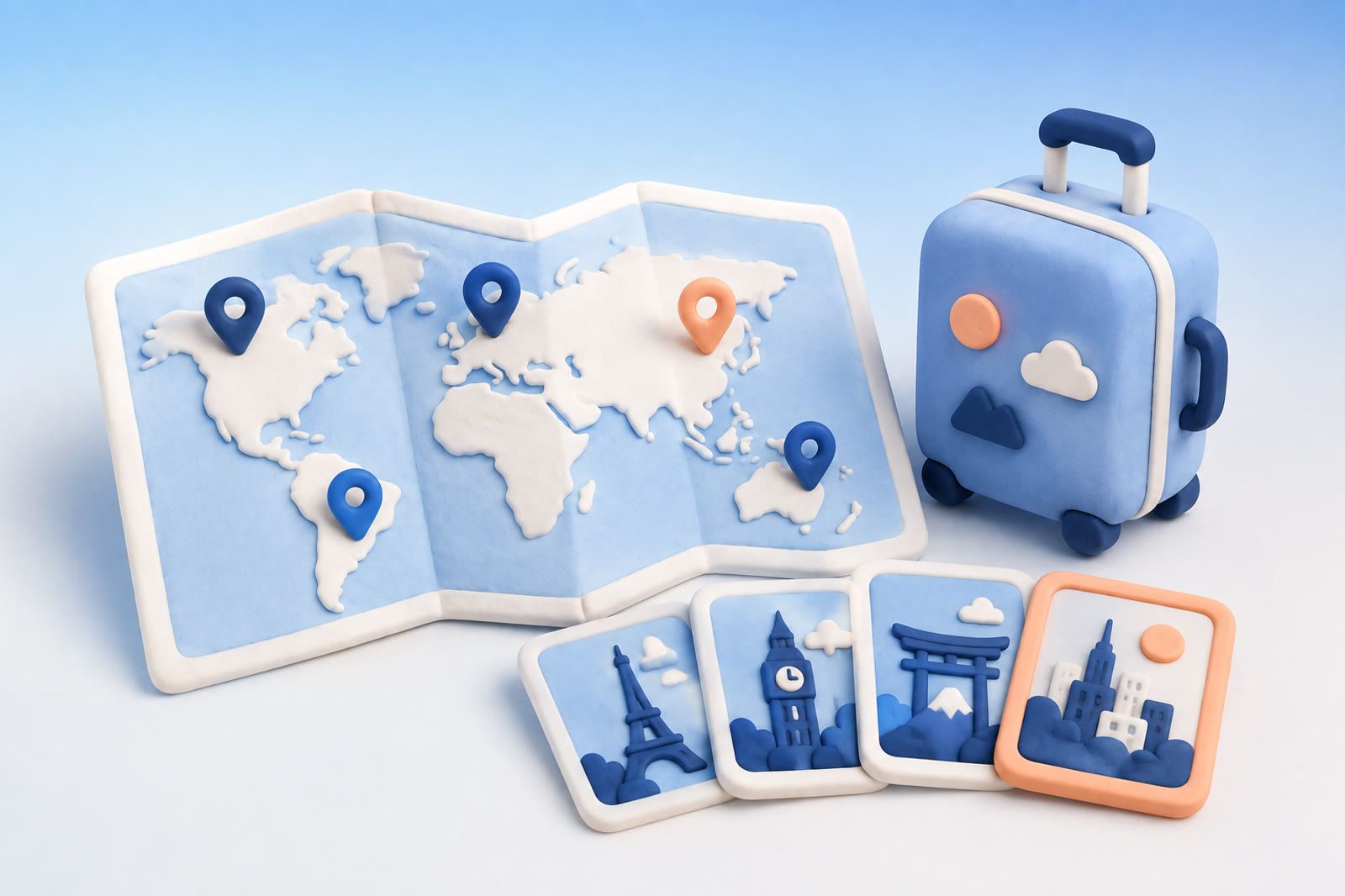
How to Organize Saved Places in Google Maps
Turn scattered Google Maps pins into useful destination lists, preserve why you saved each place, and find them when you plan a trip.
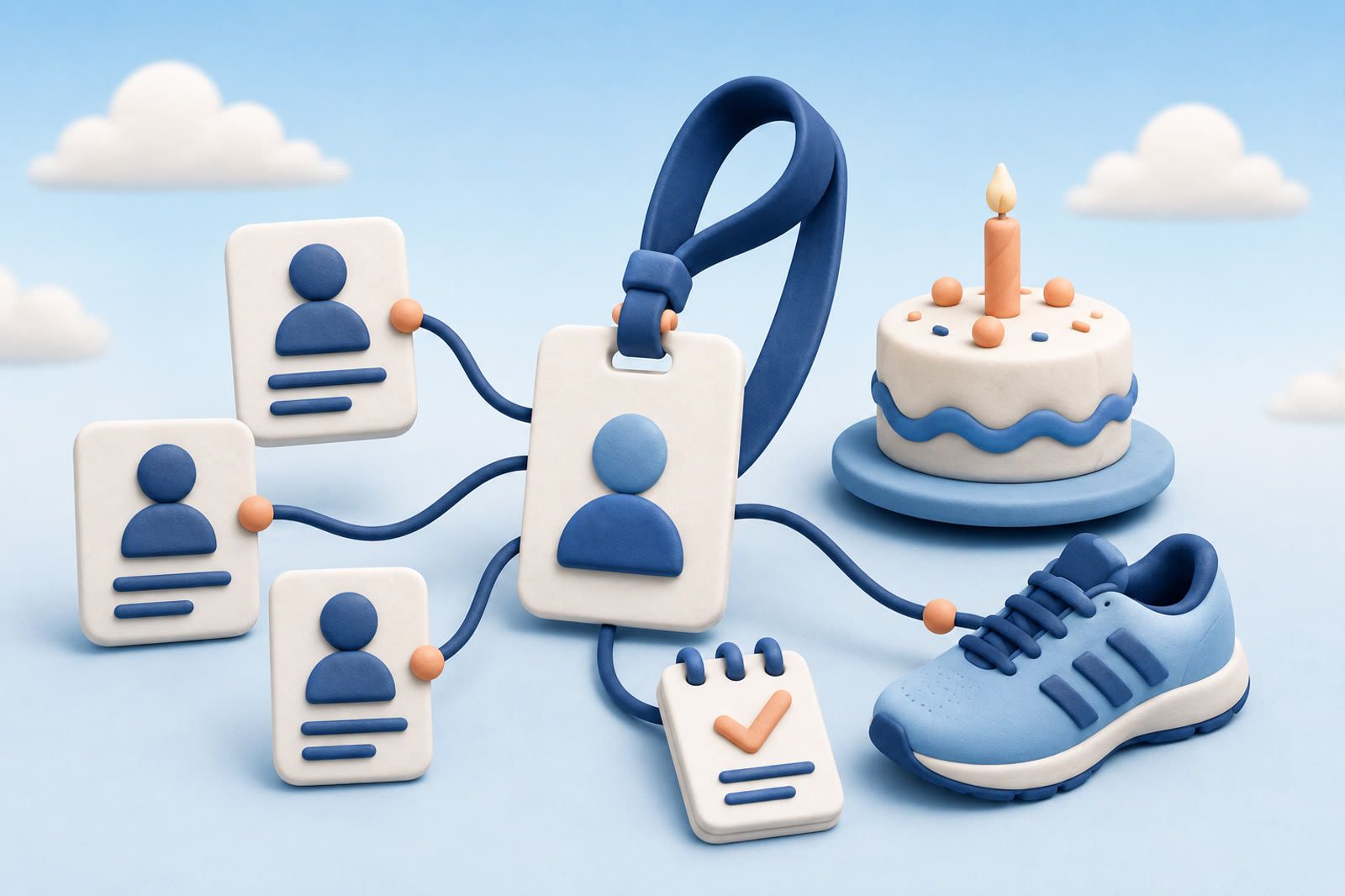
How to Add Notes to Google Contacts and Remember People You Meet
Yes, you can add notes to Google Contacts. On a computer, open the contact, click Edit, type in the Notes field and click Save. On Android, tap the contact, tap Edit, then Add fields to add notes.
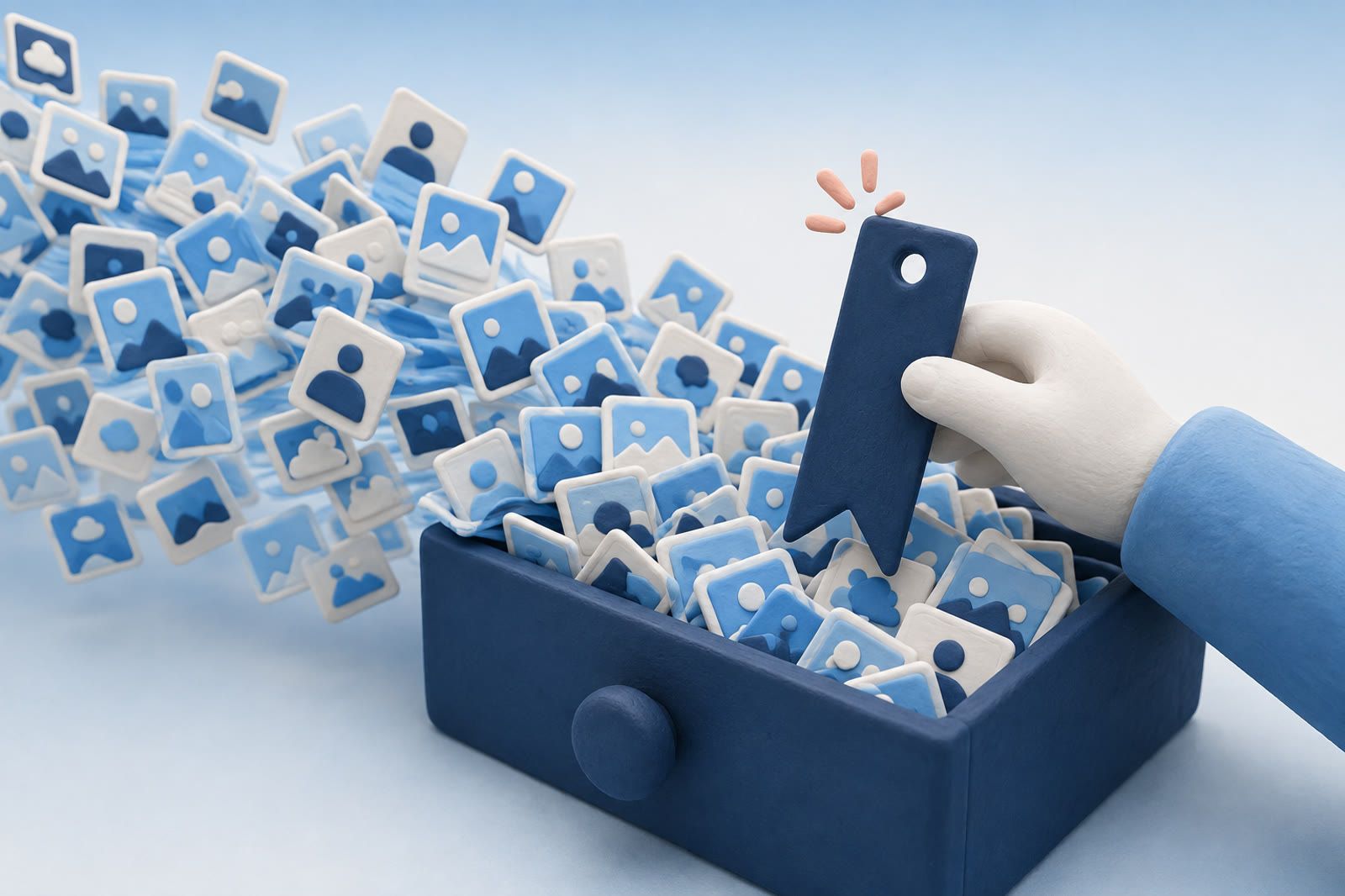
Instagram Saved Posts: Where to Find Them and Why You Cannot Search Them
Instagram saved posts are on your profile: tap the menu (three lines), then Saved. Only you can see them. There is no search bar inside Saved, so you can only scroll All posts or open a collection you made.
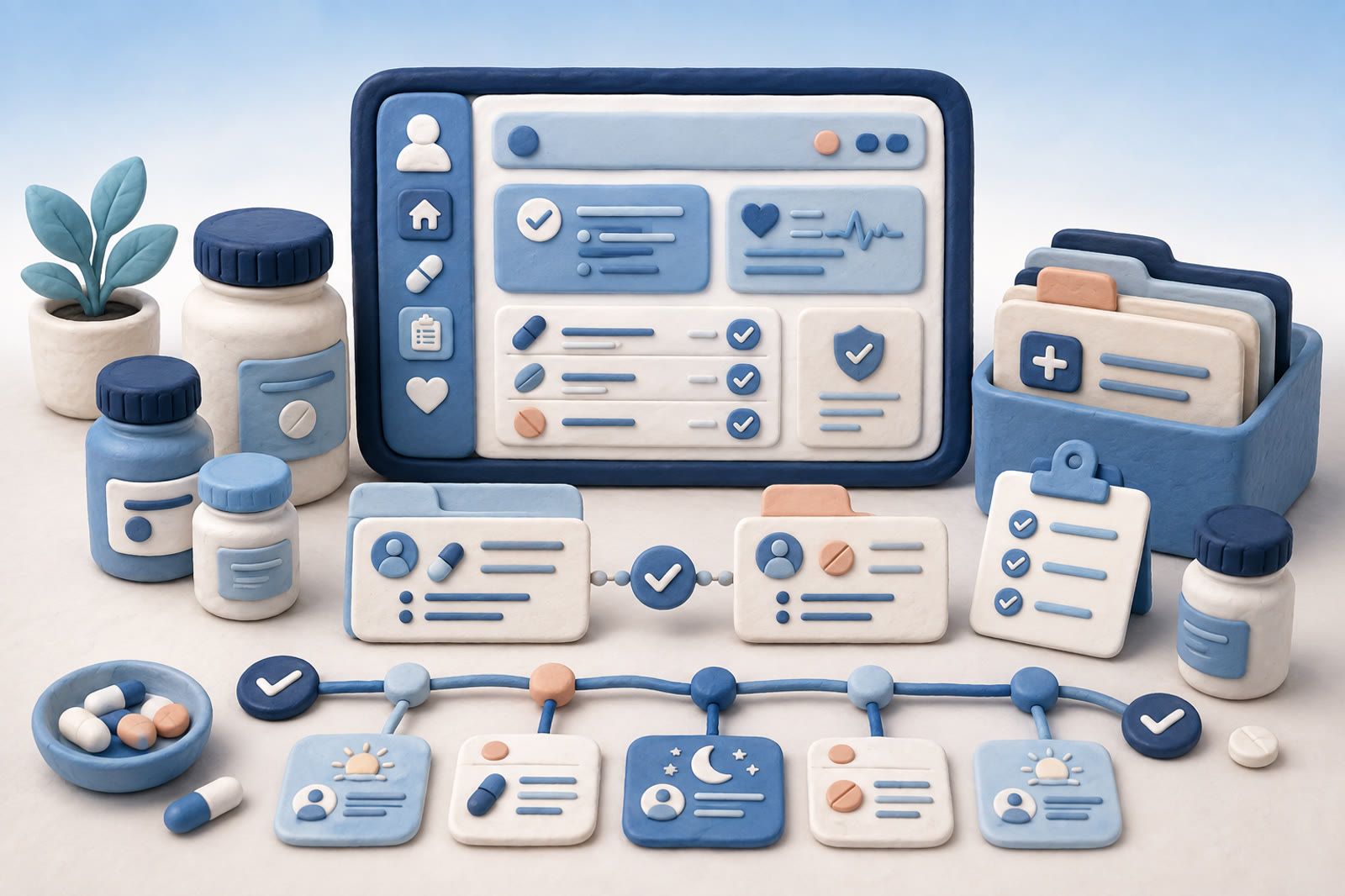
How to Find Your Medication History in MyChart
To find your medication history in MyChart, open Health or My Record, then Medications. Past prescriptions may not show there, so also check your pharmacy account: CVS and Walgreens let you view and print prescription history.
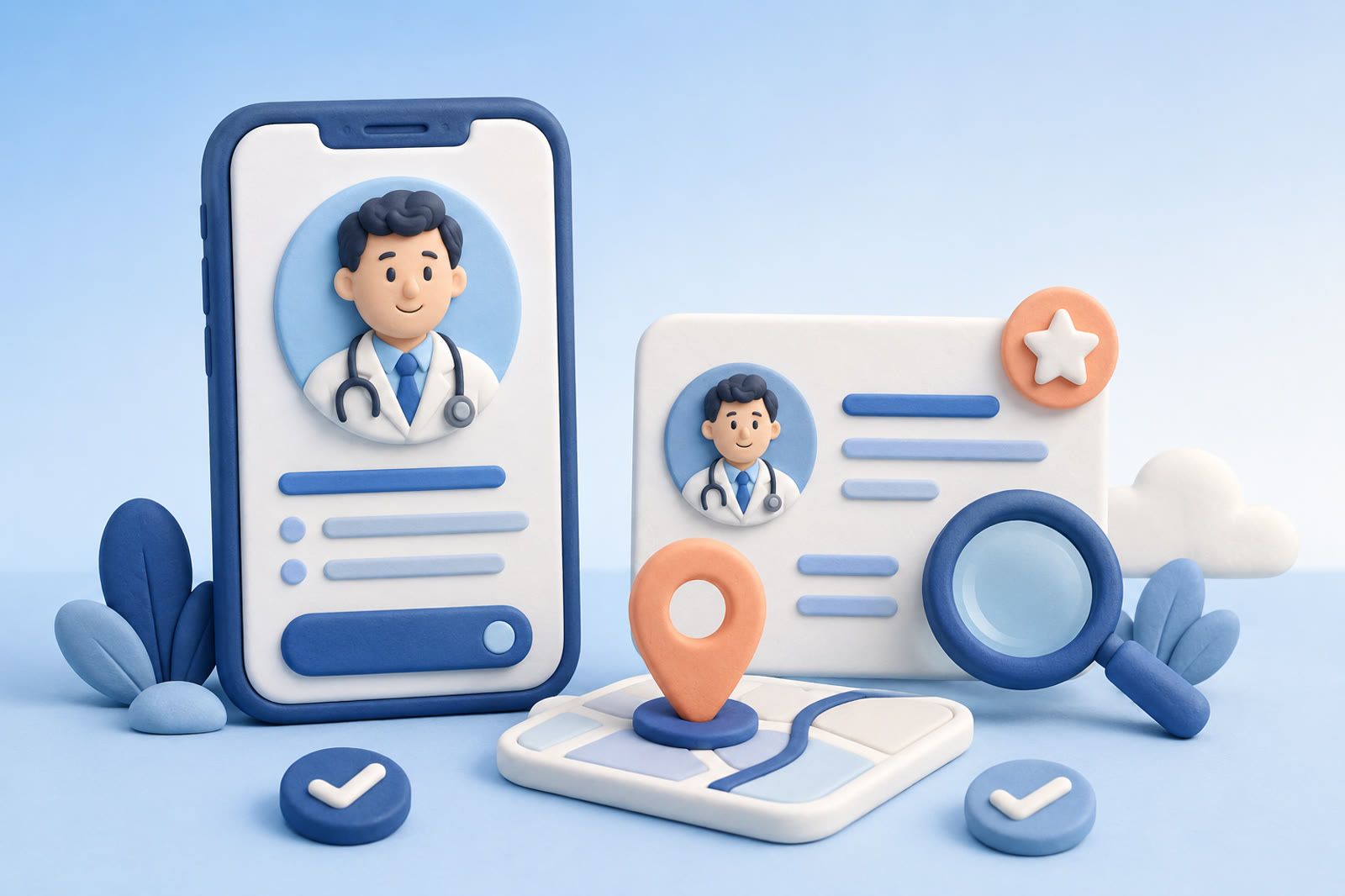
Signal Note to Self: How to Use It to Save Doctor Recommendations
Signal Note to Self is an encrypted chat with yourself: tap compose, search Note to Self and send. It syncs to your linked devices. Save each doctor recommendation there with the name, specialty, who suggested them and why.
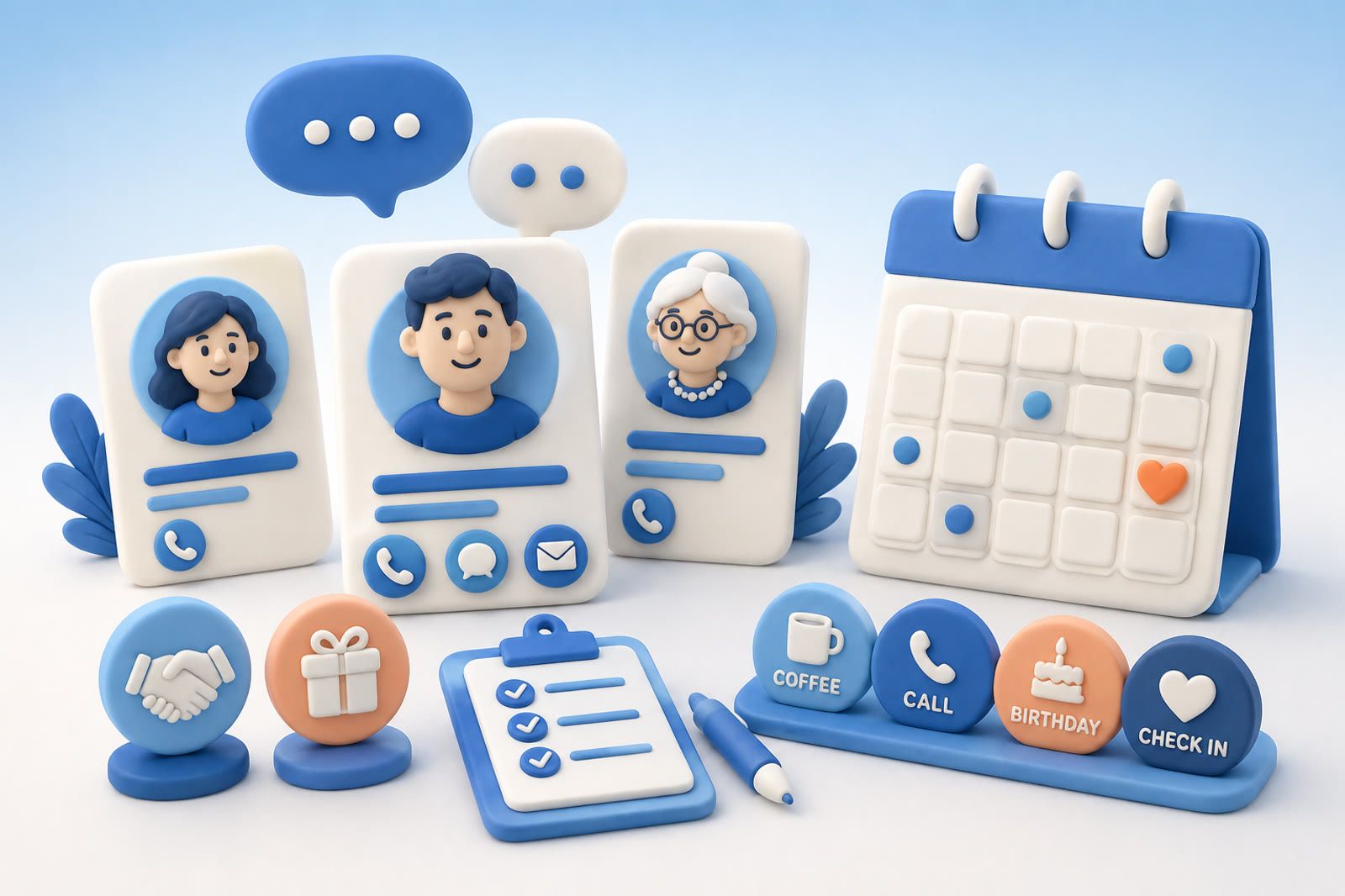
How to Use Apple Notes as a Personal CRM
Create one Apple Note per person, record useful details after conversations and check the note before you meet again.
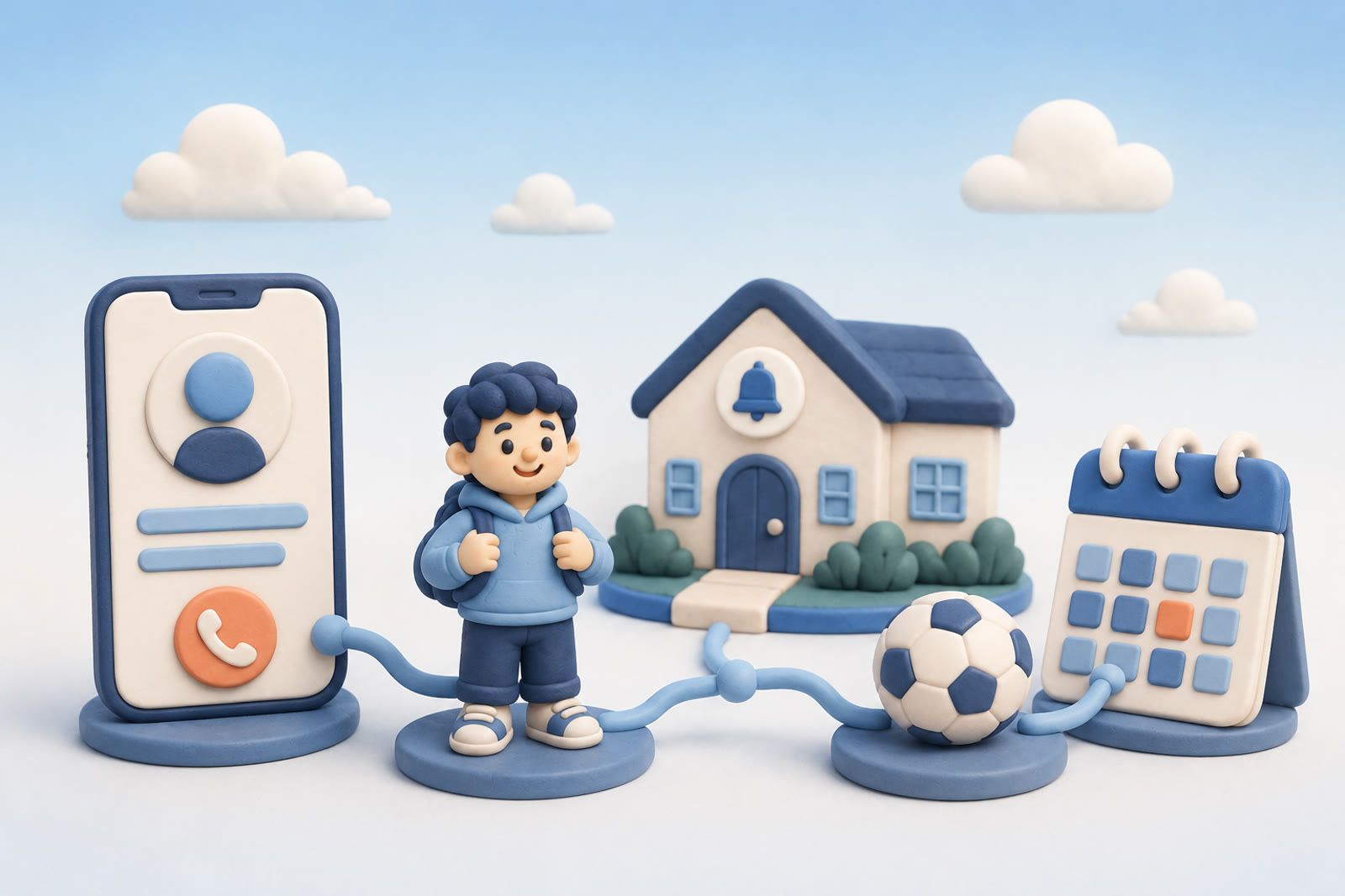
How to Organize School Parent Contacts on iPhone
Turn scattered school-parent numbers into useful iPhone contacts by recording the child, class, family connection and context you actually remember.
How to Remember Birthdays Without Facebook
Replace Facebook birthday reminders with a simple calendar system that keeps both the date and the personal context.
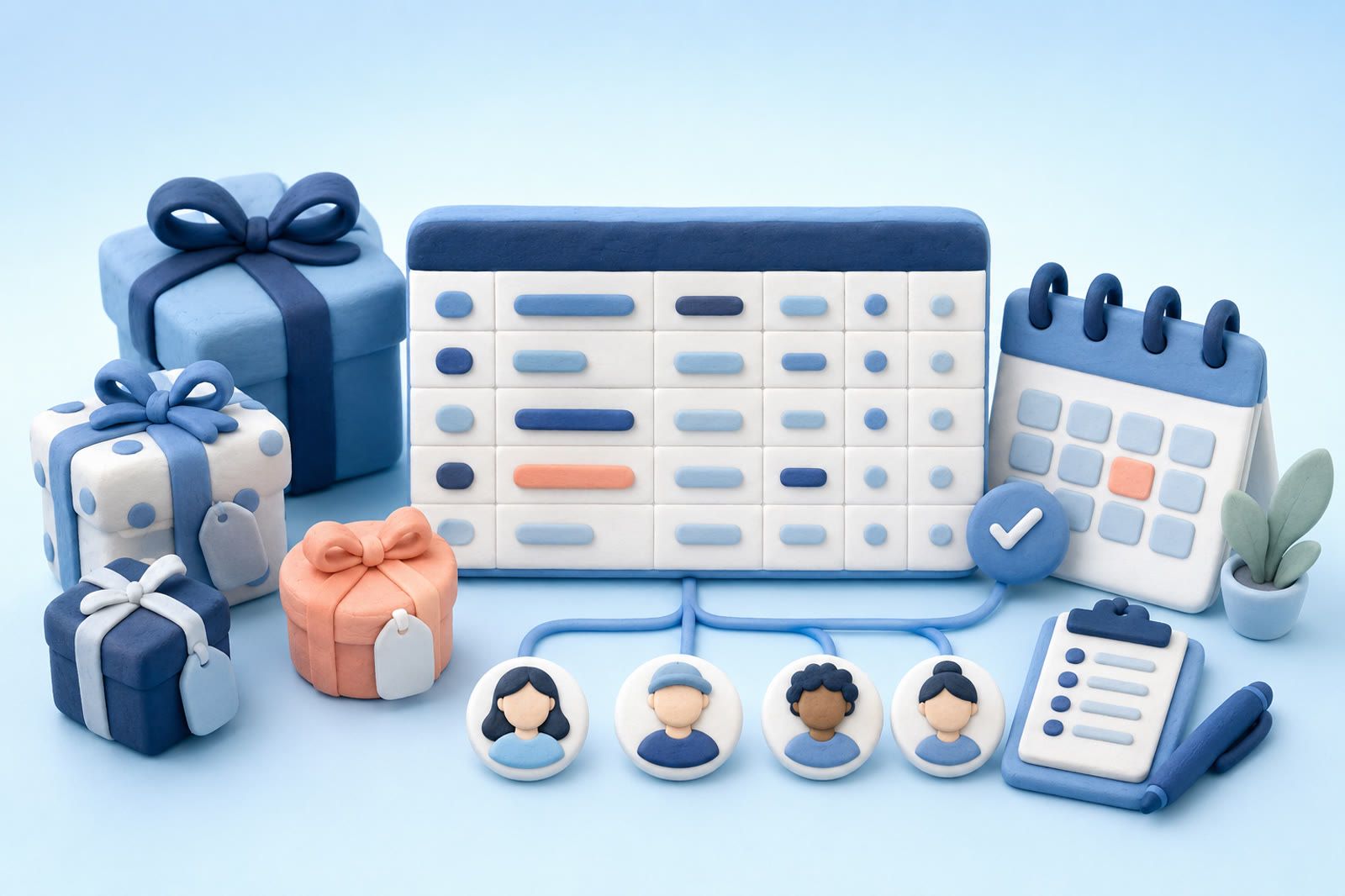
How to Track Gifts in Google Sheets
Build a simple Google Sheets gift tracker that records ideas, purchases and past gifts by recipient, occasion and year.

How to Use Apple Contacts to Remember People
Use the Notes and birthday fields in Apple Contacts to keep small personal details with the person they concern, then review the card before you meet.
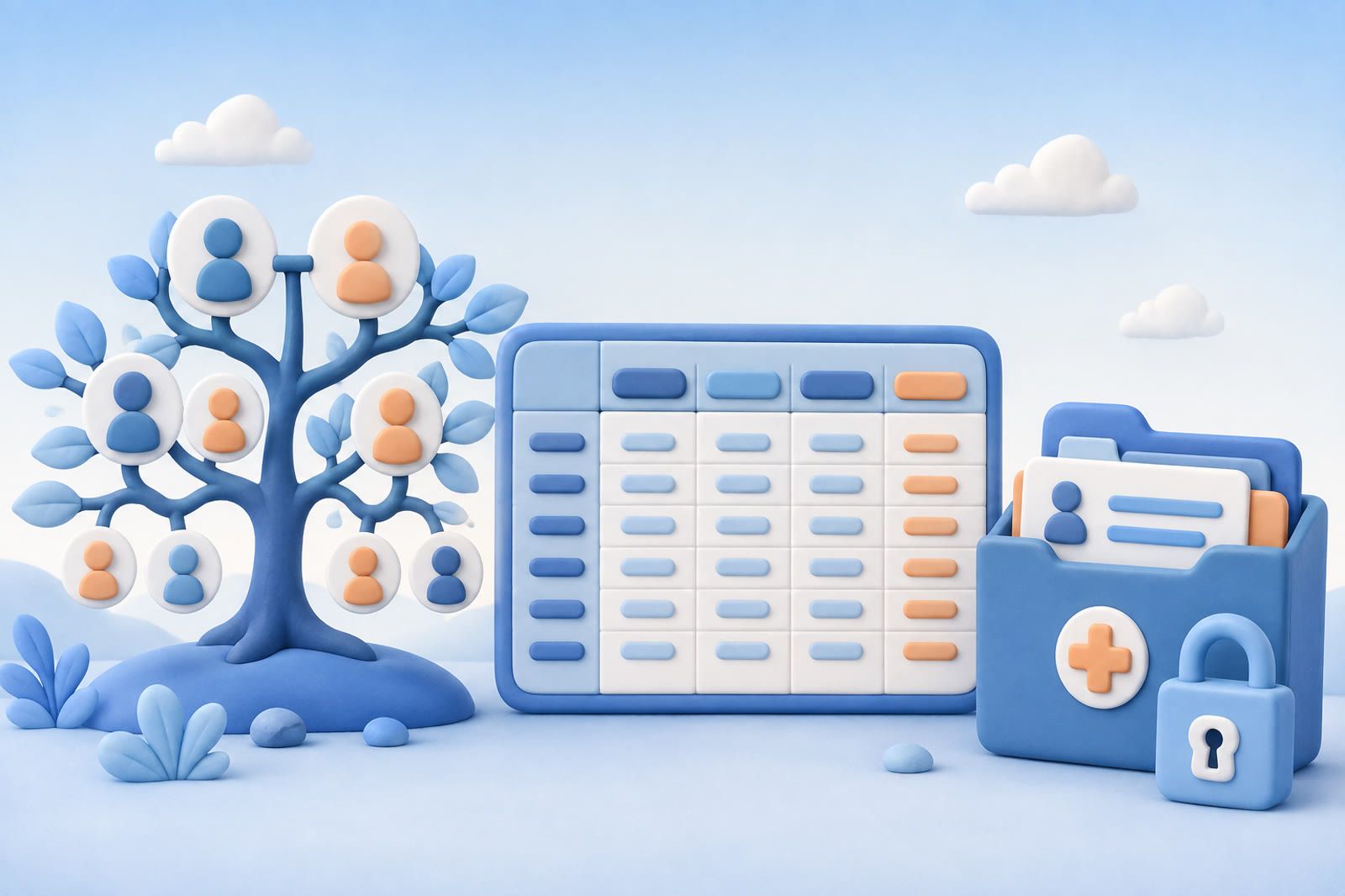
A Google Sheets Family Medical History Template
Create a simple family medical history template in Google Sheets so you can record relatives, conditions, ages, sources, and unanswered questions.
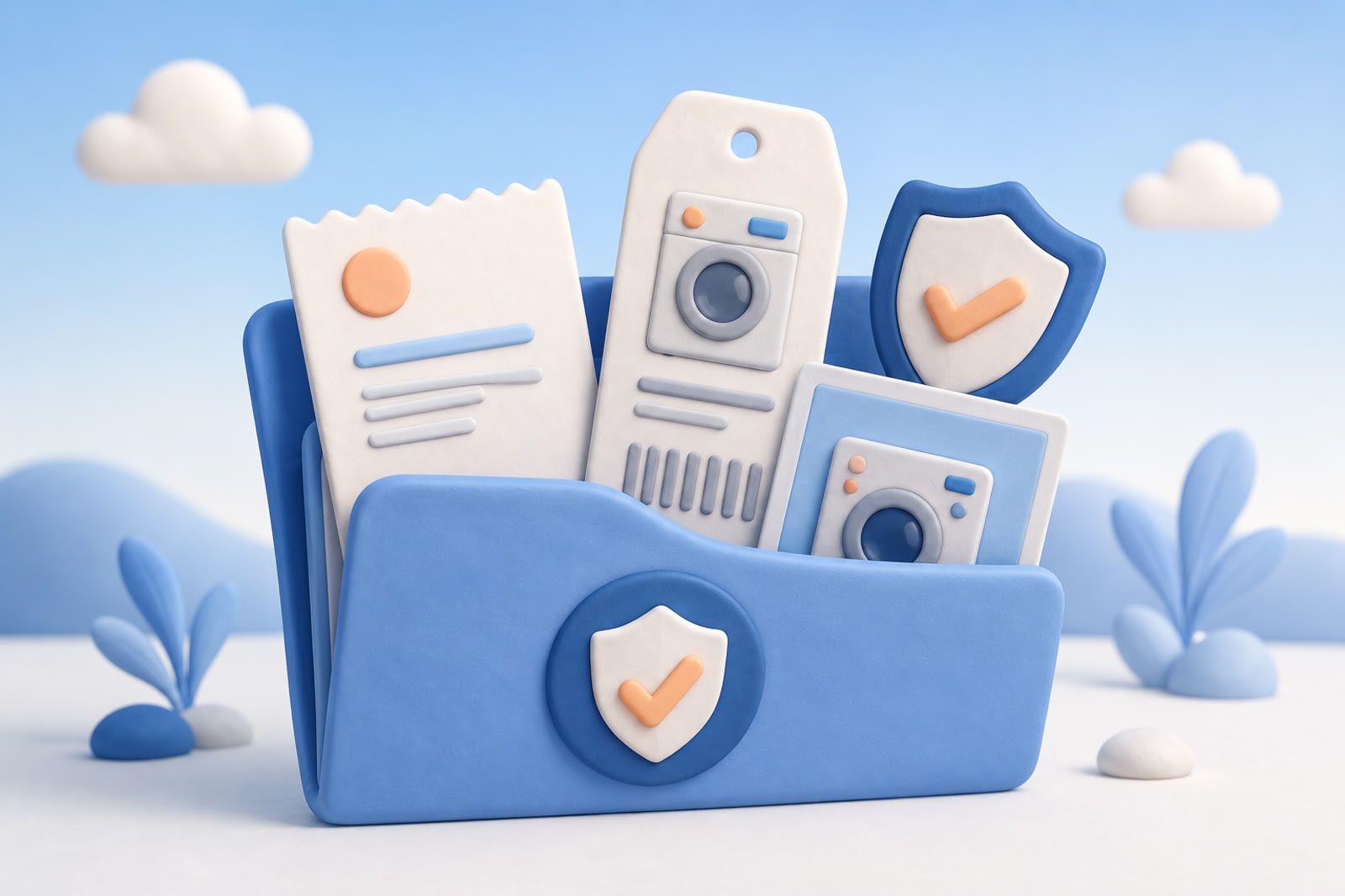
How to Organize Warranty Receipts in Google Drive
Build a simple Google Drive system for appliance receipts, warranty terms, model numbers and claim details before something breaks.
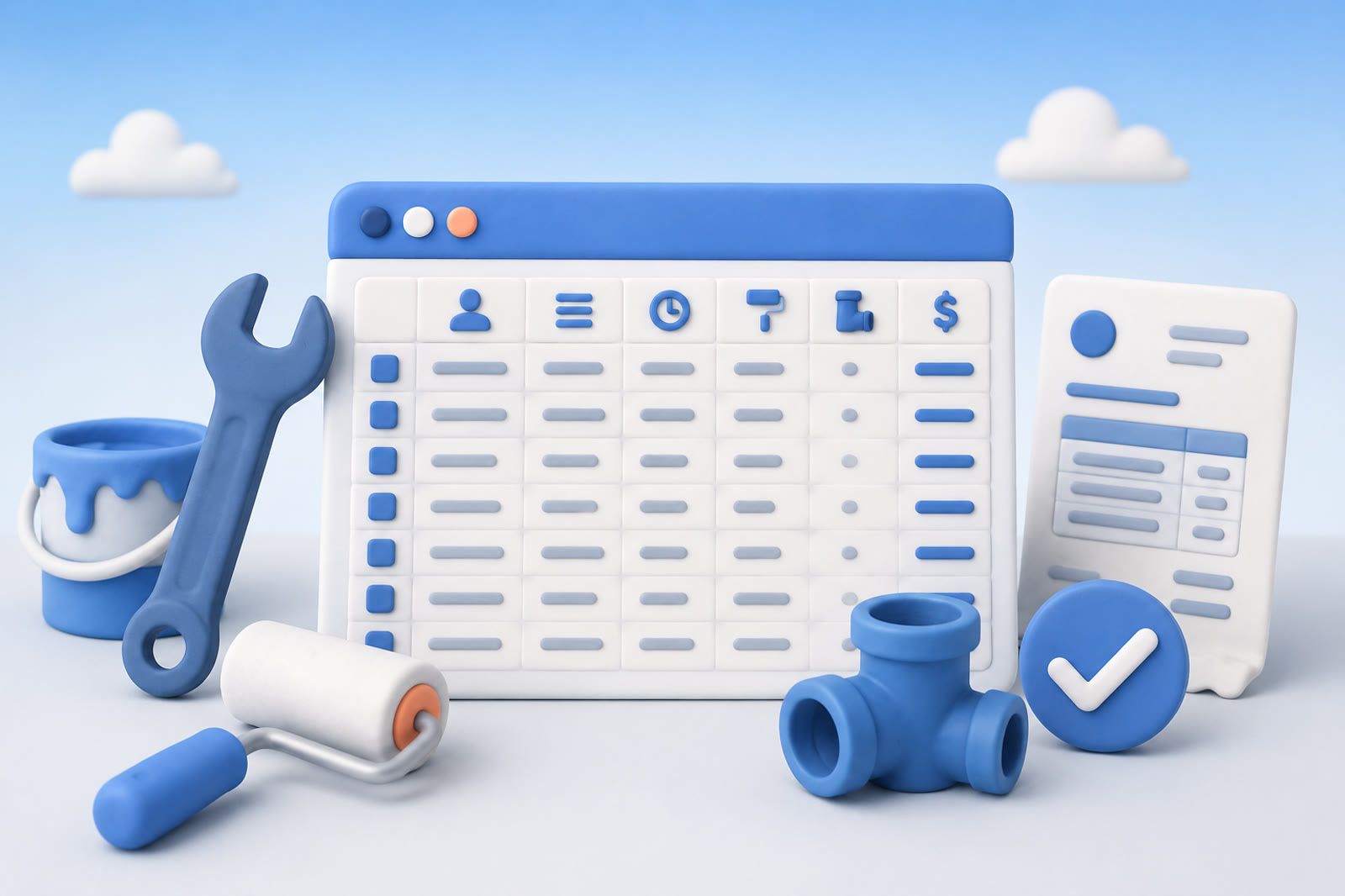
Google Sheets Contractor List Template
Build a simple Google Sheets contractor list with contact details, job history, costs and notes about whether you would hire each person again.

Google Docs House Sitter Instructions Template
Create one reusable house sitter document with access details, pet routines, emergency contacts and the quirks only someone living there would know.

App to Record Funny Things Kids Say: Use Apple Notes as Your Kid Quote Journal
The easiest app to record funny things kids say is already on your iPhone. In Apple Notes, keep one pinned note per child and add each quote with the date, age and exact words. Once a year, print it as your things my kids say book.
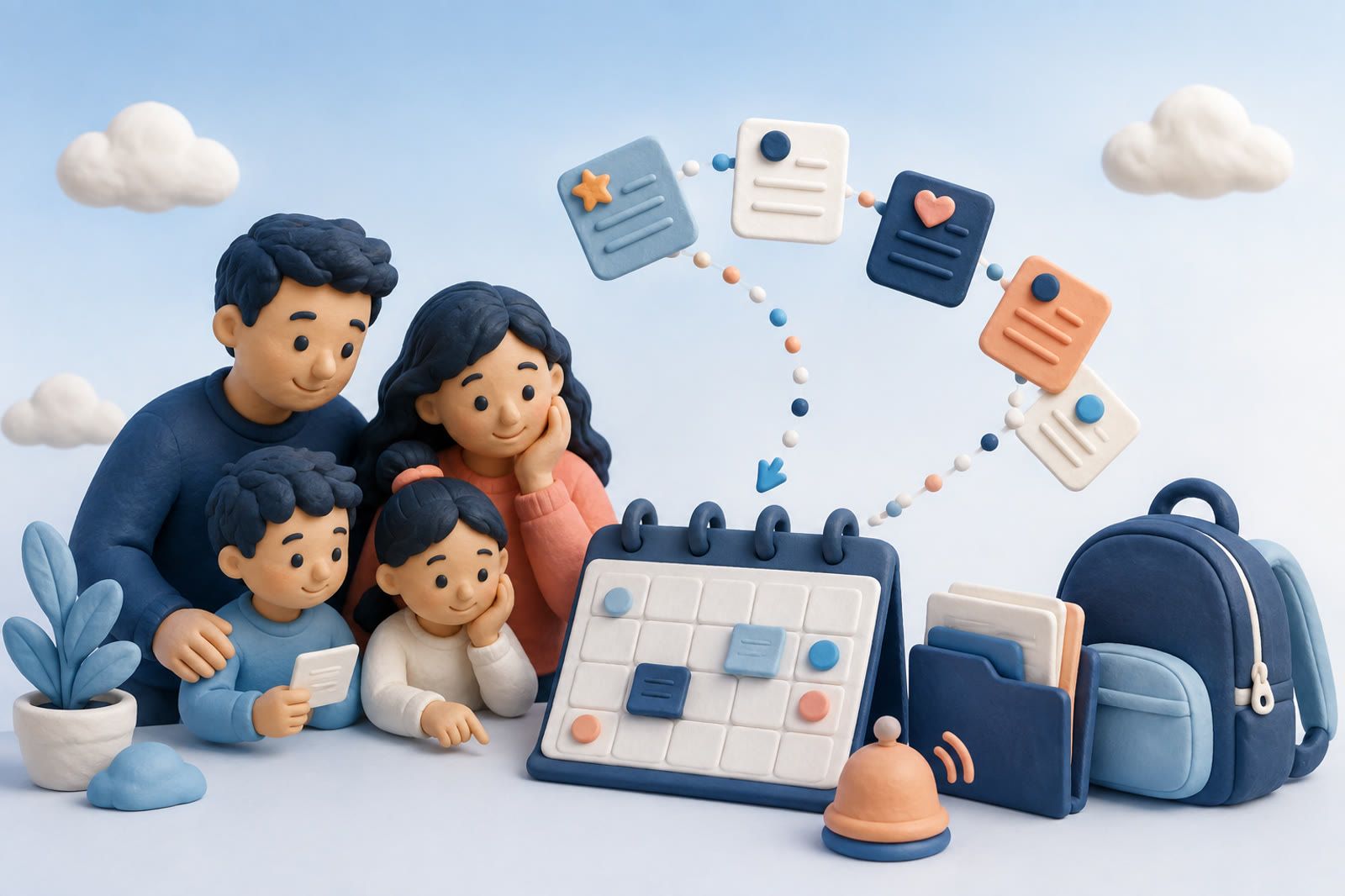
How to Organize ClassDojo Messages, and Find or Download Old Ones
To organize ClassDojo messages, treat the app as an inbox: dates go on your calendar, tasks become reminders, and school rules go in one searchable note. To keep old chats, download your message history from the website.
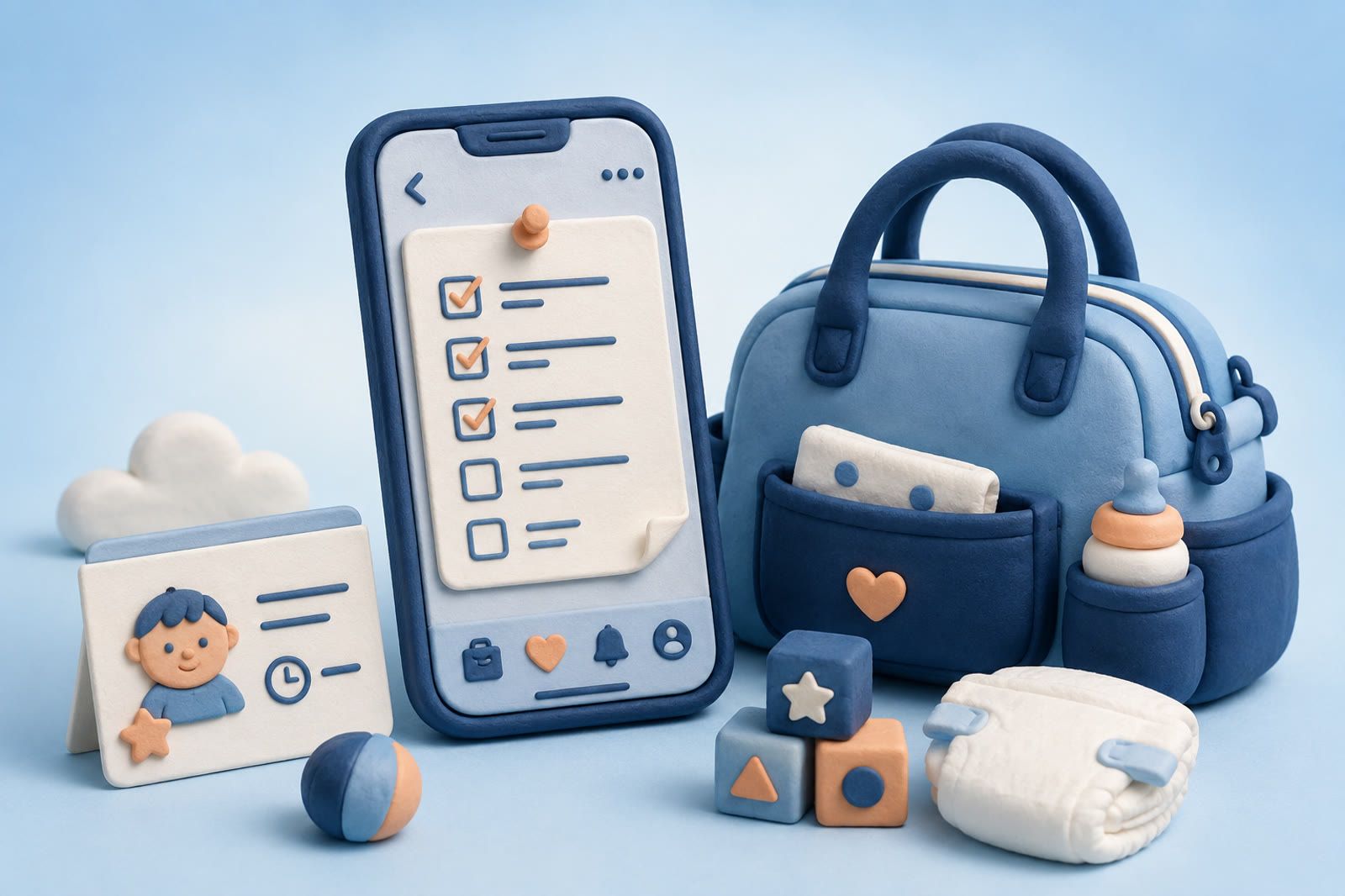
Questions to Ask a Pediatrician, and How to Keep Them Ready in Apple Notes
Ask a new pediatrician how the office works: hours, after-hours calls, messages. At checkups, ask what this visit covers and what to watch for next. Keep every question in one pinned Apple Note and bring your top three to five.
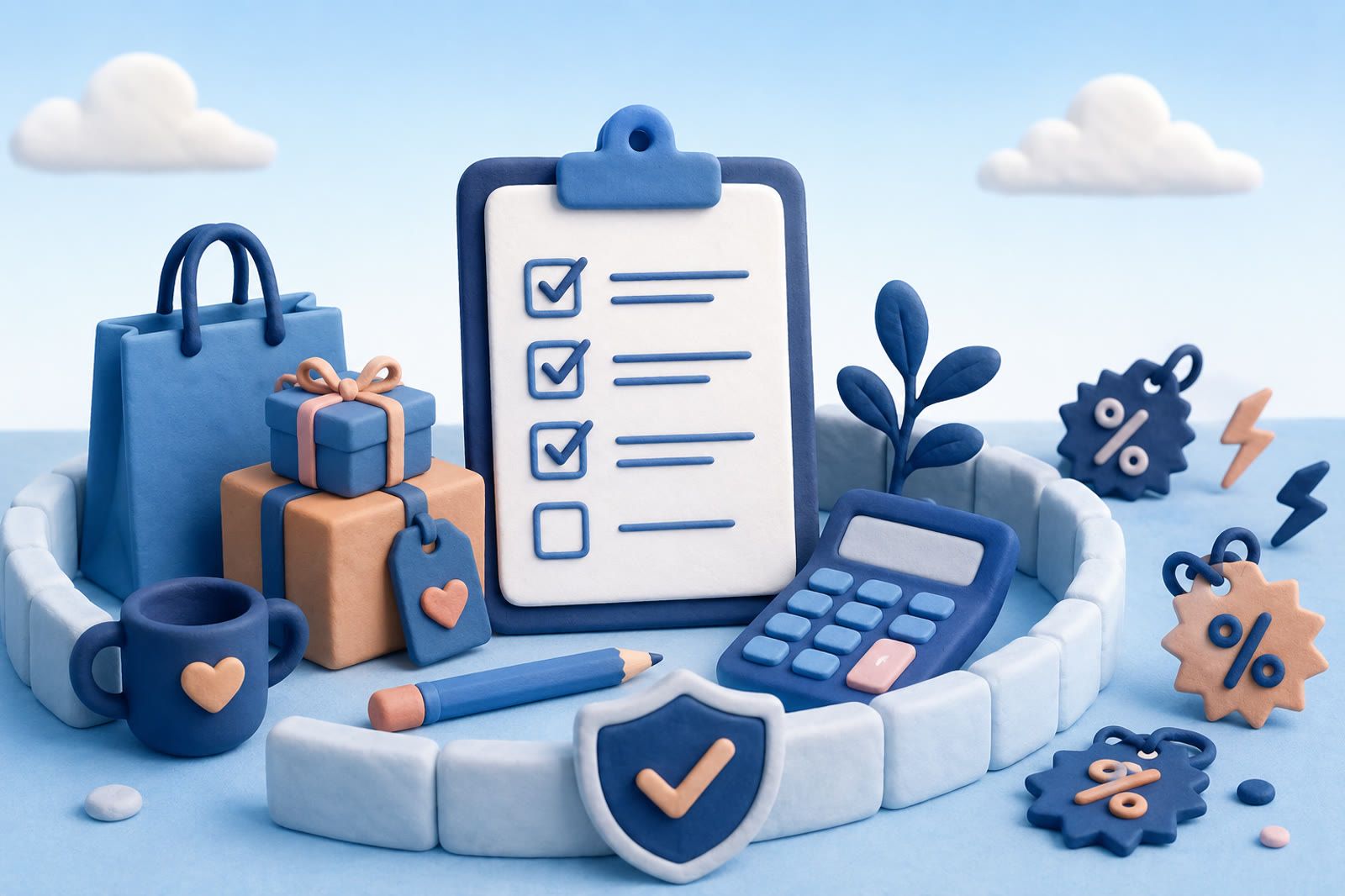
How to Build an Amazon Black Friday Wishlist
Build an Amazon Black Friday wishlist before the sale, record your price limit and keep products from other stores on one master list.
Best Free Pocket Replacement: 4 Options
Compare Wallabag, Instapaper, Raindrop.io and dEssence by reading experience, control, organization and recall.