How to Find Your Medication History in MyChart
To find your medication history in MyChart, open Health or My Record, then Medications. Past prescriptions may not show there, so also check your pharmacy account: CVS and Walgreens let you view and print prescription history.
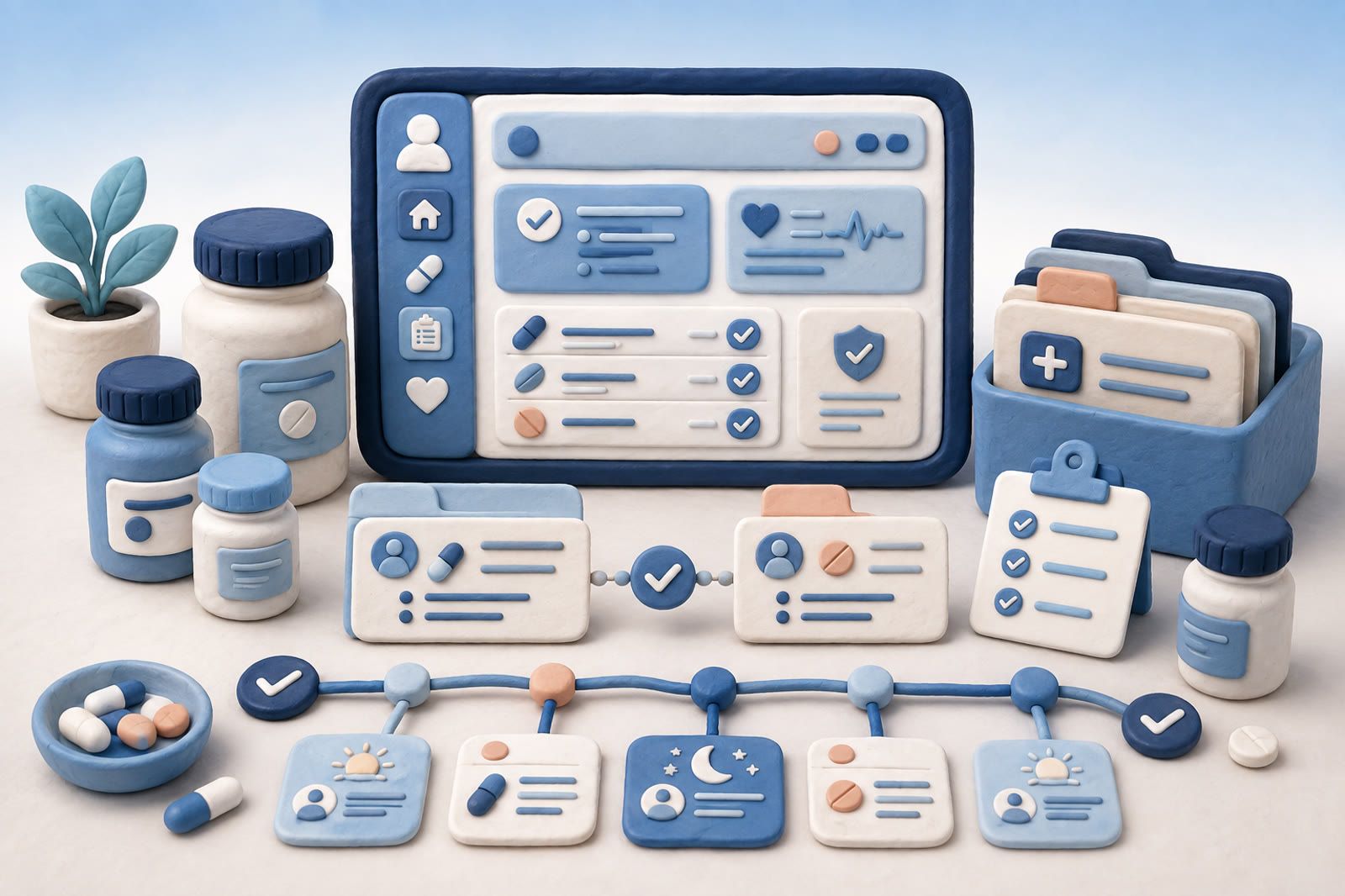
Find your medication list in MyChart
Menu names vary by healthcare organization. Start with My Record, Health or Health Summary, then look for Medications.
MyChart says its medication tools can show your list and instructions. Some organizations also allow refill requests, pharmacy management or reports that you no longer take an item. The official MyChart feature guide shows common options.
Check each drug name, dose, instruction and status. An entry marked active does not prove you should still take it. When the record conflicts with what you were told, ask the prescribing clinician or pharmacist.
How to see past medications in MyChart
The Medications page in MyChart is built around the medicines you take now. What happens to old ones depends on your healthcare organization: some show stopped medicines, many only keep the current list. If an old prescription is not there, try these places:
- Visit summaries. The summary of a past visit often lists medicines prescribed or changed at that visit. Look under Visits or Appointments, then open the visit.
- Messages and refill requests. A past refill request or a message from your care team can name the medicine and dose.
- A records request. Ask the clinic for your medication history through its records request process. It can include medicines that no longer appear in the portal.
If none of these show it, the pharmacy that filled the prescription is the best next source.
Connect records from other organizations
If you received care from more than one organization, look for Link My Accounts, MyChart Central or Happy Together. Availability depends on the organizations involved. Children's school information splits across apps the same way, and ClassDojo vs ParentSquare explains which one holds what.
Epic says Happy Together can show medication information from participating healthcare organizations in one view. This can help when a primary-care office and specialist both use Epic but maintain separate records.
A linked view is still a record to review, not proof that nothing is missing. Prescriptions from an unconnected clinic, dentist, telehealth service or pharmacy may be absent. Old drugs can remain after you stopped them.
Check gaps outside MyChart
If something is missing, contact the source most likely to have it:
- The pharmacy that filled it. Ask how to view or request prescription history. Check every chain or independent pharmacy you used.
- The prescribing clinic. Look for an after-visit summary, clinical note, refill message or medication order. Request records from an earlier health system if needed.
- Insurance claim history. This may identify a covered prescription and fill date, but not why you took it, whether it worked or why you stopped.
How to get your prescription history from a pharmacy
Your pharmacy keeps a record of every fill: the medicine, the dose, the date and often the prescriber. Most large pharmacies let you see it online after you sign up for their pharmacy account.
- CVS: sign in at CVS.com with prescription management added, open Pharmacy, then Prescription Center, then the Prescription History tab. You can filter by patient, month and year, then print. See CVS help.
- Walgreens: sign in, open Prescriptions, then Records, choose a date range and select Print. Walgreens shows the last 18 months online. For older records it asks you to send a signed request form. See Walgreens pharmacy help.
- Other pharmacies: ask at the counter or by phone for a printout of your prescription history. Bring ID.
If you used more than one pharmacy, get a history from each. Each account shows the fills from that pharmacy.
Bring the records together before an appointment and label uncertainty honestly. I think I stopped this in spring is safer than inventing a precise date.
Add what the official list cannot explain
A medication list often cannot answer:
- What condition was being treated?
- Did it help?
- What side effects did you notice?
- Why did you stop?
- Who prescribed it and which pharmacy filled it?
- Did the dose change?
Keep a short personal note when something changes. Copy the exact label when possible. Record an exact or approximate start and stop date, and describe your experience without presenting it as a diagnosis.
Example:
Started fluticasone nasal spray. Prescribed for congestion. Dose copied from label. Dry mouth after several days. Stopped after speaking with clinician.
A personal note does not replace urgent medical care or professional advice.
Correct the record before your appointment
Review MyChart before a routine appointment or medication review. List entries that are wrong, duplicated, missing or unclear. If you manage appointments for the whole family, put them where everyone will see them; here is how Cozi and Skylight compare as a family calendar.
Use the portal option to report a medication you no longer take if your organization provides it, or send a non-urgent message to the care team. At the visit, show both lists: what MyChart displays and what you actually take. Include prescriptions, over-the-counter medicines and supplements when asked. Bring bottles or clear label photos when names or doses are uncertain.
Ask the team to reconcile the list by comparing the record with current use and correcting discrepancies. Check MyChart later to confirm the update appears.
Keep a personal medication history
Your current list and lifetime history serve different jobs. The current list supports present care. A personal history helps answer: Have I tried this before?
Keep it in a note, document or private system you control. dEssence is one option for saving a note and finding it later in your own words. Protect the account and review a service’s privacy terms before storing sensitive health information.
For each medication, capture only what may help later:
- Name and dose from the label
- Prescriber and reason
- Approximate start and stop dates
- Effect you noticed
- Side effects or reactions
- Reason you stopped
- Where the official source can be found
Keep animal prescriptions separately. See keeping pet medications and records searchable.
Prepare a concise answer
Before an appointment, search MyChart and your notes by medication name, condition and any brand or generic name you know. Separate fact from uncertainty:
MyChart shows I was prescribed this by the allergy clinic. My note says I stopped because of dry mouth. I do not know the exact stop date.
That gives the clinician a source, your experience and the limit of your memory without guessing.
FAQ
Can I see old medications in MyChart?
Sometimes. It depends on your healthcare organization. If stopped medicines do not show, check past visit summaries or ask the clinic for your medication history.
How do I print my prescription records?
Use your pharmacy account. At CVS it is Prescription Center, then Prescription History. At Walgreens it is Prescriptions, then Records, then Print. Other pharmacies can print a history at the counter.
How far back does pharmacy prescription history go?
Walgreens shows 18 months online and handles older records by written request. Other pharmacies set their own limits, so ask the pharmacy that filled the prescription.
Can I delete a prescription from my history?
At Walgreens you cannot delete it, but you can hide it from your list. Pharmacies have to keep these records.