Outfit Tracker App or iPhone Photos? How to Track What You Wore to Each Event
An outfit tracker app logs what you wore, when and with whom. One Outfits album in iPhone Photos with a searchable caption per event does that job for most people. A dedicated app helps when you want a calendar or cost per wear.
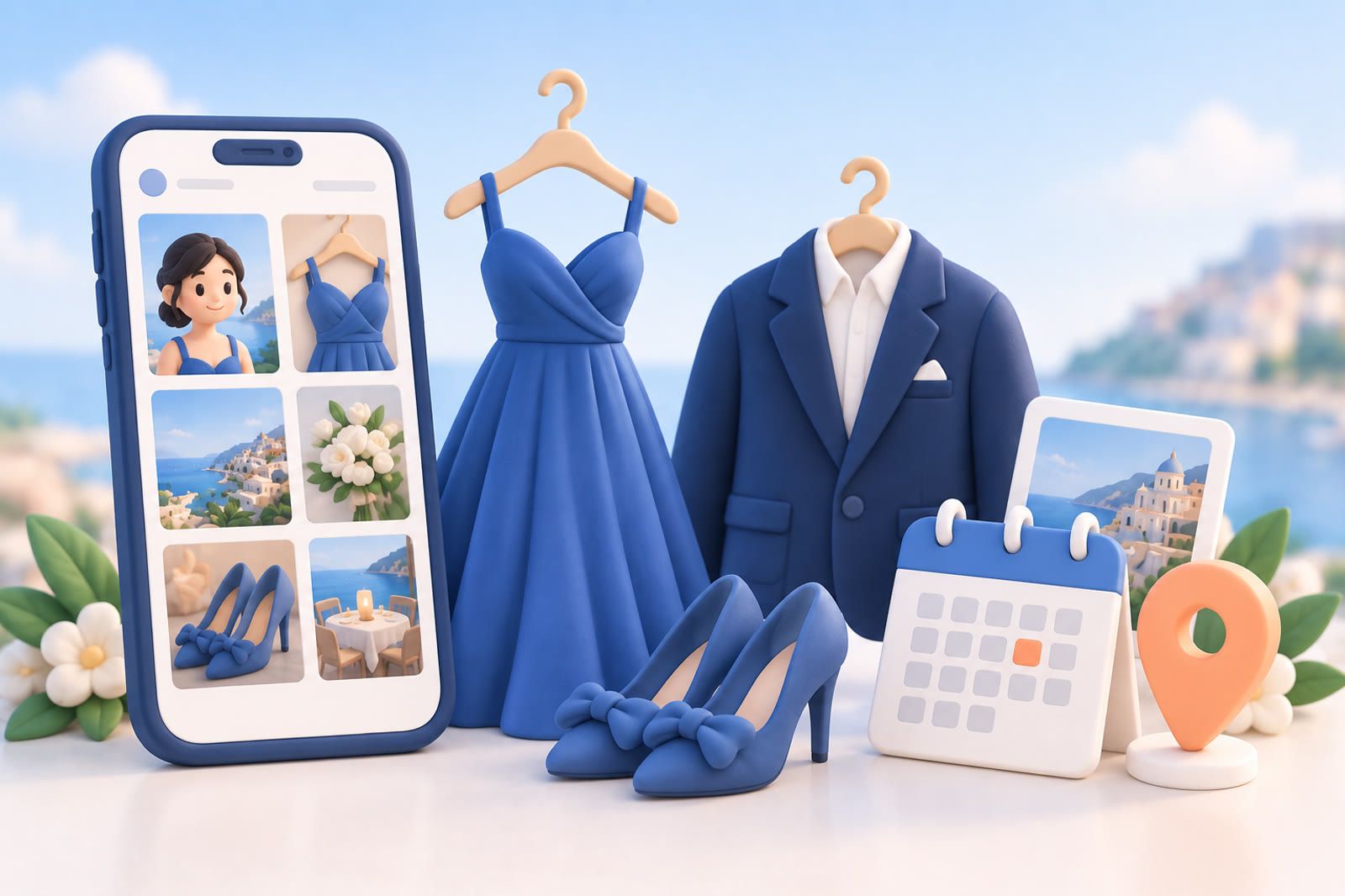
A photo shows the clothes. The caption tells you where you wore them. Add that context while you still remember it, and your iPhone works as a simple outfit tracker without another app.
Create one album for every outfit photo
In Apple Photos, create an album called Outfits. Do not split weddings, work events, holidays, and trips into separate albums; that adds decisions when you are trying to leave the house.
Take your usual mirror selfie before the event and add it immediately. The photo does not need to look polished. A quick image that clearly shows the dress, suit, shoes, or accessories is enough.
Add a caption you can search later
Include:
- The event or occasion.
- The person or group involved.
- A recognizable outfit description.
- The location when useful.
For example: Sam and Maria's wedding, green silk dress, Brooklyn.
That single line supports searches for the couple, event, dress, or location. Avoid vague captions such as nice wedding outfit or Saturday look. Use names and concrete details.
If an item has an informal name in your head, such as navy wrap dress, gold wedding shoes or grey interview suit, include it. Your own language is easier to recall than a formal product name.
Search by the detail you still remember
Try searches such as:
- Maria wedding
- Green dress
- Brooklyn wedding
- Holiday party
- Grey suit interview
Start with the most specific name. If results remain crowded, open the Outfits album so screenshots, pets, receipts, and unrelated photos disappear. Add the likely month or year when you remember it.
Do you need an outfit tracker app?
Not if your question is "did I wear this in front of these people?". An Outfits album with one caption per event answers that, and Photos searches captions, according to Apple's guide to photo information.
A dedicated outfit tracker app is worth it when you want something Photos does not do:
- A calendar that shows what you wore on each day.
- Cost per wear, or how often each piece gets worn.
- Outfits built from photos of single items, so you can plan a look before you get dressed.
- Packing lists made from planned outfits.
If none of those matter, the album is faster: no closet to catalog, and the photos are already on your phone.
Outfit tracker apps compared with the Photos method
These apps are live on the App Store as of October 2026. The features below are taken from their App Store listings.
- Outfit Tracker: Diary Planner is the closest to this article's method. It logs what you wore, at what event and who saw you, shows a history of outfits on a calendar and imports old pictures from your photo library with a changed date. Free to download, with paid upgrades.
- Stylebook is a closet catalog. You add your clothes, lay out outfits on a canvas, plan them on an outfit calendar and see stats like cost per wear. It is a paid app.
- Indyx lets you schedule outfits on a calendar, save outfit selfies to that calendar and track cost per wear. Free to download, with paid upgrades.
- Whering focuses on the closet: it removes backgrounds from your photos, plans outfits for events and reports cost per wear and wear rate. Free to download, with paid upgrades.
The difference from Photos is the starting point. Closet apps start with each item of clothing, so setup takes longer and the payoff is planning. The album starts with the finished outfit on the day, so it takes a few seconds a day and the payoff is memory.
Turn your Outfits album into an outfit diary
Three Photos features make the album work like an outfit diary app:
- Captions. Open the photo, swipe up and type the event, people and outfit in the caption field. Search then finds it by any of those words.
- Keywords. On current iOS you can tap Add Keywords in the same panel, for example wedding or work event, and search by them later, per Apple's keyword guide.
- Search inside the album. Apple's Photos search guide explains that you can search within a specific album, and by date, place, caption and people you have named.
Name the friends who appear in your event photos in Photos, and a search for their name brings up what you wore around them. For more ways to describe a photo so search finds it, see how to search iPhone Photos by description.
Record the event, not only the clothes
The later question is often not simply Have I worn this dress? but Did I wear it around the same people?
Useful captions include:
- Nina's birthday, college friends, black jumpsuit
- Patel wedding, work group, navy dress
- Company holiday party, red suit
The same green dress could appear at a work dinner, cousin's wedding, and holiday party. Those are different social contexts.
Include accessories when they matter
Do not record every variation. Add accessories only when they change a later decision. For a frequently worn suit, the tie may be the useful distinction. For one black dress, it may be the shoes, jacket, or necklace.
Example: Annual client dinner, black dress, silver heels, pearl earrings.
Take a second photo if an important detail is hidden. Add both images to the same album with similar captions so they appear together in search.
Save a note when you forget the photo
Missing one photo does not break the system. Take a quick detail photo or write: Wore green silk dress to Sam and Maria's wedding.
Keep the sentence in Apple Notes, a calendar entry, or another searchable place. dEssence is another option when you want to save an image with a sentence of context and search both together later.
Make capture part of leaving the house
Attach capture to something you already do:
- Take the photo after dressing and before picking up your bag.
- Add it to the album while waiting for a taxi.
- Write the caption before posting or sending the image elsewhere.
Keep it small: one photo, one album, one descriptive line.
When the next invitation arrives, search the person's name before buying something new. You can repeat the outfit deliberately, style it differently, or choose another without searching years of unrelated photos.
Apple Photos and iPhone are trademarks of Apple Inc. The original article also summarized user-reported patterns from community discussions.
FAQ
Is there a free outfit tracker app?
Yes. iPhone Photos is free and already does the core job with an album and captions. Outfit Tracker: Diary Planner, Indyx and Whering are free to download on the App Store, with paid upgrades.
How do I keep track of outfits I wore to events?
Take one photo before you leave, add it to an Outfits album and caption it with the event, the people and the outfit. Before the next invitation, search the person's name.
Can iPhone Photos search by caption?
Yes. Apple lists captions among the things Photos search covers, along with dates, places and people you have named.
What does an outfit tracker app add over Photos?
A calendar of what you wore, cost per wear and outfit planning from photos of single items. Choose an app if you want those, and keep the album if you only want to avoid repeats.