How to Organize TikTok Favorites Without a Backlog
Organize TikTok Favorites into a few useful collections, clear saves without reviewing everything, and keep new videos from becoming another backlog.
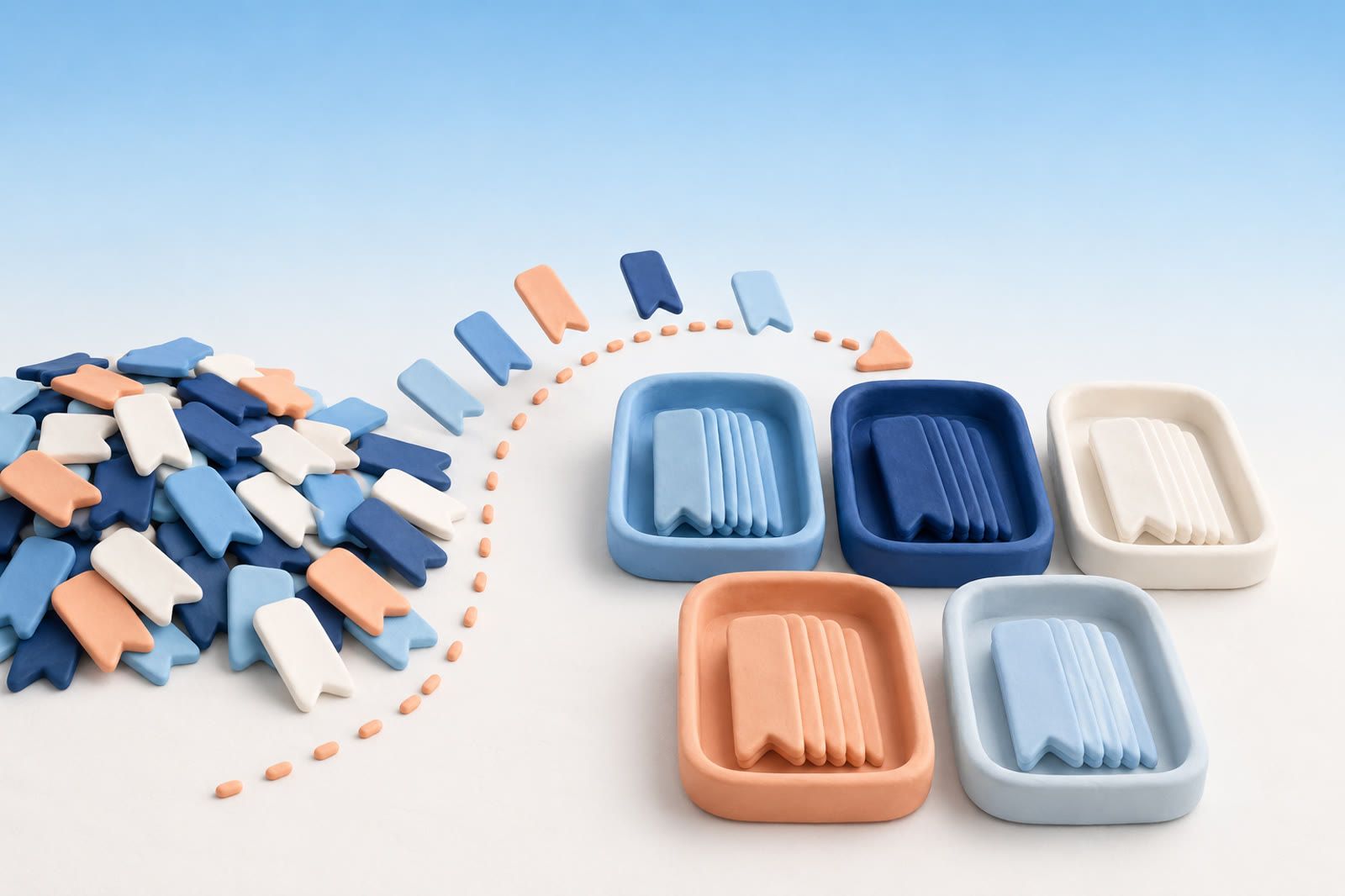
Start with the videos you actually need
Do not scroll back to your oldest favorite. That turns a small organization job into an excavation.
Start with videos you have recently tried to find: a recipe, exercise, place to visit or product to compare. Open each saved video, use TikTok's option for managing or adding it to a collection, and choose the closest useful destination. The exact label can vary by app version.
Organize around future use, not every subject in your feed. Saving takes one tap; keeping a save useful requires a decision. If each video needs a new category, the system will become tiring before it becomes helpful.
Use collections based on actions
Topic folders multiply quickly. Food becomes breakfast, pasta, baking, restaurants, kitchen tools and nutrition. Action collections remain easier to recognize:
- Make this — recipes and projects
- Buy or compare — products and reviews
- Go here — restaurants, shops and destinations
- Try later — exercises, techniques and experiments
- Keep as reference — information with lasting value
If two collections keep competing for the same videos, combine them. If a collection has no clear future action, stop adding to it.
Why the backlog feels heavier than its storage
Every saved item can later ask three questions: what was this, where does it go and is it still relevant? A saved list therefore contains postponed choices about what to cook, buy, visit, learn and remember.
A study of more than 1,000 parole rulings found that favorable decisions declined through a long session and recovered after a break. It is a reminder that repeated decisions can become draining. Folders and tags do not eliminate those choices; they move them earlier. A beautifully organized archive can still become a graveyard if maintaining it costs too much.
When sorting feels expensive, people may avoid the pile precisely when life is busiest. That is why the mental cost of an unsorted archive can feel larger than the storage involved.
Remove saves by type, not one by one
Apply one clear rule to an obvious group:
- Remove event announcements after the event.
- Remove product videos after choosing something else.
- Remove recipes you tried and disliked.
- Remove repeated clips that teach the same trick.
- Remove recommendations that no longer fit your plans.
Do not make deletion the price of organization. If removing a favorite feels difficult, leave it. The useful result is easier access to what matters, not an empty screen. The hidden weight of too many saves explains why a large digital archive can still feel uncomfortable.
Change what happens when you tap Favorite
Before saving, ask what you expect to do next. If you intend to make, buy, visit or try something, save it to the relevant collection. If it is merely entertaining, consider liking it instead. If you can act immediately, do that and skip the save.
This small distinction keeps practical references from disappearing among passing interests. It also stops every save from becoming a promise to your future self. That deferred thinking behind every save is what makes Favorites feel like unfinished work.
Move lasting information to its working home
TikTok is useful for discovery, but not always as the final home for details you will need months later.
- Put a regular recipe's ingredients in your recipe notes.
- Put a restaurant address in your map app.
- Save a product page in your browser.
- Add an event or appointment to your calendar.
The video can remain as reference while the actionable detail moves to the place where you will use it. For material spread across platforms, choose one destination: a notes app, bookmark manager or dEssence, which can place saved items on boards and answer questions using those saves. Avoid copying the same video into several new piles.
Keep useful collections alive
Open a collection when you are ready to act, not when you feel guilty. Use Make this while planning meals, Go here before a trip and Buy or compare when choosing a product.
After using a video, remove it, keep it as reference or move the useful detail to its permanent home. Your untouched Favorites can stay messy. The collections only need to make the next useful video easy to reach.