How to Organize Saved Restaurants in Google Maps
Build a Google Maps restaurant list that keeps the source, reason and trip context you will need later.
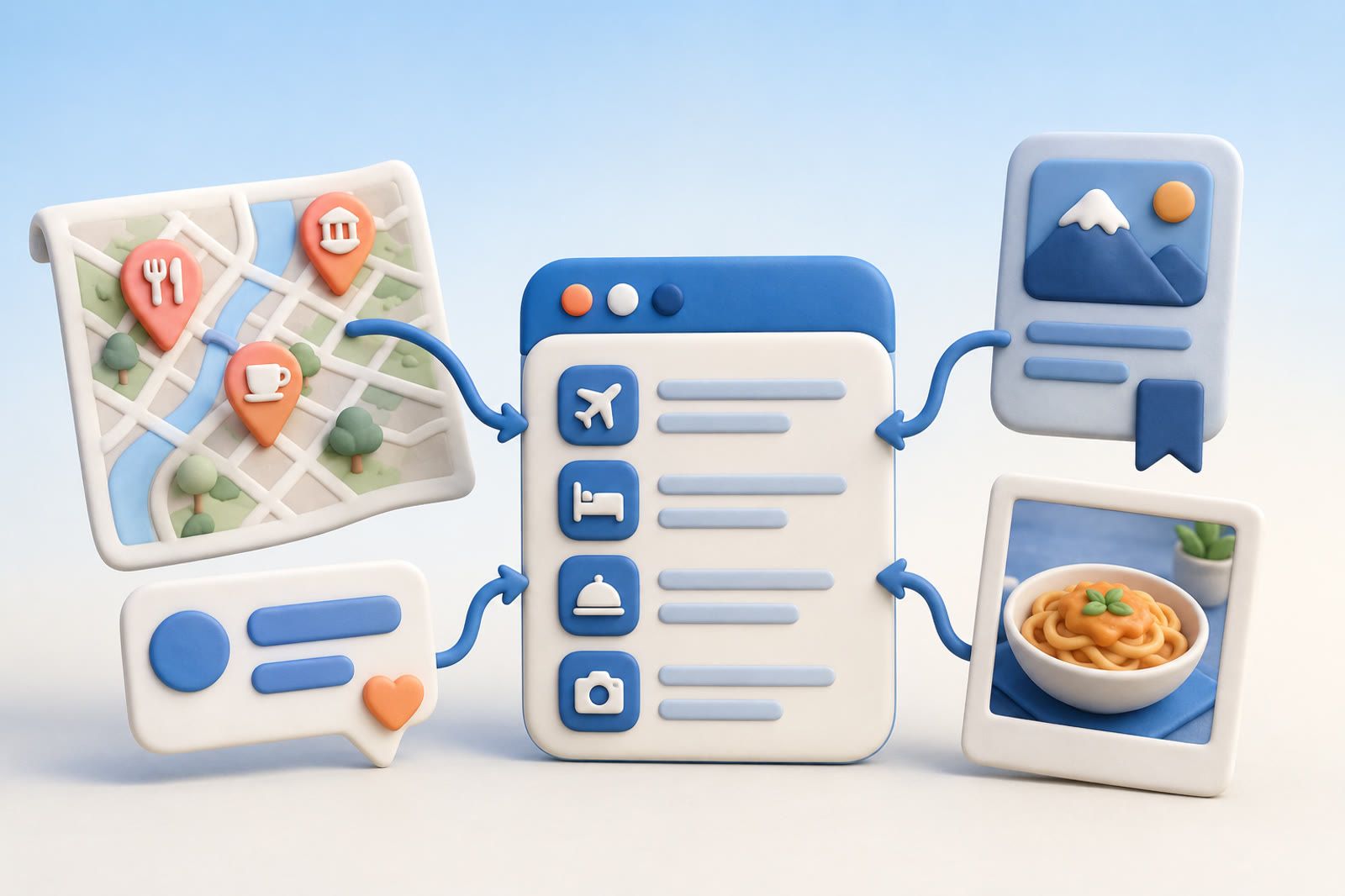
Start with one trip list
Create a Google Maps list named for the destination and trip, such as Tokyo restaurants. Do not split it into sushi, coffee, ramen and dinner lists before you know how many places you have.
One broad list is easier to review while walking through a neighborhood. Add places you already want to consider; completeness can wait. If planning with someone else, share the list and agree that it is the trip's final candidate list.
Add the context Maps cannot guess
A pin records location, not why you cared. Add a brief private note when that option is available:
- Maya's omakase recommendation
- Small counter near Yoyogi-Uehara
- Save for Tuesday dinner
- Chef mentioned in the Instagram post
- Booking may be needed
Use your own words rather than writing a review. People, dishes, neighborhoods and occasions are often stronger memory clues than exact restaurant names.
This is the same failure that creates a browser bookmark graveyard: the link survives while the reason disappears.
Move Chrome bookmarks into the map
Review the trip's bookmark folder and decide add, reject or unresolved for every item.
- Open the page and confirm the restaurant name.
- Find the correct place in Google Maps.
- Add it to the trip list.
- Copy the useful context into a note.
- Remove or rename the old bookmark if keeping it would create confusion.
Extract the actual restaurants you care about instead of transferring roundup articles. Preserve a brief source clue when it matters, such as from the ramen guide Sam sent.
Process Instagram saves and screenshots
Instagram collections often mix restaurants, hotels, shops and general inspiration. Transfer only actionable places.
If a post identifies the restaurant, find it in Maps and note the account or person that led you there. If the name is missing, keep the screenshot somewhere retrievable and record visible clues such as the neighborhood, dish, sign or sender.
Do not add an uncertain pin merely because it looks similar. Keep it unresolved until you can identify the place honestly. Otherwise, the screenshot becomes another camera-roll retrieval problem.
Recover recommendations from messages
Search chats with people who commonly give travel advice. Try the destination, neighborhood, cuisine and recommendation phrases such as you should go, book this or my favorite.
Save both the place and the reason. A note such as Maya said her chef friend visits on his night off is more recognizable than the official listing. If all you have is a screenshot of the conversation, keep it beside the place or in the same external archive.
Search by what you remember
Before departure, test the list using the vague memories you expect to have on the road:
- Can you identify the small counter your cousin recommended?
- Can you find a place near the neighborhood you plan to visit?
- Can you separate a must-book dinner from a casual lunch?
Exact names are only one form of recall. Searching notes by meaning rather than exact keywords helps when source material includes messages and screenshots.
Google Maps remains useful for location and routes. A separate searchable archive can preserve the surrounding links, screenshots and recommendations. dEssence is one option for keeping those sources together and asking for them in your own words. Its save surfaces are the Chrome extension, Telegram bot and web app at dessence.ai.
Run a final trip review
A few days before departure:
- Remove places you no longer want.
- Check that every important restaurant has enough context for a quick decision.
- Note places tied to a particular day or neighborhood.
- Leave flexible meal options flexible.
- Review unresolved screenshots and bookmarks.
- Identify what you can and discard what no longer matters.
The finished system should contain one usable map, clear notes and a small set of source material with a continuing purpose.
The scattered-source problem can be surprisingly large: the original examples included a 26-link Chrome folder, 43 Maps pins, 61 Instagram posts across two collections and a recommendation buried in an old iMessage thread. A separate example described 18 saved restaurants that still could not be searched by the remembered context.
Frequently asked questions
Should I create separate lists for every cuisine?
Not initially. One destination list is easier to scan until the collection proves it needs divisions.
What should a restaurant note contain?
The person or source, the remembered appeal and any timing, neighborhood or booking constraint.
Should an unidentified screenshot become a pin?
No. Keep it unresolved until the visible evidence supports an honest match.