Is Levels.fyi Accurate? How to Read and Save Its Salary Data
Levels.fyi is accurate enough to anchor a negotiation if you compare several close entries. It gives the most weight to data backed by offer letters, pay stubs or W-2s, but the numbers are self-reported, so check level, location and date.
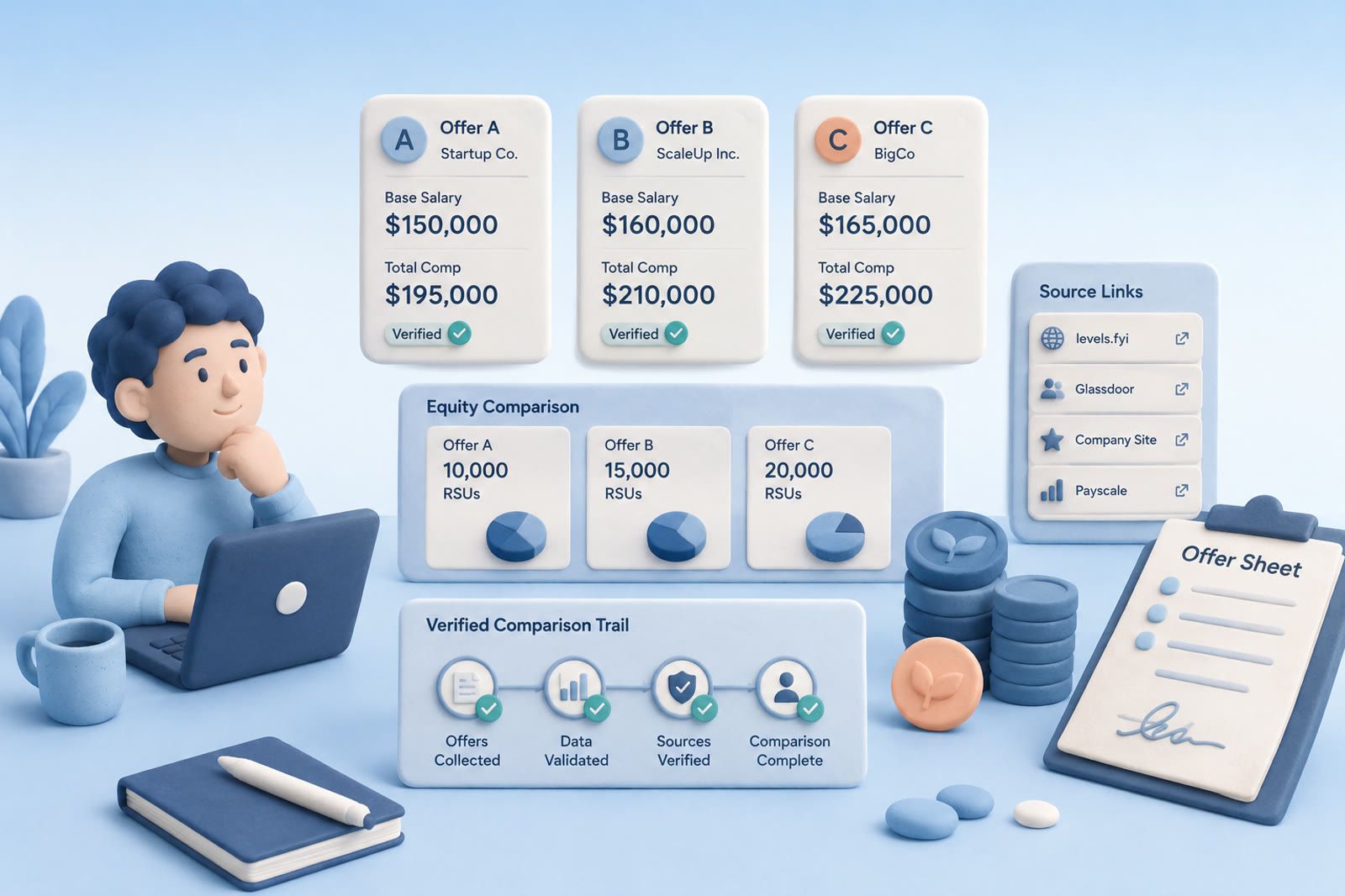
Is Levels.fyi accurate?
Levels.fyi is accurate enough to use in a negotiation when you look at several close entries instead of one number. Its data comes from the people earning it, not from employers, and every submission goes through a tiered check described on the Levels.fyi about page.
Entries backed by an offer letter, pay stub or W-2 get the most weight. Levels.fyi says its team compares the numbers in the document with what was submitted, field by field. Submissions from accounts with a verified work email come next. Anonymous submissions go through basic validation and anomaly detection, flagged entries go to the team for review, and enough community flags send a published entry back into review.
Levels.fyi also says it has never accepted payment to adjust leveling or salary numbers. Employers can buy access to the data, but they can't change it.
Where Levels.fyi numbers can mislead you
A figure is only as useful as the context you read it in. Check four things before you trust one:
- How many entries sit behind it. A big company and a common title have plenty of submissions. A small startup or a rare title may have a handful, and one unusual offer moves the average.
- Which stock number you see. On company pages, the table by level shows first year stock. Refreshers, vesting schedules and share price changes can make later years look very different.
- The level, more than the title. The same title can sit at different levels at two companies. Compare level to level.
- Location and date. Each submission shows where and when it was added. Pay for the same level shifts between cities and over time.
Reddit and Blind threads about Levels.fyi accuracy are personal accounts. Treat each one as one person's experience, the same way you treat a single entry.
How to use Levels.fyi for an offer
Open the company, then the job title. At the top you see pay by level, split into total, base, first year stock, and bonus plus sign on. The same page has a Compare Levels button for lining up level names across companies, which helps when the offer uses a level name you don't know.
Below that, the latest salary submissions list each entry with its location, date, level, years of experience and the base, stock and bonus split. Use Table Filter to narrow it to your location, then pick the three entries closest to your level and experience. Those three are what you save, using the template below.
Start with the offer you need to evaluate
Do not collect every compensation number. Define a useful comparison from the role in front of you:
- Role and level
- Company or company stage
- Location
- Base salary
- Equity
- Bonus or sign-on payment
- Source date or recency
- Source link
A public company and a small private company present equity in different contexts. Location can change the comparison, and identical titles can represent different responsibility levels. The goal is not the largest dataset; it is a small set of close comparisons.
Save the Levels.fyi context
When a result is relevant, preserve the full visible compensation breakdown and the link to the page or filtered view. Add a note such as Comparable role and location, but company is much larger.
Use a consistent template:
- Company:
- Role and level:
- Location:
- Base:
- Equity:
- Bonus or sign-on:
- Why it is comparable:
- Source:
Leave missing fields blank. Do not guess. An incomplete record is safer than an assumption made to look precise.
Separate data from negotiation stories
Levels.fyi provides structured compensation entries. Blind, Reddit, recruiter newsletters and personal posts provide a different kind of evidence: individual negotiation experiences, company context and possible language for a counteroffer.
Label each item:
- Compensation data
- Negotiation experience
- Recruiter guidance
- Company-specific context
- Your own offer information
This stops a forum comment from looking like verified compensation data. Open reported data for market comparisons and negotiation examples for possible wording. The browser bookmark graveyard begins when saving the address feels like finishing the research.
Add one useful note
One sentence is usually enough:
- Same level and location, but later-stage company.
- Discussion of pushing back on the initial base offer.
- Useful explanation of refresh grants.
- Not comparable for salary; useful for negotiation wording.
Write in your own language. On offer day, your interpretation is easier to recall than the source headline. This is the practical lesson of the hard drive fallacy: storage and retrieval are different jobs.
Pick a system you will use while researching
A spreadsheet is best for side-by-side comparisons. Give each source one row and retain only fields you will use.
Notion supports database views, longer notes and connections between companies or roles. It requires more setup, so it fits best when it is already part of your routine.
A notes app works for a short search across a few companies. Use one note per company or offer and place sources with your comments.
Bookmarks can preserve original pages, but pair them with a note or clearly named record. Otherwise you may remember saving something without knowing which link mattered.
A recall tool helps when you remember ideas rather than titles. Searching notes by meaning can surface a thread about pushing back when your later query says counteroffer. You can also send a source to Tracy in dEssence while you read and later ask for it in your own words. Treat any recall tool as a research notebook. Keep offer letters, signed paperwork and confidential documents somewhere else.
Build an offer-day view
Your archive can be messy; the offer-day view cannot. Before the recruiter call, assemble:
- The offer as presented
- A few close market comparisons
- The range you want to request
- Reasons supporting the request
- Questions about equity, bonus, level or review timing
- Links to the underlying sources
Do not send a pile of anonymous forum comments to a recruiter. Use research to understand the offer and make a clear request, while keeping sources for your own verification.
Review before relying
Reopen every original page used in negotiation. Confirm the level, location and compensation type. Make sure you did not combine base salary from one entry with total compensation from another.
The same approach works for freelance rate research: preserve the number, its conditions and its source together. A figure is useful only while you can explain where it came from and why it applies.
Frequently asked questions
Is Levels.fyi data verified?
Partly. Levels.fyi weights submissions backed by an offer letter, pay stub or W-2 most heavily, then those from verified work emails. Anonymous entries are screened and flagged for review when they look off.
Is Levels.fyi more accurate than Glassdoor?
There is no public test that settles it. For tech offers, Levels.fyi shows pay by company level and splits base, stock and bonus, which makes close comparisons easier. Check the same level on both before you rely on either.
Can companies change their numbers on Levels.fyi?
No. Levels.fyi says employers can buy access to its data but can't change it, and it has never accepted payment to adjust salary or leveling numbers.
Is Levels.fyi free to use?
Yes. Levels.fyi says its salary and leveling data, tools, job board and community are free. It charges for services such as negotiation coaching and resume reviews.