How to organize bookmarks in 2026 (without building another graveyard)
Every folder system you've built has become a graveyard. Here's how to organize bookmarks in 2026 so you can actually find what you saved last month.
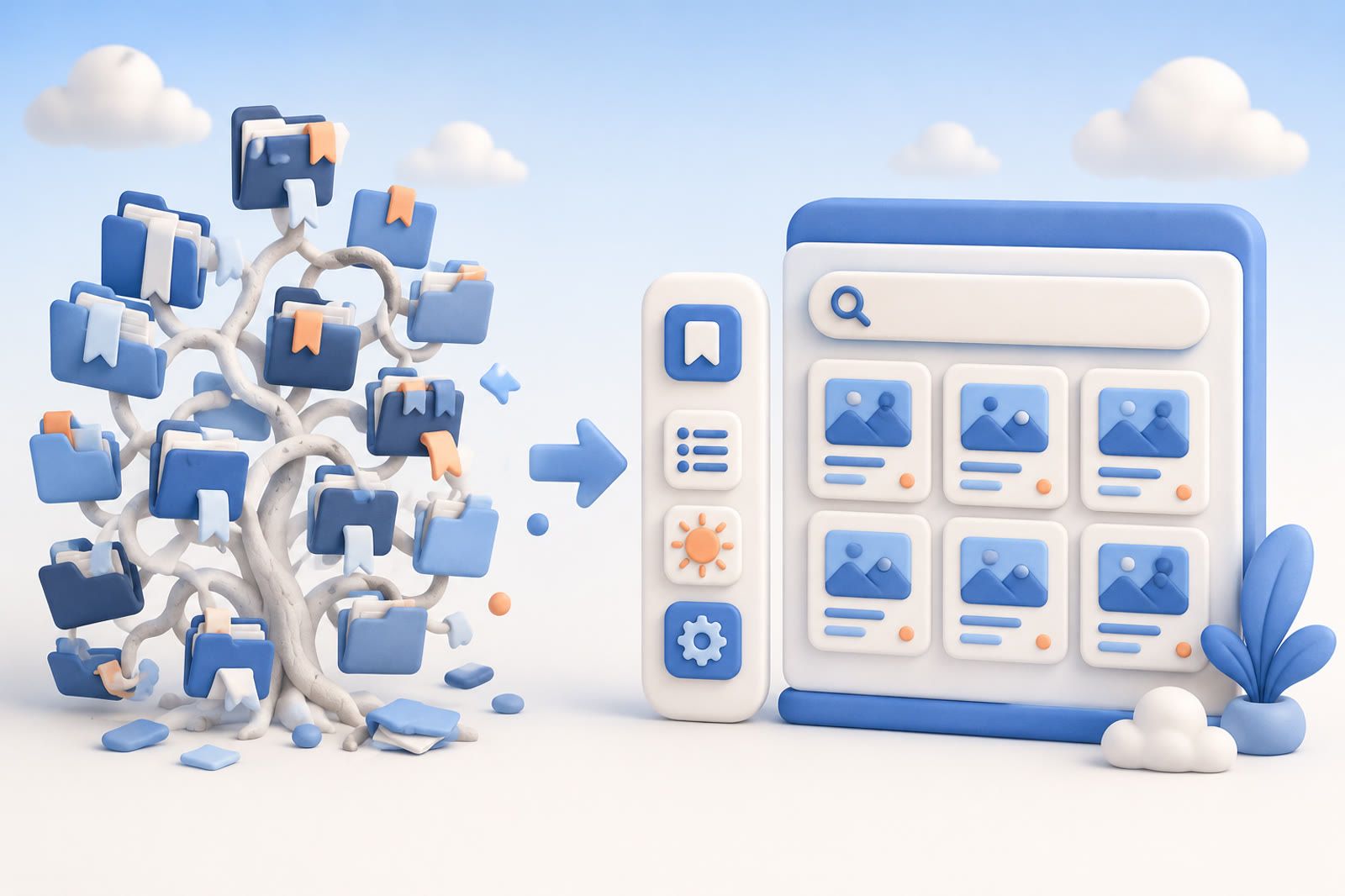
A “Read Later” folder with 847 links, a Tools tree with nested subfolders, and a toolbar of truncated favicons are signs of a design problem—not a discipline problem. Filing was optimized; finding was not.
Why folder systems become graveyards
Three failures are built into the model:
- Filing creates friction. A link about productivity might fit Work, Self-improvement, or Read Later, so people skip the decision.
- One link belongs in several places. An article about AI sleep coaches can be health, technology, and product research at once.
- Browser search is shallow. Chrome bookmark search matches titles and URLs, not the argument or phrase you remember from the page.
According to Marqly's 2026 guide, systems requiring less filing are more likely to remain in use. The broader pattern is that repeated classification decisions become harder as an archive grows. See also why sorting saves into folders collapses.
The ten-minute browser cleanup
This quick path fits archives under roughly 500 saves when the browser is a daily launcher rather than a research system.
- Open the bookmark manager. In Chrome, use
chrome://bookmarksor Option-Command-B on Mac. Firefox and Edge provide equivalent windows. - Remove links older than a year that you have not opened in six months.
- Create five to seven broad folders, such as Work, Read Later, Tools, Reference, and Personal.
- Reserve the bookmarks bar for roughly ten daily-use links.
- Repeat the purge for ten minutes each month.
The routine becomes less effective beyond about 500 saves because filing effort grows while Chrome still searches only titles and URLs.
Should you switch from folders to tags?
Tags solve the “one link, many topics” problem. Raindrop.io, for example, can attach productivity, AI, and reading to the same article and filter by combinations.
Tags scale farther than folders, but you still choose and maintain them. Future-you must remember whether you used “productivity,” “focus,” or another label. Around 1,000 saves, many tag archives begin to feel undifferentiated.
A tidy archive can still fail when memory supplies an idea rather than a title or tag. That explains why organized bookmarks still fail and why searching the web again may feel easier than navigating a carefully built system.
What AI-organized bookmarking looks like in 2026
Auto-tagging and semantic search have become cheaper to run. A model can read a saved page, extract topics, and store metadata. Later, you describe the article in your own words—“that piece about sleep and focus from a few months ago”—and the system searches by meaning rather than exact keywords.
That changes capture: save now, keep working, and describe the item later. Raindrop has added AI search on top of its tag model, while Marqly emphasizes auto-tagging.
dEssence takes a recall-first approach through its Chrome extension, Telegram bot, and web app at dessence.ai. It is a live, single-user product with no native iOS or Android app and no team or shared-collection features.
- Free: $0 forever, no card, up to 20 saves a day, and daily checks for 100 watched things.
- Pro: $10 a month, a higher daily save limit, hourly checks for 100 watched things.
The useful comparison is not how tidy a tool looks, but whether it can recover a link when your memory is vague. That lens matters when comparing bookmark managers that do not become graveyards.
Three of the four tools discussed in the original comparison shipped or expanded semantic search during the preceding eighteen months, which is why the 2026 bookmark conversation differs from 2022.
Frequently asked questions
How many bookmarks are too many?
Browser folders often become difficult around 500 saves; tag-based systems often do so nearer 1,000. The more useful test is whether you can retrieve a specific link by description in under thirty seconds.
Should I delete old bookmarks and start over?
For browser bookmarks, a one-time purge of pages older than a year that you have not reopened can restore a usable bar. For a research archive in a dedicated tool, importing everything and testing semantic retrieval may be more useful than hand-triaging every item.
Are AI bookmark managers private?
It depends on the tool. Many send page text to a model for tagging or embeddings. Read the data and retention policies before importing, especially when privacy outranks recall.
Can I import Pocket bookmarks?
Most modern bookmark managers accept a Pocket HTML export. See the Pocket replacement guide for the migration path.
What about bookmarks saved from Twitter and other apps?
Twitter bookmarks live in a silo that many browser tools cannot access. See why Twitter bookmarks deserve their own system.
The durable rule is simple: less filing means more using. Treat browser bookmarks as a daily launcher and research saves as material you should be able to retrieve by description.
This article was inspired by Marqly's guide to organizing bookmarks for 2026.