Coda Alternatives in 2026
The doc that ran your team is now a doc someone has to maintain. The alternatives grouped by the job you opened Coda for, with the price of each move stated plainly.
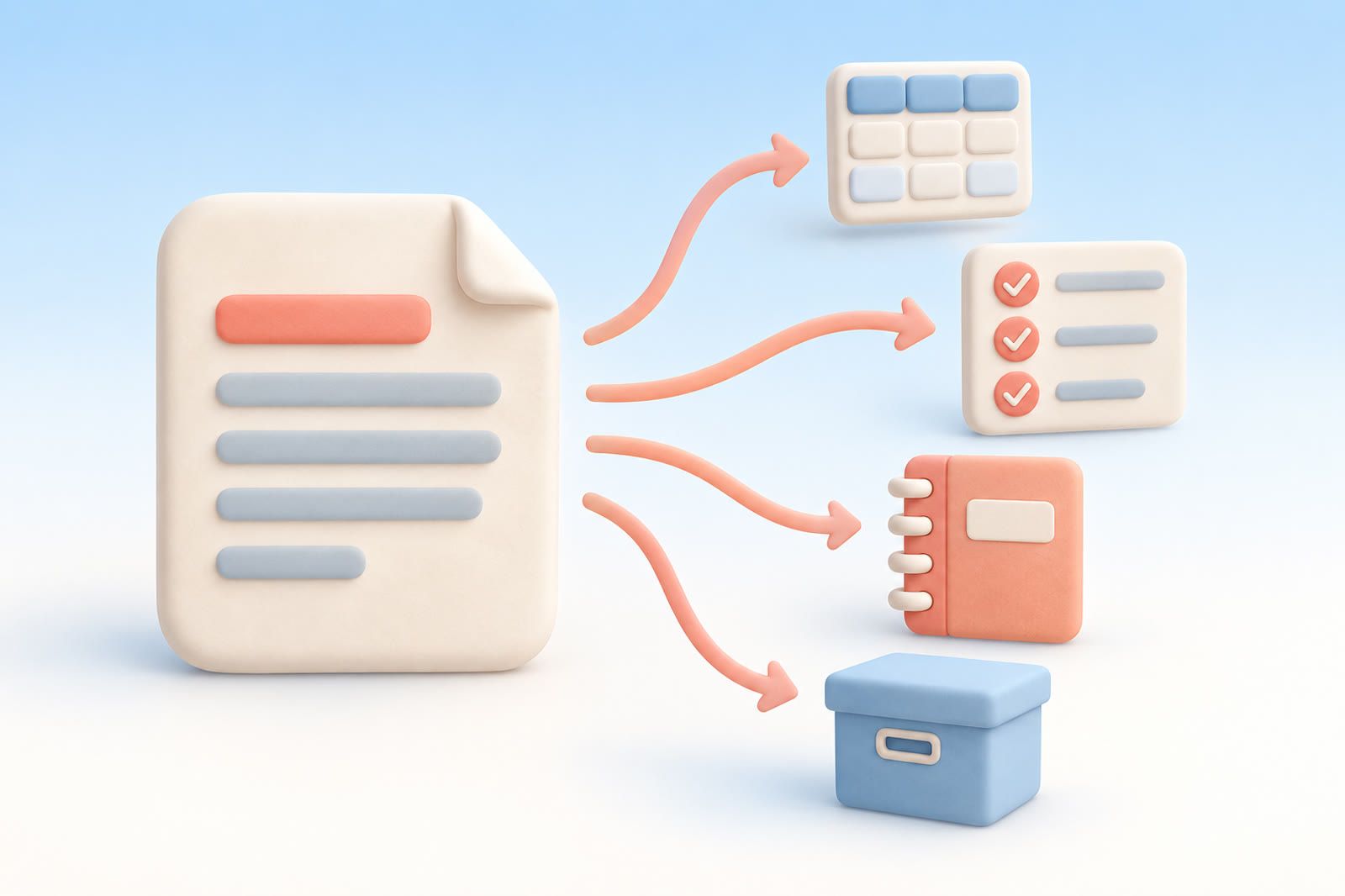
Coda is a document that can behave like a database. Tables, buttons, formulas and packs live inside a page that someone can still read top to bottom. That combination is genuinely rare, which is why the search for Coda alternatives usually goes wrong in the same way: people look for one tool that does all of it, find nothing that does all of it, and stay another year.
The better move is to stop shopping for a clone. Work out which single job you kept opening Coda for, then pick the tool built for that job.
Why people start looking
None of the reasons below are knocks on Coda. Most of them are a strength turning into a running cost.
The document grew, and now the document needs maintaining. A page that started as a plan became a dashboard with six tables, four views and a button that moves rows around. That happens one useful addition at a time, and at some point the upkeep is a task on somebody's week.
One person understands the formulas. Teams tend to have a single author who wrote the logic. Everyone else treats those columns like wiring behind a wall, and when the author is on holiday the doc quietly freezes.
Phones. A heavy doc with several large tables is slow to open on a phone, and editing a wide table on a small screen is unpleasant work. If half your team updates things between meetings, that friction shows up as stale data.
Seats and limits. Free tiers run out, and paid plans are priced per person per month. Paying for people who only ever read the doc is the moment most teams start comparing options. Check the published numbers yourself before budgeting; pricing pages change more often than blog posts do.
Leaving is harder than arriving. Text and rows come out fine. What does not come out is the behaviour: the formula columns, the automations and the buttons that made the doc feel alive.
Match the tool to the job, not the feature list
Open the doc you actually care about and decide which of these five it really is. Most people find it is two jobs glued together, and splitting them is the migration.
Job one: a document people read
If the value was the writing and the tables were decoration, you want a document tool: Google Docs for comment-heavy collaboration, Notion for pages plus light structure, or plain markdown files in a shared folder or an Obsidian vault if you want something that still opens in ten years.
What it costs you. The live parts. Rollups, buttons and formula columns become static text or a plain table, and somebody has to update numbers by hand. For a doc that is read far more often than it is recalculated, that is a fair trade. For a doc that is genuinely computing something, it is not.
Job two: a base with fields, filters and views
If people mostly opened the doc to filter a table, you needed a database with a nice front end. Airtable is the obvious commercial answer, Baserow the obvious self-hostable one, Notion databases the answer if the rest of your team already lives there, and a plain spreadsheet is a serious option more often than tool blogs admit.
What it costs you. Per-seat pricing again, schema work up front, and the loss of narrative: a base holds rows beautifully and explains nothing. Spreadsheets cost you conventions instead, and they rot fast without someone enforcing how columns are used.
Job three: tasks and projects
If the doc became a tracker held together by buttons, move it to something that was born as a tracker: Linear for product work, Asana or Trello for general project work, Todoist for personal lists, GitHub Projects if the work already lives in pull requests.
What it costs you. Opinions. These tools have a model of what a task is, and you stop bending the tool to your process and bend slightly to theirs. You also lose the reporting layer you built yourself, and you add another subscription to the pile.
Job four: notes and a personal knowledge base
If Coda was where everything landed because it was the tab that was already open, you want a notes tool. Obsidian for local markdown files you control, Anytype or Capacities if you like the idea of typed objects, Apple Notes or Google Keep if you want to stop thinking about it entirely.
What it costs you. Local-first tools hand you sync and backups as your own problem. Object-model tools ask for setup before they pay off, and that setup is exactly the kind of maintenance you were trying to escape. The simplest tools scale badly the moment you want structure back.
Job five: save it and find it again
This is the group most people skip, and for a lot of former Coda users it is the honest answer. There was no database. There was a page of links, screenshots and half-written thoughts kept because they might matter later. That is not a base; it is a shoebox that needs a search that works.
What it costs you. Nothing computes. No formulas, no rollups, no shared editable tables. If half your doc was calculated, this replaces the other half only, and you will want a second tool for the first half.
Moving out without losing the live parts
Take the data before the layout. Export each table you care about as CSV and check the row count matches what you saw on screen. Layout is quick to rebuild; a half-exported table is a bug you find months later.
Formulas do not travel. A calculated column exports as the values it happened to hold that day: a photograph of a result, not the rule that produced it. Before you cancel anything, write the logic of every formula you could not rebuild from memory into a plain text file, in sentences.
Move the living pieces, not the whole account. A doc opened twice this year needs an archive folder and a PDF, not a new home. Migrating everything is how people spend three weekends and then keep using the old tool anyway.
Keep the old workspace readable for a month. Downgrade or set it read-only rather than deleting it, and spend that month checking the new place answers the same questions. If something only works in the old doc, you have found the part that genuinely needed formulas.
Three questions that pick the tool for you
Who opens this besides me? If the answer is nobody, skip every collaboration feature and buy simplicity. If it is a team of readers, weight the per-seat price heavily; tools where readers cost money get quietly abandoned.
What still has to work in six months if I stop maintaining it? Anything that depends on weekly tidying will not survive the first busy fortnight. Choose the option that degrades gracefully into a plain list.
Am I willing to pay in setup now for order later? For many people the honest answer is no, and there is nothing embarrassing about that. If you know you will not build a schema, pick the tool that works without one rather than the one that would be excellent if you did.
To be clear about where dEssence sits: it is not a replacement for a base with formulas and does not pretend to be. It covers job five. If your Coda doc was mostly a place to put links, quotes and screenshots you meant to return to, what you need is somewhere you can drop a thing in one move and ask for it later in your own words. If the doc was genuinely computing something, keep that part in a base and let the shoebox be a shoebox.