How to Organize a Wedding Pinterest Board (Even When You Have 200 of Them)
To organize a wedding Pinterest board, keep one private board per wedding, add a section for each decision such as venue, flowers, dress and tables, star the favorite in each section and invite your partner or planner to the board.
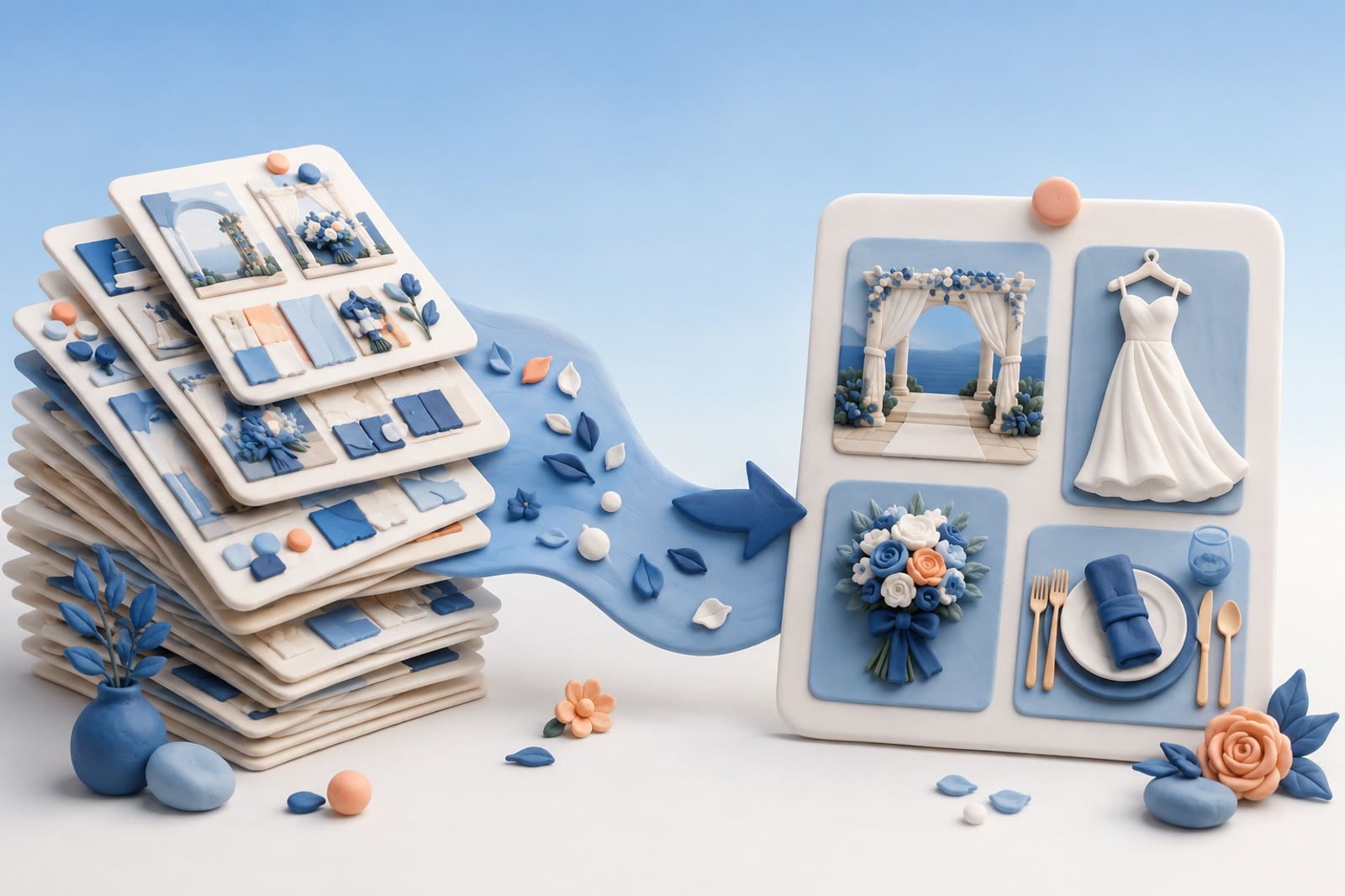
You have more than two hundred Pinterest boards. Tablescapes, blush palettes, outdoor ceremonies, winter florals, a board per client, a board per venue. A client asks for "that twinkly-light barn look we talked about" and you freeze. It is in there somewhere across two hundred boards, and you cannot find it.
So you open Pinterest on the call and start scrolling, smiling while you panic. You click into Florals, then Rustic, then the board you made for a different couple last year because that is where you think you pinned it. The pin is not where your memory says it is. The board names made sense the week you created them and mean nothing to you now.
You end the call by promising to "send some inspiration over." Then you spend an hour that evening rebuilding a mood you already had, pinned, and lost. The boards did not save you time. They quietly took it.
Most of that pain comes from how each board is built. Fix the structure of one wedding board first, then decide what belongs outside Pinterest.
How to organize a wedding Pinterest board
Use one board per wedding and one section per decision. That keeps every idea for the wedding in one place, and each section answers one question: which venue, which flowers, which dress.
- Create one board for the wedding. Click the plus icon, choose Board and name it. While naming, you can switch the board to secret and add collaborators, as Pinterest's board guide shows.
- Keep it private while you plan. A private board is visible only to you and the people you invite. You can change an existing board under Edit info and settings with the Make this board private switch, per Pinterest's private board help.
- Add a section for each decision. Open the board, click the plus icon, choose Section and name it. Then click Organize, select pins and Move them into the section. The steps are in Pinterest's section guide.
- Star the front runner in each section. Pinterest lets you mark favorite pins on a board with a star. Only you and board collaborators see the stars, so they work as a shortlist inside the board.
- Share it with the people deciding. Invite your partner, planner or maid of honor with the plus circle icon under the board name. Choose Do (almost) everything if they should move and delete pins and sections, or Save and comment if they should save, organize and comment on pins, as Pinterest's group board help explains.
- Archive it after the wedding. An archived board leaves your public profile, stops taking new pins and can be unarchived any time, per Pinterest's archive help. Deleting a board deletes its pins too, so archive instead.
For a planner with many couples, use the same section list on every client board. Then "the barn look for the Hendersons" is always in the same place: their board, the Reception section.
Wedding Pinterest board section names and ideas
Name each section after the decision, not the mood. "Flowers" finds faster than "Dreamy vibes" when you are on a call. A section list that covers most weddings:
- Venue and ceremony
- Colour palette
- Flowers
- Reception tables and decor
- Dress and accessories
- Suits and groomsmen
- Bridesmaids
- Hair and makeup
- Cake and desserts
- Stationery and signs
- Photo shot list
- Favors and welcome bags
Start with the five sections you need this month and add the rest when their decisions come up. A section with three good pins is more useful than a section with ninety.
For the board name, use the couple and the date, such as Maya and Sam, June 2027. Put the venue, palette and guest count in the board description, which you can edit any time under Edit board, per Pinterest's board editing help. Cute names are fine for a personal board, but a planner needs names that sort and search.
Keep the wedding board in decision order
Order the work by what has to be booked first. Venue and date come first, then photographer, catering and attire, then flowers and decor, then stationery and favors. Clean the sections in that order and leave later sections loose until their turn.
Pinterest sorts boards on your profile A to Z, by Last saved to, or in a Custom order you drag yourself, according to Pinterest's help on organizing boards. Custom order lets you keep active weddings at the top and finished ones lower down until you archive them.
If your ideas are split between Pinterest and Instagram, how to organize Pinterest and Instagram wedding ideas covers bringing both into one plan.
Why 200 boards turns into a maze
Pinterest is brilliant at capture. You see something beautiful, you pin it, it feels like progress. The trouble starts at the other end, when you need a specific pin for a specific couple and the system gives you a wall of thumbnails instead of an answer.
Boards multiply faster than memory. One board becomes ten becomes two hundred. The naming logic drifts. Is this look under Boho, under Outdoor, under the client's name, or under a seasonal board? You filed it once under a logic you no longer remember.
Pins lose their context. A pin is an image and a link. It does not hold why you saved it. "Use this exact garland but in cream." "Loved the lighting, hated the chairs." That note lived in your head, and your head moved on to the next wedding.
Search is by keyword, not by meaning. Pinterest search wants a tidy keyword. You think in scenes: the candlelit long-table dinner under string lights in a stone courtyard. The keyword box cannot hold a scene, and the scene is what the client asked for. If you do remember a word from the pin, how to find saved pins on Pinterest covers the built-in options.
Boards built for you are not built for them. A board organized by your filing logic does not map to how a couple describes their dream. You translate, on the spot, under pressure, while they watch.
What a wedding pin actually needs to carry
A saved pin is only useful if it survives the trip from "I love this" to "show the Hendersons the exact thing." For that, every save has to hold more than the picture.
- The look in plain words. Candlelit, rustic, blush, black-tie, garden, moody.
- Why you saved it. The element you wanted, not the whole image.
- The client or season it might serve, if any, without forcing it into one box.
- The vendor or source, so you can actually book the florist behind the photo.
- Your own reaction, the half-sentence that made it worth pinning.
That is what you reach for on a call. Almost none of it lives in a Pinterest board, which holds the image and the board name and little else.
A calmer way to keep inspiration
This is where dEssence fits. Instead of deciding which of two hundred boards a pin belongs to, you send it once into the Chrome extension, the Telegram bot, or the web app at dessence.ai, and add a half-line of why if you want. dEssence reads the image and the page and holds the meaning.
Then, on the client call, you ask in your own words. Show me the candlelit long-table dinners under string lights. Find the blush palette with the eucalyptus, not the one with peonies. What barn venues did I save with the warm wood beams? The right inspiration surfaces because it was stored the way you actually think about it, in scenes, not in board names.
The whole point is that there are no folders, no tags, no organizing. You save it, forget it, and ask for it later. The pin you loved at midnight is still there in March, findable by the feeling that made you save it. It becomes memory you don't have to maintain, instead of two hundred boards you are quietly afraid to open.
Turn inspiration into decisions
A large collection is useful while you are exploring. Planning becomes harder when every venue, dress, table setting, or detail remains inside the same visual archive.
For anything you may act on, keep a smaller record with:
- The venue, designer, shop, or source
- The current link
- The feature that made you save it
- Relevant constraints such as location, size, colour, or intended use
- The next question or decision attached to it
The aim is not to reorganize every old pin. Start with the candidates that affect a real conversation, comparison, or booking.
Honest about Pinterest and dEssence
Pinterest is still wonderful for the part it owns, open-ended discovery, browsing a feed, finding a look you did not know you wanted. dEssence does not replace that and is not trying to. Keep pinning to discover.
Where dEssence helps is the retrieval side, getting your own saved inspiration back on demand. And it has real limits while it grows. There is no native iOS app yet, so you save through the web app or by forwarding into Telegram rather than a polished share sheet. Worth knowing before you move your whole process.
Frequently asked questions
Q: How do I organize a wedding Pinterest board?
Use one private board for the wedding, add a section for each decision, move pins into the sections and star the favorite in each one. Invite your partner or planner as collaborators.
Q: What should I name my wedding Pinterest board sections?
Name them after decisions: Venue, Flowers, Dress, Reception tables, Cake, Stationery. Short, literal names are easier to find than mood words.
Q: Should my wedding Pinterest board be secret?
Private is the better default while you plan. Only you and the people you invite can see a private board, and you can make it public later in the board settings.
Q: Do I have to move all 200 boards over?
No. Start with new saves and the looks for your active couples. There are no folders to recreate, no tags to migrate. You save going forward and ask for it later.
Q: How do I find a pin if I don't remember which board it was in?
You do not need the board. You ask for the look in plain words, the candlelit garden one, the blush palette with eucalyptus, and the matching saves surface.
Q: Can it keep the vendor link, not just the photo?
Yes. The source page is kept with the save, so the florist or rental behind a photo stays reachable.
If two hundred boards have started costing you more time than they save, the thing to change is not how you pin. It is where the inspiration lands when you save it. Keep it somewhere that holds the look in your own words and hands it back on the call. dEssence does this at save-time, free to start, no card.
Inspiration you cannot resurface is not inspiration. It is decoration on a board you never reopen.