How to Organize Pinterest and Instagram Wedding Ideas
Bring Pinterest pins, Instagram saves, screenshots and vendor files into one wedding planning system you can use during real decisions.
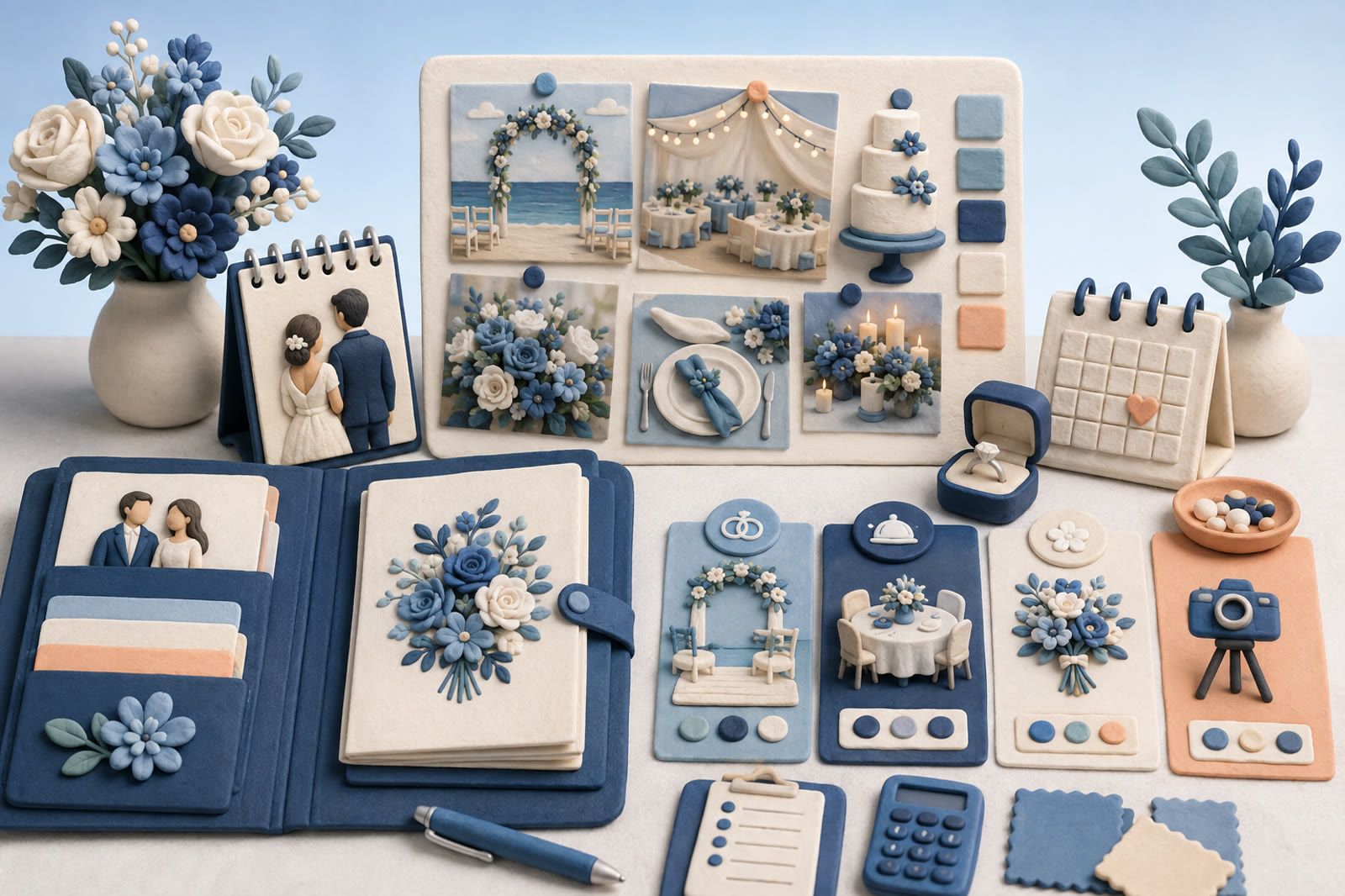
Choose one home for active decisions
Pinterest and Instagram are good discovery spaces. They are less useful when a florist needs a clear answer. Choose one central place for ideas that may affect a purchase or vendor decision: a Notion page, shared document, spreadsheet or cloud folder.
Use a short category list:
- Venue
- Flowers
- Photography
- Clothing
- Table settings
- Cake and food
- Music
- Invitations
The central list is for active options, not every image that caught your attention. For each item, retain:
- the image, link or file
- where you found it
- its category
- one sentence explaining what you like
“Bouquet” is too vague. “Loose shape, pale flowers and very little greenery” gives a florist something usable.
Sort Pinterest by the next decision
Review one category at a time, beginning with the next vendor conversation. For a florist meeting, focus on bouquets, ceremony flowers and table arrangements.
Move only the strongest examples into the central list. Note distinctions such as liking a bouquet’s color but not its shape. Contrasting examples can clarify a boundary, but label what you want and what you do not want so both are not mistaken for recommendations.
Leave the rest on Pinterest. Planning can continue without processing the entire board.
Turn Instagram saves into usable references
For each serious reel, carousel or vendor post, copy the link into the central list. Add the account name and a plain description of the relevant detail.
If a useful moment appears briefly in a reel, take a screenshot for private planning reference and keep the original link beside it when possible. The screenshot makes the detail easy to show; the link preserves the source.
Replace “love this” with observations a vendor can use:
- The candles are different heights.
- The tables feel full without looking crowded.
- The photographer keeps skin tones natural.
- The venue lighting feels warm after sunset.
Collect decision-related files from everywhere
Bring screenshots, vendor quotes, useful message links and call notes into the same central system only when they affect a decision.
Rename vendor files with the vendor type and business name. Store a quote beside the reason that vendor made the shortlist. Record a screenshot’s account, website or sender when known; if the source is unknown, describe the idea without guessing. Move useful links out of chats while you still remember why they mattered.
Build a packet before each vendor meeting
Select a few references from the relevant category, order them by importance and add a note under each. Include practical documents, measurements and questions. The vendor needs a small, decision-specific packet—not the whole archive.
Save new ideas with a reason
After the cleanup, let an idea enter the central list only when you can explain why it matters. Pinterest and Instagram can remain the larger discovery spaces. Remove rejected choices so the planning system gets smaller as the wedding approaches.
A shared document or spreadsheet is often enough when maintained consistently. If manual capture becomes the part you avoid, dEssence is another option for keeping saved items together for later recall. A saved item can also be watched when you want to monitor it.