Cross-Platform Bookmark Manager: The Best Apps in 2026
The best cross-platform bookmark manager is Raindrop, with apps for iPhone, Android, Mac and Windows plus browser extensions. Use Pinboard for fast tagging, or Chrome sync if you use Chrome on every device.
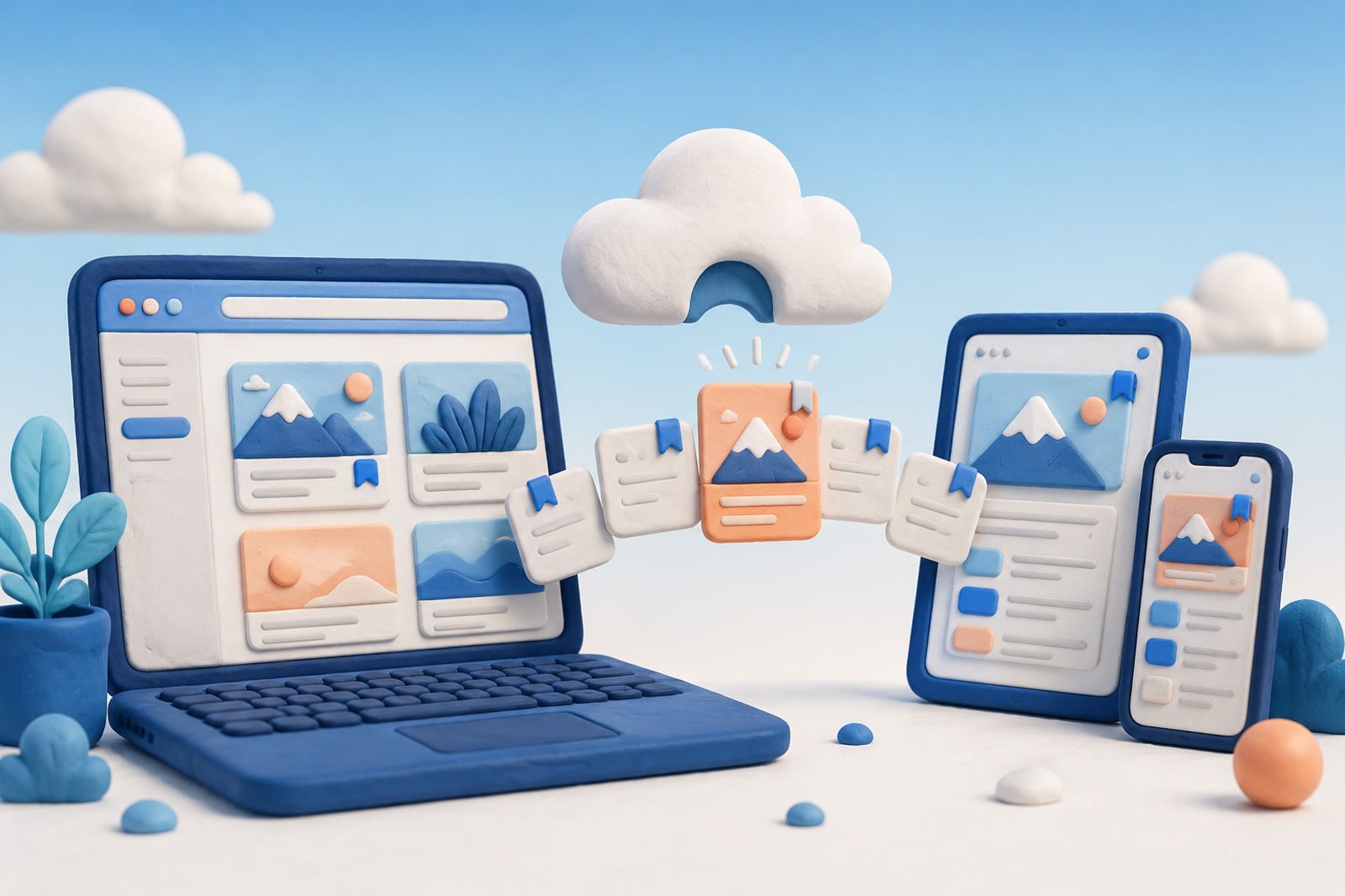
Cross-platform syncing is the easy promise. The harder problem begins after hundreds of links have accumulated and you need one that was loosely tagged, or never tagged at all. The best app depends on whether your bottleneck is syncing or recall.
The strongest cross-platform choices
Raindrop: visual and complete
Raindrop syncs across browsers, desktop, and mobile: its download page lists browser extensions and apps for iPhone and iPad, Android, macOS and Windows. It combines collections, tags, previews, a generous free plan, and a paid Pro plan. Card previews make a collection easier to browse than a wall of links.
Choose it when curating and visually scanning a library are part of the value. If you are torn between it and a visual archive, read how Raindrop compares with mymind. Raindrop also tops most lists of mymind alternatives that cost nothing.
Pinboard: fast and minimalist
Pinboard is a paid, no-frills bookmarking service organized with tags. It suits people who value speed, simplicity, and longevity over a polished visual interface. Its simple model behaves consistently across platforms.
Choose it when you already have a reliable tagging habit and want little else in the way.
Built-in browser sync: zero additional cost
Chrome, Firefox, Safari, and Edge can sync bookmarks between devices while you remain inside that browser’s ecosystem. This works until folders grow beyond what you can comfortably scan or you need the same workflow outside that browser. When that happens, these steps show how to find saved articles on Chrome, starting with the Reading list. If one link is already lost between devices, check where to look for a saved link, in order.
Other bookmark and read-later services offer variations on the same pattern: save a link, sync it, and manage the resulting list.
How to sync tabs and bookmarks across Mac, iPhone, Windows and Android
Use one browser that runs on all four, or a bookmark manager that sits outside the browser. If your devices mix Apple, Windows and Android, Chrome is the simplest browser route: when you sign in to Chrome with your Google Account, your bookmarks come to all your devices, according to Google's sign-in help. With history synced, you can also pick up browsing sessions from your other devices, as Google's history help describes.
The tradeoff is the one Chrome users already know on Apple hardware: you keep a second browser beside Safari. If that bothers you, Raindrop keeps your bookmarks in its own apps and browser extension, so you do not have to use one browser on every device.
Keep Safari and still sync with a Windows PC or Android phone
Safari bookmarks travel through iCloud, and Apple lists iCloud Bookmarks for iPhone, iPad, Mac and PC in its iCloud system requirements. Android is not on that list, so a Safari library will not reach an Android phone.
On a Windows PC, install iCloud for Windows, then follow Apple's iCloud Bookmarks setup:
- Open iCloud for Windows and turn on Bookmarks.
- Click Install Extension next to each browser you use on the PC.
- Click Merge to combine your PC bookmarks with iCloud.
After that, bookmarks you add on the PC stay up to date with your Apple devices. If an Android phone is part of your day, a cross-platform manager like Raindrop is the cleaner choice.
What bookmark managers share
Most follow one shape: save a link, place it in a list, folder, or collection, sync it everywhere, then scroll, filter, or search later. This works while the collection is small enough to scan and you remember the tag or wording.
The failure mode is a growing pile. You save faster than you revisit, and title or tag search misses because you remember an idea rather than the original words. A bookmark records that you saved a URL, not necessarily why you saved it or how you will describe it later.
Where an ask-your-saves model fits
If finding the right bookmark is the failing step, syncing it to more devices does not solve the problem.
dEssence is recall-first. You can save articles, links, videos, PDFs, screenshots, and voice notes through the Chrome extension, Telegram bot, or web app at dessence.ai. Later, you ask in your own words and receive an answer based on your saves with the supporting sources.
It searches by meaning rather than relying on exact titles, folders, or tags. This suits a person who remembers the gist of a piece rather than how it was filed.
Honest about dEssence
dEssence is a live product, but it is younger than Raindrop or Pinboard. It has no native iOS or Android app and no offline mode. There is no team workspace. Capture happens through the Chrome extension, Telegram bot, or web app.
There is a free plan, and it needs no card.
A dedicated bookmark manager is better for curating, tagging, and visually browsing a tidy link library. dEssence fits when the real problem is recovering a specific item from a pile you already collected.
Frequently asked questions
What is the best cross-platform bookmark app in 2026?
Raindrop is the most complete visual choice, Pinboard is the minimalist choice, and built-in browser sync works when you remain in one browser ecosystem.
Is there a free option?
Raindrop has a generous free plan, browser bookmark sync adds no separate charge, and dEssence has a free plan focused on recall rather than curation.
Why can I never find a saved bookmark?
Weeks later, you often remember the idea rather than the title or tag. Exact-word search then has too little to work with.
How do I sync bookmarks between Safari and Chrome on Windows?
Install iCloud for Windows, turn on Bookmarks, and click Install Extension next to Chrome. Your Safari bookmarks then stay in step with Chrome on the PC.
Can I sync Safari bookmarks to an Android phone?
No. Apple lists iCloud Bookmarks for iPhone, iPad, Mac and PC only. Use Chrome on every device, or a bookmark manager with an Android app such as Raindrop.
How is dEssence different?
A bookmark manager organizes links for browsing. dEssence lets you ask saved material in your own words and returns answers with sources.