Is Raindrop Good for Saving Recipes?
Raindrop is good for collecting recipe links in visual collections, but it does not replace structured recipe cards, meal plans or your own cooking notes.
What Raindrop does well for recipes
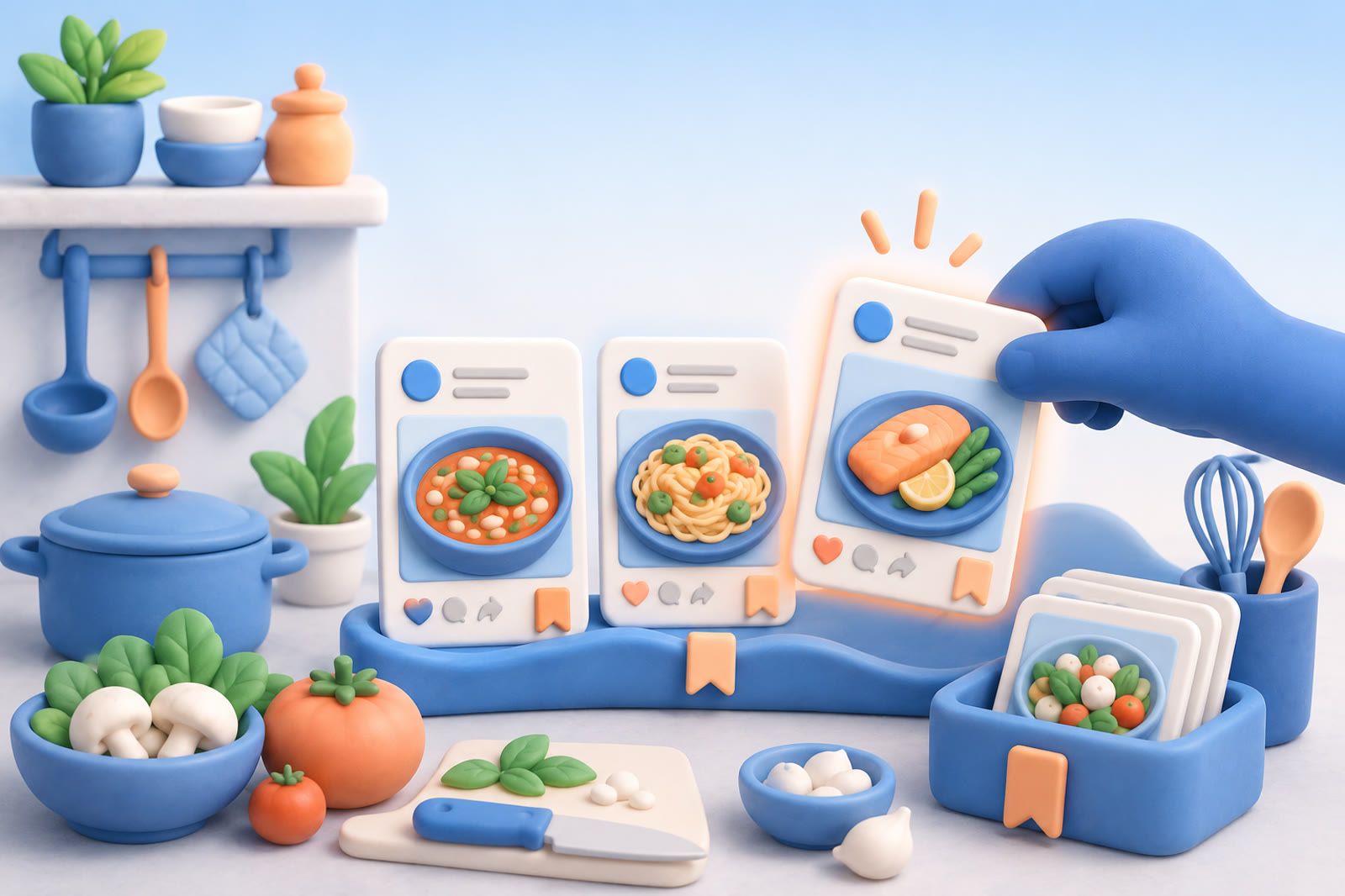
Raindrop saves web pages as visual cards with images and places them into collections instead of one browser bookmark folder.
That format suits recipes because you may remember the finished dish before its title. A picture of soup can be a stronger retrieval cue than the recipe writer’s name for it.
It also gives links from many conventional cooking sites one browsable home. The service offers a free tier and paid Pro plan, so you can test the basic collecting workflow before deciding whether you need more.
Build collections around real cooking decisions
Do not copy a recipe site’s navigation. Broad categories such as “breakfast” and “dinner” often become crowded because they do not match the decision you face in the kitchen.
Useful collections might include:
- Quick dinners
- Weekend cooking
- Meat-free meals
- Baking
- Food for guests
- Recipes to try next
Keep the list short. If a recipe could belong everywhere, more categories will not make it easier to retrieve.
Separate recipes you have cooked from those you merely want to try. When saving, choose the collection that matches the future occasion. A pasta dish may technically be Italian, but “quick dinners” may be the more useful home.
Save the recipe page, not only the inspiration
A beautiful image may omit ingredients or method. Save the page containing the complete recipe whenever possible, then open the saved link to confirm it leads to the instructions rather than a home page, search result or temporary screen.
Social recipes are more fragile because useful details may be split across the video, caption and comments. If most ideas start there, use a workflow built to save recipes from Instagram.
Screenshots have the same weakness: they preserve only what was visible and may omit later steps or quantities. Keep the source link when possible.
Where Raindrop falls short
Raindrop saves links rather than turning every page into a clean structured recipe card. It is not the right choice when ingredient scaling, shopping lists or meal plans are central.
It also does not automatically preserve your cooking experience. The original page cannot know that you reduced the sugar, substituted an ingredient or needed more oven time.
Keep meaningful changes in a note with a clear title matching the dish. Record only what you will need next time. This split system requires discipline; if you routinely forget the note, a recipe manager that keeps the recipe and personal changes closer together is a better fit.
Make a collection easier to search
Recipe titles often differ from your memory. You may remember “the chickpea dinner with lemon,” not the full article title.
Reduce that mismatch by filing recipes according to why you want them, removing dishes that no longer appeal and keeping only the version of a repeated recipe you are most likely to cook.
If recipes already live across bookmarks, screenshots, notes and social apps, organizing one new destination solves only part of the problem. Identify the places containing recipes you still use, then follow the wider process for recipes scattered across apps.
When another tool fits better
- Choose a recipe manager for structured cards, ingredients, steps, shopping lists and meal planning.
- Choose a notes app when personal substitutions matter more than visual browsing.
- Choose browser bookmarks for a small, familiar collection.
- Choose Raindrop for a visual, organized wall of recipe links from different sites.
- Consider dEssence when retrieval across recipe links, screenshots and videos is the problem.
For dEssence, saves enter through the Chrome extension, Telegram bot or web app at dessence.ai. There is no native iOS or Android app. Free is $0 forever with no card, up to 20 saves a day and 100 watched items checked daily. Pro is $10 a month with a higher daily save limit, 100 watched items checked hourly.
Test Raindrop with one real cooking week
Before migrating everything:
- Save a quick dinner, baking recipe, dish from a friend and social-media find.
- A few days later, retrieve each using the detail you naturally remember.
- Notice whether the image and collection name are sufficient.
- Check whether you miss ingredients, personal notes or meal-planning tools.
If browsing feels fast, Raindrop fits. If you repeatedly leave it to reconstruct ingredients and changes, use a dedicated recipe manager or notes-based system.