Save Instagram and Pinterest Recipes in One Place
Use one recipe inbox for Instagram reels, Pinterest pins, screenshots and web links, then keep only the dishes you still intend to cook.
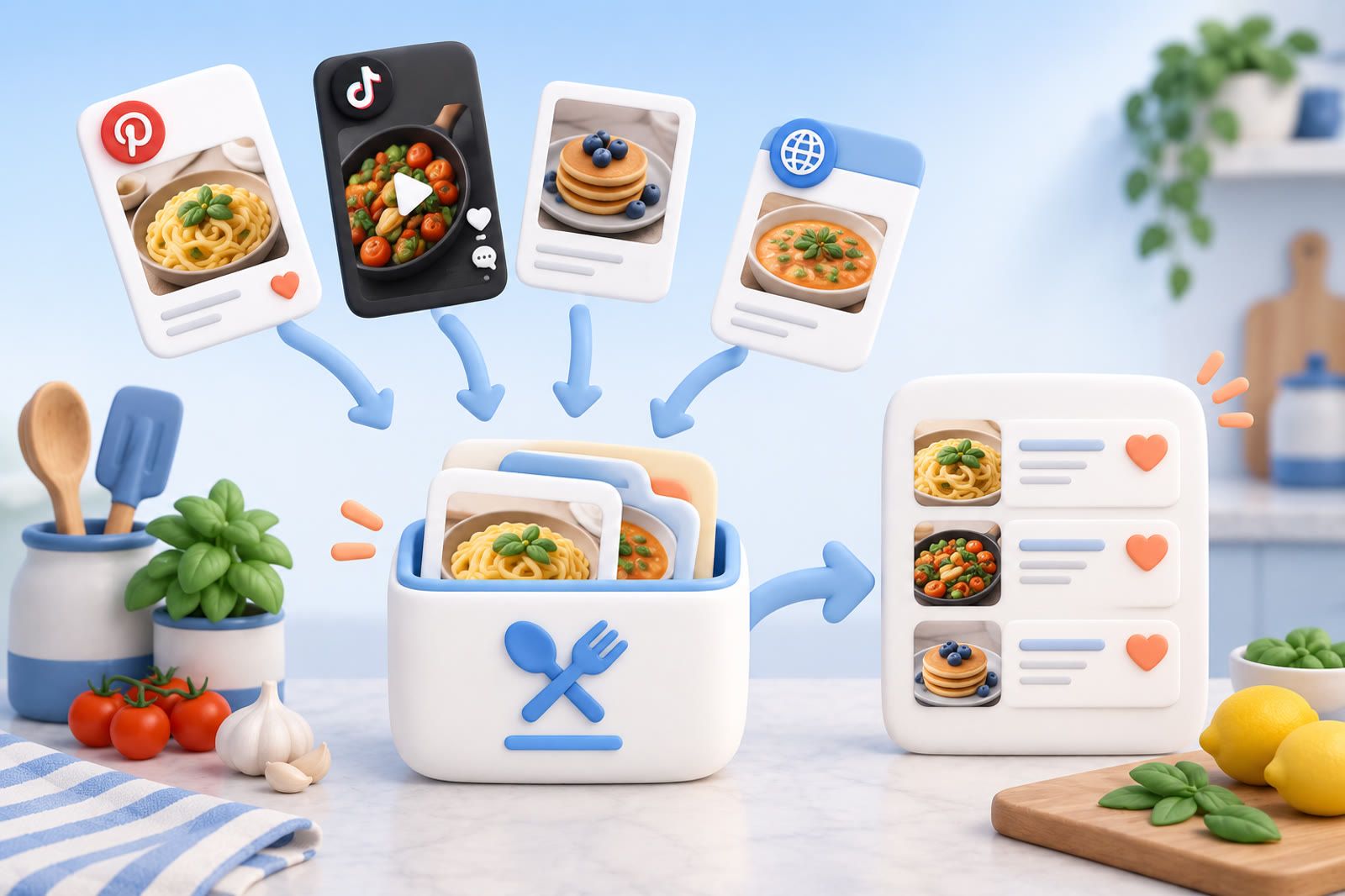
Choose one destination outside both apps
Instagram and Pinterest are useful for discovery. They are less useful when half your collection lives in each app.
Choose one destination that holds the formats you save most often: a notes app, recipe manager, bookmark tool or simple document. It should be quick to reach from your phone, accept links and let you attach an image or note when no clean link exists.
Call it Recipes. Do not build elaborate folders before using the system. One inbox is easier to maintain than separate collections for breakfasts, dinners, baking and dishes you might make someday.
The rule is simple: Instagram and Pinterest show you recipes; your inbox holds the recipes you intend to find again.
Save an Instagram recipe with its context
A recipe may be spread across a reel, its caption and text inside the video. One frame can leave you with a picture of dinner and no way to make it.
When a recipe is worth keeping:
- Save or copy the post link.
- Send the link to your recipe inbox.
- Capture ingredients that appear only on screen.
- Add the dish name and main ingredient.
- Note any essential instruction that exists only in the spoken video.
A useful entry might be: Lemon chicken traybake, chicken thighs and peppers, Instagram link.
Keep the creator name when visible. It offers another path back if the link stops working. Instagram’s Save button can remain useful for casual browsing; the external inbox is for recipes you have a realistic chance of cooking.
Move useful Pinterest pins into the same inbox
Open a pin before treating it as a complete recipe. If the destination contains the actual recipe, save that source page rather than only the pin image.
If the pin contains the complete recipe, keep its link, screenshot the important details and add the dish name.
Do not copy every old Pinterest board into the new system. Start with recipes you still want to make. Move an older pin when you encounter it again and it remains useful. Migration should follow real interest, not become a weekend filing project.
Use screenshots as supporting material
Screenshots help when ingredients or instructions appear inside an image. They are weak as the only record.
Pair each important screenshot with a link, account name or note. Keep multi-image recipes together under one title. Before saving, ask whether the image would make sense six weeks later. A pan close-up will not tell you the temperature, timing or source.
Delete images that cannot help you cook or lead you back to the recipe. A smaller complete collection beats a large collection of attractive dishes with missing instructions.
Add words you will search for later
Creators’ titles may work on social media but fail in the kitchen. Add plain descriptions based on how you choose food:
- Quick tomato pasta
- Vegetarian dinner with chickpeas
- Chicken recipe for one pan
- Chocolate cake without a mixer
- Soup using leftover vegetables
Include the main ingredient and meal type. Add equipment or dietary details only when they affect whether you can make the dish. You are creating routes back, not writing a catalogue entry.
Separate saved ideas from tested recipes
Use Recipes as the inbox and a smaller Tested or Keepers area for dishes that worked.
After cooking, note practical changes: the sauce needed longer, the portion was too large or an ingredient could be skipped. Delete disappointing recipes unless those notes could help you fix them next time. Keeping every failure makes the collection harder to trust.
Pick a tool that matches the material
- Dedicated recipe app: Useful when you want cookbook-style ingredients and instructions.
- Notes app: Useful for flexible pages and manual control.
- General saving tool: Useful when the collection mixes links, screenshots and other material. dEssence is one option.
Test any tool with one Instagram reel, one Pinterest pin and one screenshot. Then retrieve each by dish or ingredient. Saving is the easy moment; retrieval while hungry is the real test.
Build a weekly cooking shortlist
Once a week, choose a few dishes you might realistically cook. Check ingredients you already have and remove options requiring shopping or preparation you will not do.
Move cooked successes to Tested, delete dishes not worth repeating and remove ideas you no longer want without guilt.
Instagram and Pinterest can keep supplying inspiration. The inbox gives those ideas a common home, and the shortlist turns saved recipes into actual choices.