Readwise vs Instapaper: Which Reader Fits You?
Readwise Reader wins on highlights, review and formats. Instapaper wins on quiet reading, offline and e-readers. Here is how to pick in a minute.
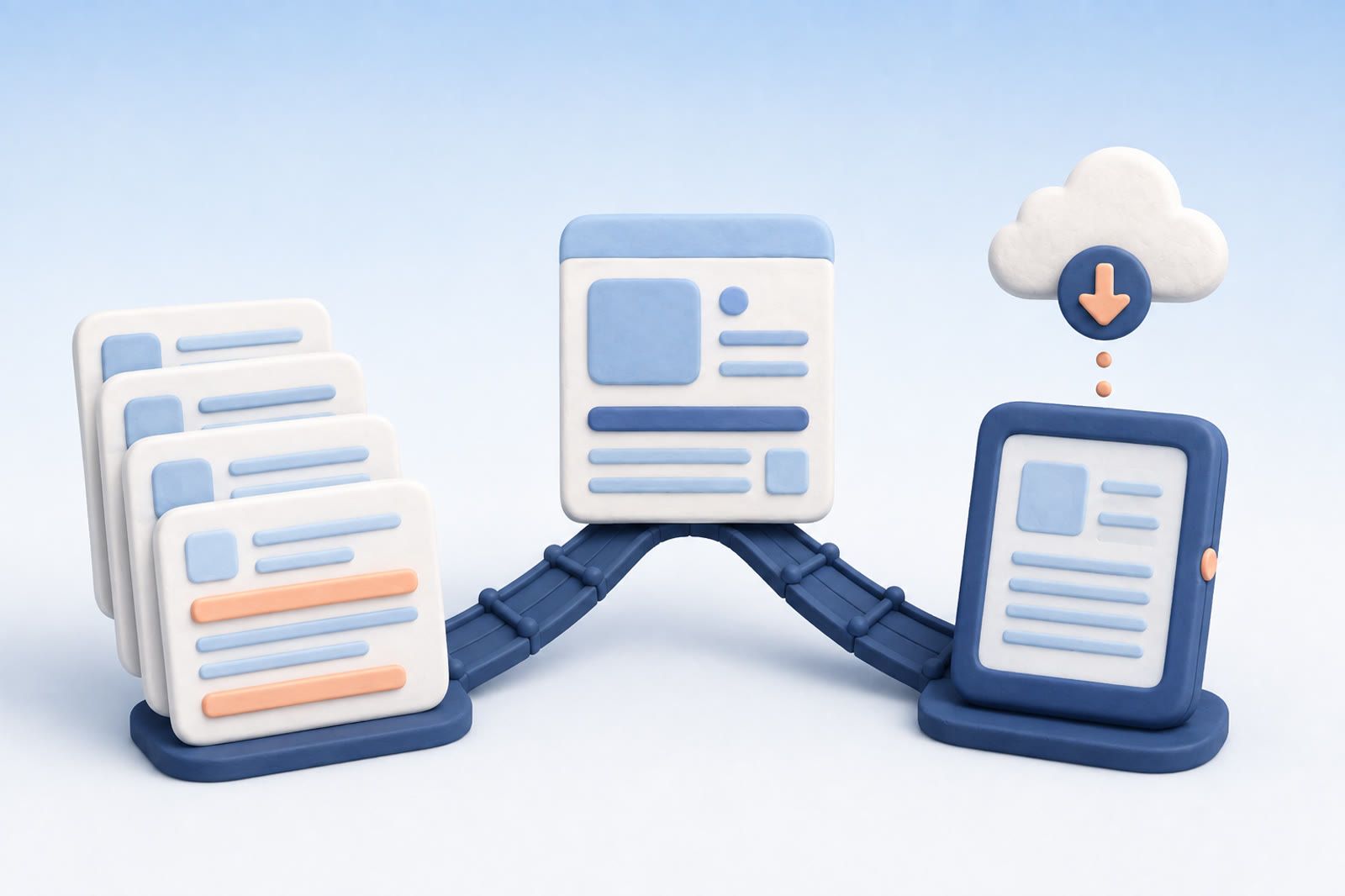
Pick Readwise Reader if you want to highlight, review and reuse what you read, and if you also save PDFs, EPUBs, newsletters and video transcripts. Pick Instapaper if you want a clean reading queue that works offline and sends long pieces to a Kindle or Kobo.
The difference in one decision
Ask what should happen after you save an article.
Choose Readwise Reader if you want to annotate it, connect highlights to notes, and review selected passages later. Reader handles articles, PDFs, EPUBs, newsletters, email, posts, and video transcripts, and its reading workflow connects to Readwise's highlight system.
Choose Instapaper if you want a clean reading view, offline access, or delivery to Kindle or Kobo. It includes highlighting, folders, and reading-view controls without placing scheduled review at the center of the experience.
Both hold articles. The difference is the routine each encourages.
Readwise is built around highlights
Readwise Reader suits people who treat reading as input for later work. You highlight during reading, then send selected passages into a review process or another notes app.
Ghostreader can help with summaries, definitions, and questions about the item in front of you. That assistance belongs to the reading session; the review system handles selected highlights afterward.
The trade-off is attention. You must choose useful highlights and return to the review queue. If you enjoy that routine, it gives your reading continuity. If you routinely ignore it, part of the product's value goes unused.
Readwise fits when you:
- Highlight most of what you read.
- Want selected passages to reappear later.
- Send highlights to Notion or Obsidian.
- Read several formats in one inbox.
- Already maintain a review habit.
Instapaper is built around comfortable reading
Instapaper follows a narrower loop: save an article, open a clean version, and read it when you have time. Offline reading helps when connectivity is unreliable, while Kindle and Kobo delivery moves longer pieces away from the browser.
Folders provide lightweight separation. Full-text search and a permanent archive are available through Premium, while the basic experience remains focused on reading.
The only AI feature on Instapaper's Premium page is AI voices for listening to articles on mobile. The page lists no assistant built into the reading view, which can be an advantage if you want fewer controls between saving and reading.
Instapaper fits when you:
- Mostly save web articles.
- Prefer a quiet reading interface.
- Need offline access.
- Send long pieces to an e-reader.
- Rarely revisit individual highlights.
What Readwise and Instapaper cost
Instapaper has a free plan; Readwise Reader does not. Prices below are from the Readwise pricing page and Instapaper Premium page on 8 October 2026.
| Readwise Reader | Instapaper | |
|---|---|---|
| Free use | 30-day free trial | Free plan: unlimited saves, sync across web, iOS and Android, folders |
| Paid plan | Readwise Full: $9.99 a month billed yearly, or $12.99 monthly | Premium: $5.99 a month or $59.99 a year |
| What paying adds | Reader itself; the cheaper Readwise Lite ($5.59 a month billed yearly) covers highlights only, without Reader | Full-text search, permanent archive, PDF reader, unlimited notes, Kindle integration, AI voices on mobile |
Two details change the math. Sending articles to a Kindle is a Premium feature on Instapaper, while Kobo eReaders link to an Instapaper account and sync your saved articles. And if you only want to sync and review highlights from other apps without the reading app, Readwise Lite is the cheaper way in.
Where Raindrop fits instead
Raindrop is a bookmark manager, not a reader. Use it for links you want to keep and browse again rather than read from top to bottom: design references, tools, products, recipes. Its free plan has unlimited bookmarks and collections; Pro adds full-text search, permanent copies of pages and cloud backup.
A simple split works: Instapaper when reading is the next step, Readwise Reader when reading and highlighting are, Raindrop when keeping the link is the whole point. Give each tool one job so the same link does not end up in three piles. If Raindrop is on your shortlist, Raindrop vs Instapaper compares those two directly.
Neither app covers every kind of save
Both products begin with reading material. The limitation appears when the thing you need later is a product page, screenshot, chat link, or voice note.
Search also depends on what reached the app. Instapaper searches its saved articles. Readwise works with material in Reader and highlights brought into its system. Neither can retrieve something that stayed in an unrelated chat, browser bookmark, or photo library.
A broader recall tool can complement a reader. dEssence can keep products, articles, and videos together, answer questions about saved items, and let you set watches. It does not replace Readwise's review loop or Instapaper's offline and e-reader experience.
Pick Readwise when review changes what you remember
Choose Readwise if you make highlights deliberately, revisit them, and export them into meaningful work. Reader then becomes the first step in a continuing process.
If you usually stop after saving and reading, you may be maintaining more machinery than you need. Check your recent review behavior, not your intended habits.
Pick Instapaper when reading is the whole job
Choose Instapaper if the desired outcome is simply to read saved articles in a clean, dependable place. Offline access and e-reader delivery can matter more than highlight resurfacing when long-form reading is the priority.
You can still highlight and search, but you will not get Readwise's scheduled retention loop. That is a sensible trade when review queues make reading feel like another inbox.
Using both without duplicating everything
Send casual articles and e-reader material to Instapaper. Reserve Readwise for books, documents, and articles whose highlights you genuinely intend to revisit. The split works when each item has a clear destination.
Frequently asked questions
Which is better for serious highlighting?
Readwise Reader, especially when highlights feed scheduled review or another notes app.
Which is better for offline and e-reader reading?
Instapaper is the more focused choice for offline access and Kindle or Kobo delivery.
Can I use both?
Yes. Separate ordinary reading from material whose highlights you genuinely plan to review.
Is Readwise Reader free?
No. Readwise gives a 30-day free trial, and after that Reader comes with the full Readwise plan at $9.99 a month billed yearly (Readwise pricing). Instapaper's free plan lets you save and read without paying.
Should I sort my reading list with folders or tags?
Only if you will keep them up. If you tend to remember a detail of an article (a person, a product, an idea) rather than its title, first check that search finds a few real saves by such details, then decide whether you need more structure. Full-text search in Instapaper needs Premium.