How to Choose a Private ChatGPT Alternative for Notes
Choose a notes tool by checking model training, access, deletion and export policies. Test those controls before adding private material.
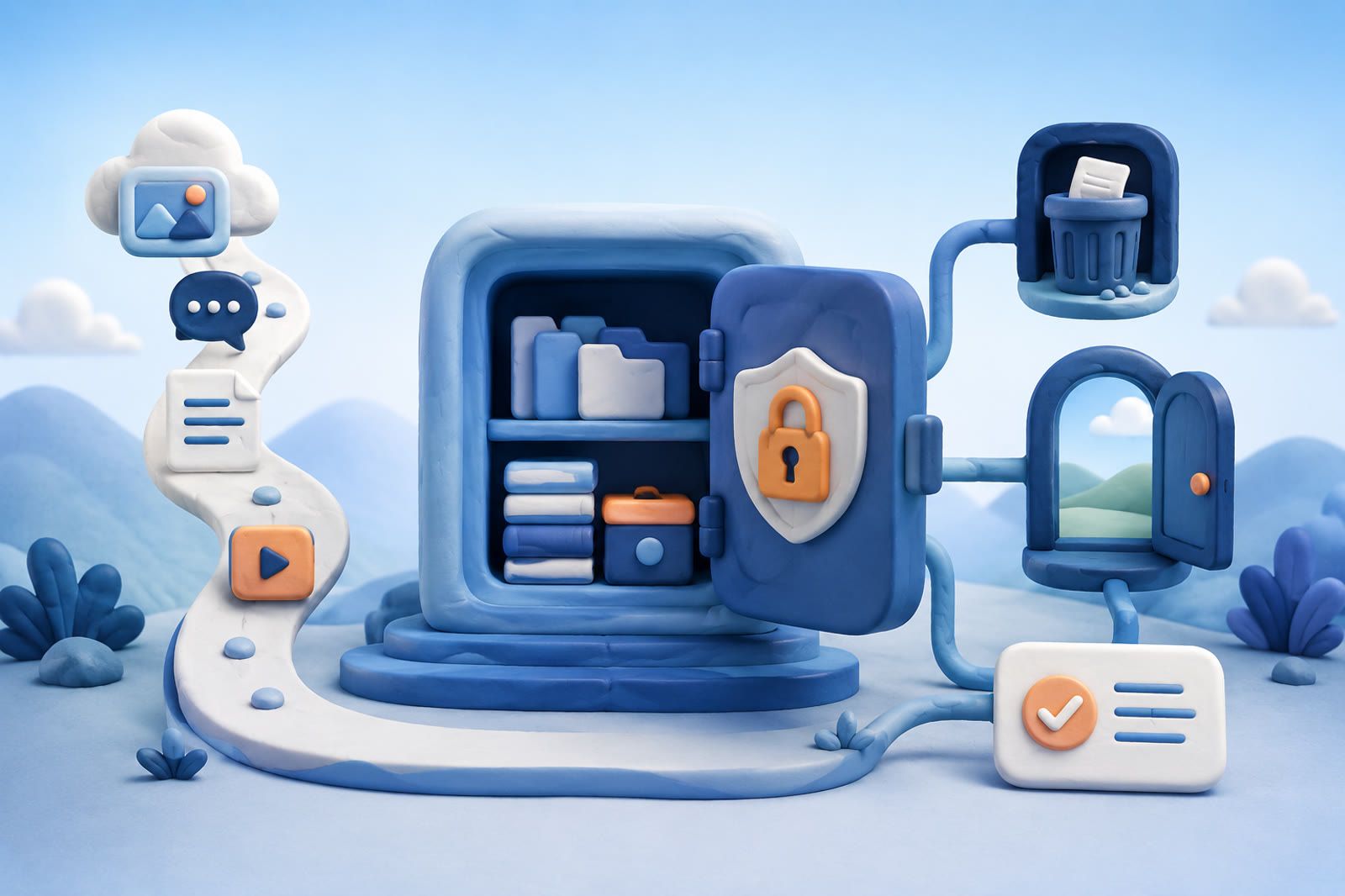
Decide what kind of alternative you need
“ChatGPT alternative” can mean a general chatbot, a notes app with AI features or a personal memory tool that searches saved links, documents and media.
- Choose a general assistant when drafting is the main job.
- Choose a notes or memory product when you want to preserve your own material and retrieve it later.
For the second job, your archive—not an empty chat window—should be the central object. Check whether answers are grounded in items you explicitly saved and whether you can open the source behind each answer.
Check whether your content is used for training
Read the current data policy and product settings. Look for direct language covering saved notes, uploaded files, prompts and feedback.
An opt-out may not apply to every data type. Ordinary conversations, uploads and optional feedback can be handled differently. If the policy does not clearly cover the feature you intend to use, do not add sensitive material; ask the provider or choose a clearer product.
Policies change. Record the version you relied on and review it again before adding health, financial, legal or confidential work material.
Find out who can access your notes
“Private” does not necessarily mean local. A hosted product may store and process your archive on its servers; a local-only product keeps it on hardware you control.
Check for explanations of:
- Employee access
- Outside service providers
- Support procedures
- Protection during storage and transfer
- Account-level separation between users
- Storage-location or contractual requirements for work material
Neither local nor hosted is automatically correct. The right boundary depends on the sensitivity of the content.
Test deletion before trusting the archive
Create a disposable note or upload a harmless file. Delete it, then confirm that it disappears from:
- Search results
- Generated answers
- The normal archive view
Read the policy for backup retention or delayed deletion that may not be visible in the product. Find the account-deletion control before building an archive that would be difficult to inspect manually.
When a source is removed, it should no longer appear as active material in your personal archive.
Confirm that you can export your work
An export prevents years of notes from becoming a reason you cannot leave.
Check whether it includes original text or files, titles, dates, source links and your annotations. An export containing only generated summaries does not preserve the material you collected.
Download a small test export and open it outside the service. Portability is part of privacy because it lets you move if policies, ownership or product direction change.
Compare local and hosted options
A local-only notes app keeps the archive on hardware you control. You may become responsible for setup, backups, syncing and model access.
A hosted memory app can make capture and retrieval easier across devices. You must trust the provider's storage and processing practices.
A split archive is also reasonable: keep highly sensitive notes locally and use a hosted tool for articles, product research and other material you are comfortable storing there. Choose the boundary to match the content rather than forcing one tool to hold everything.
Test answers against your own sources
Save a small group of harmless documents with answers you already know. Try exact keywords, paraphrases and vague descriptions. Check whether the tool:
- Finds the relevant item.
- Links back to it.
- Distinguishes your notes from general model knowledge.
This reveals whether the product behaves like searchable memory or merely attaches files to a chatbot.
dEssence is one hosted option for saving products, articles and videos, organizing them on boards and asking questions about saved items. Do not move a full archive during the test. Begin with disposable or public material until its current privacy controls and retrieval quality meet your needs.