PKM tools that handle PDFs and annotations in 2026 (and still let you find the excerpt later)
Six PKM tools that annotate PDFs: Zotero, Readwise Reader, Logseq, Obsidian with PDF++, Apple Notes, and the recall-first option. Honest tradeoffs on pricing, mobile parity, and what each one forgets.
PKM Tools That Handle PDFs and Annotations in 2026 (And Still Let You Find the Excerpt Later)
TL;DR: The PKM tools that handle PDFs and annotations well in 2026 split by job: Zotero (free, 7+ million users, academic citations), Readwise Reader ($9.99/mo, read-it-later plus PDFs), Logseq (free, block-level highlight links), Obsidian + PDF++ (free vault, plugin-heavy setup), Apple Notes (free, on-device), and dEssence for recall-first memory across all of them.
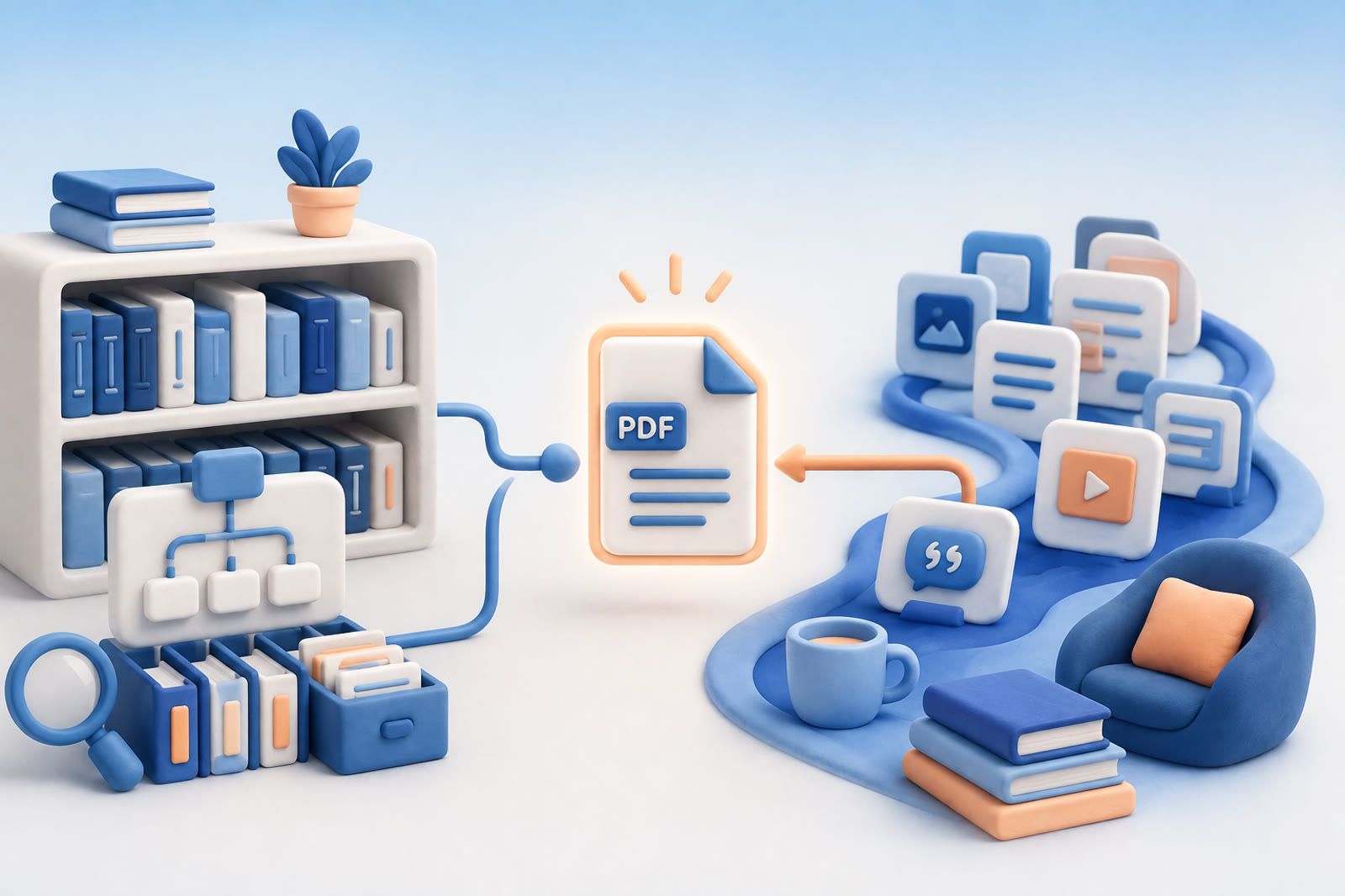
The job of a PDF tool is not the highlighting. The highlighting is twenty minutes of work that produces a yellow line on a page. The job is, two months later, finding the highlight again when you can't remember which paper you were reading, which folder you filed it in, or which exact phrase you marked. Zotero (free, open source, developed by the non-profit Corporation for Digital Scholarship per the Zotero Wikipedia entry) and Readwise Reader ($9.99/mo annual per the Readwise pricing page) sit at two ends of the same problem.
What makes a PKM tool actually good at PDFs?
Three jobs. Read the document without leaving your PKM. Highlight a passage and have the highlight survive (with location metadata) into the rest of your notes. Find the highlight months later by describing what it was about, not by remembering exactly which file you put it in.
Most tools handle the first job well. Adobe Reader handles it. Apple Books handles it. The browser handles it. What separates a PKM-friendly PDF tool is jobs two and three: surviving the round-trip from PDF to note to recall. A highlight that lives only as a yellow rectangle on page 47 of a PDF you'll never reopen is a highlight that's lost.
Academic users solved this for citations a long time ago: Zotero collects PDFs, captures highlights and notes, and exports them to a citation-aware markdown or bibliography per the Zotero docs. That is one shape of the problem. The other shape, the one most non-academic readers actually have, is the read-later pile of long-form articles, ebooks, and reports that you marked up once and forgot.
Which six PKM tools handle PDFs and annotations in 2026?
The table below covers the six tools most often paired with PDF annotation. Pricing and feature support is sourced inline below the table.
Source links: Zotero Wikipedia entry, Readwise Reader pricing, Obsidian Annotator plugin GitHub, PDF++ Obsidian plugin, and the Logseq forum: PDF annotation in Logseq thread.
Why do PDF annotations get stranded in the wrong tool?
The pattern is consistent. You annotate a PDF inside Tool A (Apple Books, Adobe, Notability). The annotations live inside that tool's database, not as portable text. You later try to migrate to Tool B (Obsidian, Notion, Logseq). The highlights either don't come along or come along as flat text without the page references. The work is preserved; the structure is gone.
Zotero's design solves this for one path: annotations stored alongside reference metadata, exportable as Markdown with citation. The Obsidian Annotator plugin GitHub solves it by storing highlights in markdown files in your vault, so they're searchable as text without any vendor lock-in. PDF++ (the other widely used Obsidian plugin) goes the other direction and embeds the highlights into the PDF itself, which travels with the file but requires the same viewer to render.
The choice between those models is not cosmetic. If your annotations live in the PDF, the PDF is the truth and any other tool is a viewer. If they live in a markdown sidecar, the sidecar is the truth and the PDF is the artifact. Most users don't realize they made the choice until they try to leave the tool.
How do these tools differ on recall (finding a quote months later)?
A highlight you can't find again is a highlight you didn't make. The recall stories diverge sharply across tools.
Readwise's pitch on this is the Daily Review and the resurfacing engine: old highlights come back on a schedule, regardless of whether you remember where they were. Ghostreader AI extends that with document-aware Q&A and citation links back to source passages, per the Readwise Reader pricing page. The cost is subscription-only and the assumption that you want highlights pushed at you, not pulled.
Zotero's recall is anchored to the reference: you remember the paper, you open the entry, you see your highlights and notes. The recall flow is built for academic citation, not for ambient "I read something about this two months ago."
Logseq's block-level linking gives you a graph view of where a highlight is used in your daily notes. The mobile parity gap is the working friction; the Logseq forum: PDF annotation in Logseq thread collects years of user requests on this.
One forum user from that thread captures the broader problem with PKM PDF workflows:
"I want to annotate the PDF, then I want to search the annotation in the future. Not the PDF, the annotation." ā user comment on discuss.logseq.com PDF annotation thread
That distinction (search the annotation, not the PDF) is the line between a PDF reader and a PKM tool. As of 2026, the tools that nail that line for technical research are still mostly desktop-first.
Which tool should you pick by job?
Match the job, not the brand.
You write academic papers and need citation-ready PDF annotations. Zotero. Free, open source, integrates with Word, LibreOffice Writer, OnlyOffice, and Google Docs per the Zotero Wikipedia entry. Add the Better BibTeX plugin if you live in LaTeX.
You read long-form articles, newsletters, and PDFs in a single read-later queue and want highlights surfaced over time. Readwise Reader. $9.99/month annual per the Readwise pricing page. The Ghostreader AI with passage citations is the differentiator.
You already live in Obsidian and want vault-portable highlights. Annotator (markdown-sidecar) is the conservative choice; PDF++ (in-PDF embed) is the choice if you want the highlights to travel with the file. The Obsidian forum thread on built-in PDF annotation captures years of users asking for native support that isn't there yet.
You live in Apple's ecosystem and use an iPad with Apple Pencil. Apple Notes. Free, on-device, with handwriting search across English, Spanish, French, German, Japanese, Korean, and more (per Apple Support). Stay if you don't need cross-platform.
You save PDFs alongside everything else (articles, screenshots, voice notes) and want to find them by describing what they were about. This is dEssence's job. Drop a PDF into the web app at dessence.ai, forward it to the Telegram bot, or save it with the Chrome extension. The text inside is read and indexed by meaning. Save it, forget it, ask for it later. No folders, no tags, no organizing. Free during beta, no card.
Honest about dEssence
Where it is still rough: dEssence is in beta. There is no in-app PDF annotation UI; if you want to highlight passages as you read, use Zotero or Readwise Reader and let dEssence sit downstream as the cross-source recall layer. The paid tier (Pro at $9/month is mentioned but not finalized) is not locked. There is no native iOS or Android app; capture works through the Chrome extension, the Telegram bot, or the web app at dessence.ai. The free tier caps at 500 saved items. There are no team or shared list features.
For scanned PDFs the recall quality depends on OCR; born-digital PDFs work better than phone-photographed pages.
Frequently Asked Questions
What is the best free PKM tool for PDF annotations?
Zotero is the most established free, open-source PKM tool for PDFs. It is developed by the non-profit Corporation for Digital Scholarship and integrates PDF readers with highlight, note, and citation extraction, per the Zotero Wikipedia entry. Logseq's desktop version also offers free PDF annotation with block-level linking.
Does Readwise Reader support PDF annotations?
Yes. Readwise Reader supports PDF and EPUB imports across iOS, Android, web, and desktop, and includes Ghostreader AI for document-aware Q&A with citation links to source passages. Reader is $9.99/month annual or $12.99/month monthly per the Readwise pricing page.
How does Obsidian handle PDFs?
Obsidian's core ships a PDF viewer. For full annotation workflows users install the Annotator plugin or PDF++. Annotator stores highlights in markdown files without modifying the PDF; PDF++ embeds highlights directly into the PDF. Both are community plugins, not core features.
What is the difference between Zotero and Readwise Reader for PDFs?
Zotero is built for academic citation workflows: collect references, annotate PDFs, generate bibliographies, integrate with Word and Google Docs. Readwise Reader is built for read-later workflows across articles, newsletters, PDFs, and YouTube. Zotero is free and open source; Readwise Reader is subscription.
Does dEssence handle PDFs?
Yes. Drop a PDF into the web app at dessence.ai, forward it to the Telegram bot, or save it with the Chrome extension. The text inside the PDF is read and indexed by meaning. You ask in your own words to find the passage later, no folders or tags.
dEssence is memory you don't have to maintain. Save it, forget it, ask for it later. Save through the Chrome extension, the Telegram bot, or the web app at dessence.ai. No folders, no tags, no organizing. Free during beta, no card.