PKM tools that handle handwriting recognition in 2026 (iPad, Apple Pencil, and the search layer)
Six PKM tools that recognize handwriting: Apple Notes, GoodNotes 6, Notability, OneNote, Nebo, and the recall-first option. Honest tradeoffs on pricing, language coverage, and what each one forgets.
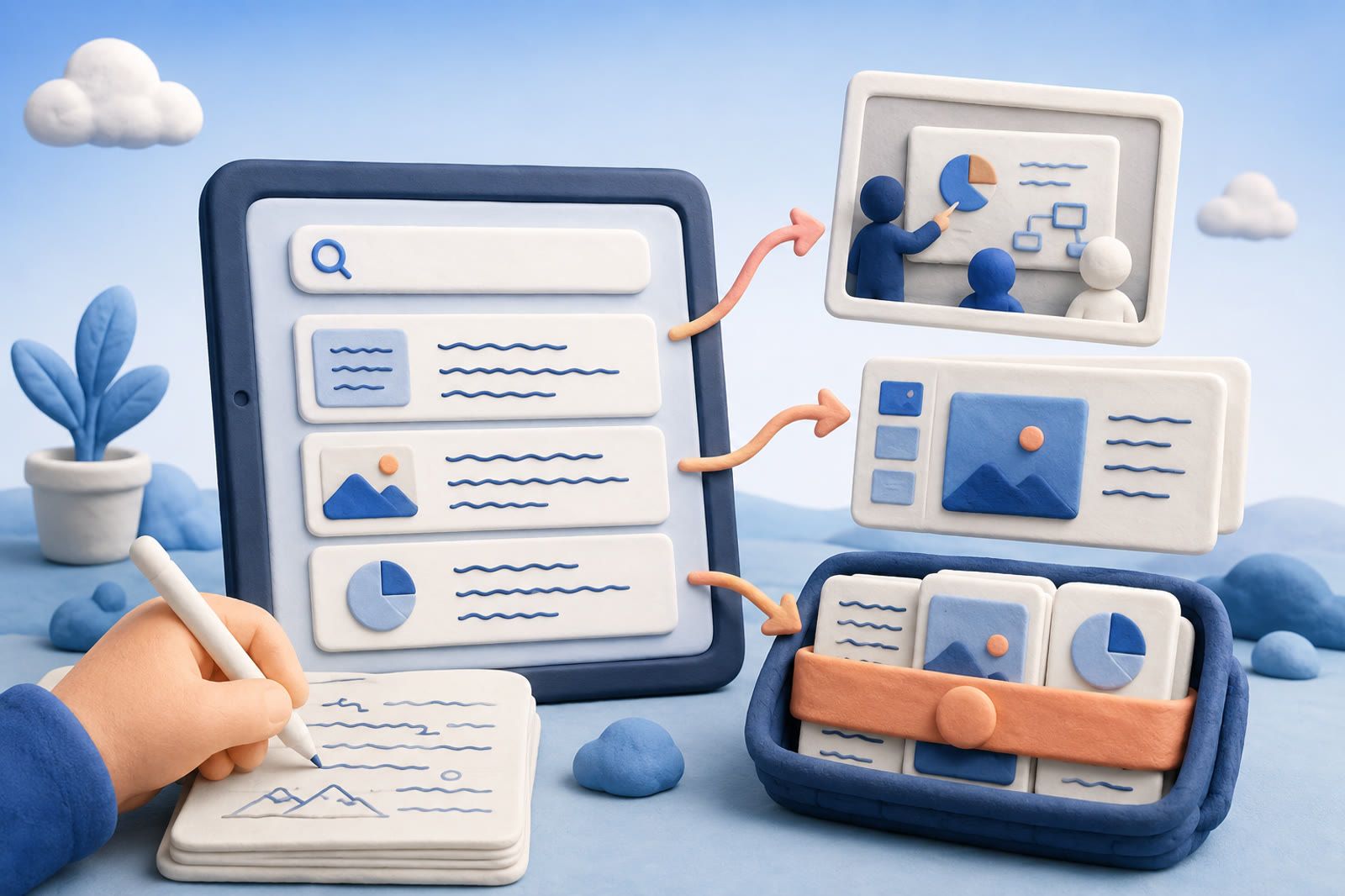
PKM tools that handle handwriting recognition in 2026
You may write by hand because it is faster than typing, easier on the eyes and useful for thinking. Recognition makes those pages searchable, but language support, legibility and the ability to recall material beyond one notebook still vary.
What makes a handwriting PKM tool useful?
It must handle three jobs:
- Capture by hand without friction on an iPad and Apple Pencil, reMarkable, or paper-then-scan workflow.
- Recognize the writing as searchable text while preserving the visual original.
- Surface the correct page months later by its meaning.
Apple Notes, GoodNotes, Notability, OneNote and Nebo provide handwriting capture. Apple documents multi-language Scribble and handwriting search. Nebo is built around handwriting and supports cursive and many language families. Recognition still depends on the script, language pair and legibility.
The cross-source gap appears when notebook search must connect with web clips, screenshots, whiteboard photos, decks and emails. dEssence can sit downstream as that recall layer rather than replacing the writing app.
Pricing below reflects vendor pages cited in the source material as of May 2026; confirm current limits before committing.
Source links: Apple Support: Use Scribble with Apple Pencil, GoodNotes pricing, Notability pricing, Nebo and Microsoft OneNote support.
How good is recognition in practice?
Controlled vendor tests can report accuracy above 95% for a single writer using legible script in a supported language. Real results fall on mixed scripts, casual cursive, arrows, diagrams and sketched layouts.
Third-party comparisons such as the Tenorshare 4DDiG handwriting OCR benchmark report better results from GPT-class vision models on phone-photographed handwriting than from traditional rule-based OCR. Those models are generally accessed through a separate processing service rather than the notes apps’ default recognition.
A practical expectation is:
- Clean printing: excellent recall
- Tidy cursive: decent recall
- Hurried meeting notes: unreliable recall
- Mixed languages or dense annotated diagrams: test with your own pages
A user in an r/iPad comparison thread reported that Nebo inferred “architecture” from an abbreviated handwritten word where GoodNotes preserved the abbreviation. That anecdote fits their positioning: Nebo is handwriting-first, while GoodNotes is notebook-first.
Why handwritten notes still get lost
Recognition converts ink to text. Recall must find the right page when the notebook, date and meeting are forgotten.
GoodNotes and Notability search across notebooks, Apple Notes searches handwriting, and OneNote indexes ink. The workflow still fractures when notes are in one app, a whiteboard photo in Photos, a deck in Drive and the follow-up email in Gmail.
A downstream memory layer can bring the exported note, photo, deck and saved summary together. You keep writing in the tool that suits you, then search the bundle by a phrase such as “the meeting with the architect about the floor plan.”
Which tool should you pick by job?
- Simplest free iPad option: Apple Notes. Built-in Scribble and handwriting search, with no separate subscription or steep learning curve.
- PDF annotation and templates: GoodNotes 6. $9.99/year or $29.99 lifetime according to its cited pricing page; subscriptions receive ongoing updates and AI features.
- Audio beside handwritten notes: Notability. Audio-synced playback is the differentiator; Plus is $14.99/year according to its cited pricing page.
- Recognition-first and multilingual handwriting: Nebo. It uses a one-time license per platform and is designed around live handwriting recognition.
- Windows, iPad and Android coverage: OneNote. Free with a Microsoft account, though its interface takes adjustment.
- A findable meeting bundle: dEssence. Save photos and PDFs through the Chrome extension, Telegram bot or web app at dessence.ai, then ask in your own words.
Honest about dEssence
dEssence does not capture handwriting natively. It indexes handwriting saved as photos or PDF exports. Recognition is weakest on hurried cursive, mixed scripts and non-Latin alphabets, so a clean OCR step upstream can help.
There is no native iOS or Android app and no team or shared-list feature. Free is $0 forever, with up to 20 saves a day and 100 watched things checked daily; no card. Pro is $10 a month, with a higher daily save limit, 100 watched things checked hourly.
If the primary need is live Apple Pencil capture and conversion, stay with Apple Notes, GoodNotes, Notability or Nebo and use dEssence only as a downstream recall layer.
Frequently asked questions
What is the best free handwriting PKM tool?
Apple Notes for Apple users; OneNote for broader platform coverage.
Does Apple Notes search handwriting?
Yes. Apple documents search across handwriting and supports English, Spanish, French, German, Italian, Portuguese, Chinese, Japanese, Korean and additional languages.
Is GoodNotes 6 worth it?
It fits people who rely on iPad PDF annotation, templates, audio-synced notes and its AI features. The cited prices are $9.99/year or $29.99 lifetime.
Nebo or GoodNotes for recognition?
Nebo is recognition-first and often suits cursive or multilingual writing; GoodNotes offers deeper notebook ergonomics and more templates.
Does dEssence handle handwritten notes?
Downstream of the capture app. Save a clear photo or PDF through Chrome, Telegram or dessence.ai, then retrieve it by description.