Best App for Voice Notes in 2026: Otter, Descript and Simpler Picks
The best app for voice notes depends on the job: Voice Memos on iPhone or Recorder on a Pixel for free transcripts, Voicenotes or AudioPen for quick thoughts, Otter for meetings and Descript when audio becomes edited content.
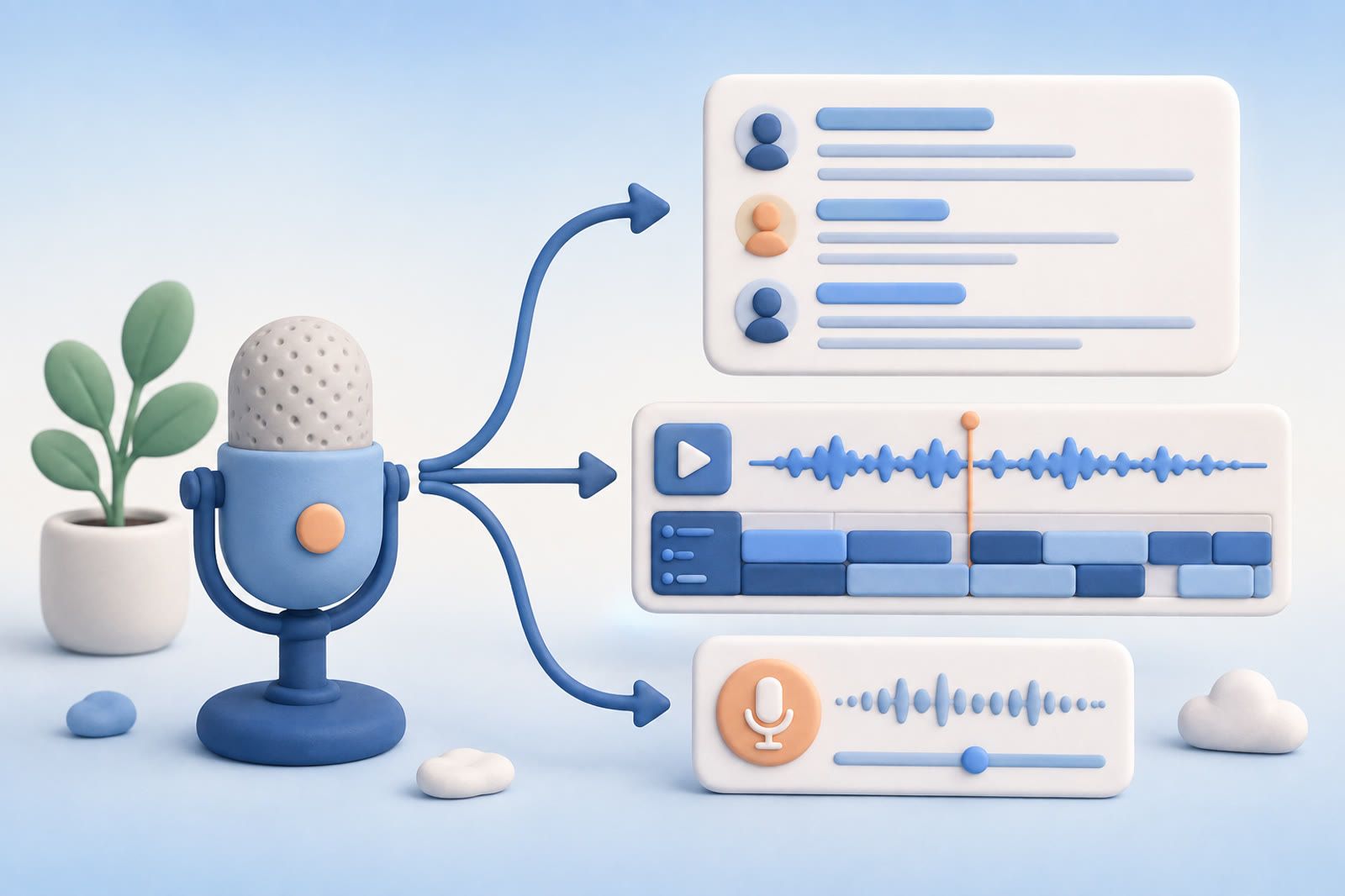
The best app for voice notes, by what you record
The best app for voice notes is the one built for what you record most. The free recorder on your phone covers quick thoughts, and the other apps earn their place for meetings, editing or a daily voice journal.
- Quick thoughts on iPhone: Voice Memos, built in and free
- Quick thoughts on a Pixel phone: Google Recorder, built in and free
- A running log of ideas you want to search later: Voicenotes
- Rambling that should come back as clean text: AudioPen
- Meetings, lectures and interviews: Otter
- Podcasts and narrated videos: Descript
The rest of this guide starts with the two names people compare most, Otter and Descript, then covers the lighter options.
Otter is built around conversations
Otter works best when several people are speaking and you need a record of the conversation. Record or import audio, read the transcript and search for what someone said.
It fits interviews, calls, lectures and internal meetings. The free Basic plan includes monthly transcription and a per-conversation limit, which can be enough for testing or shorter meetings. Check the Otter pricing page before depending on a particular allowance.
Otter can also answer questions about recorded conversations. Its limitation is scope: a quick thought while walking can feel like a tiny meeting with yourself. The interface may be heavier than personal memos require. If Otter itself is the problem, our Otter.ai alternatives guide compares the replacements.
Descript is built around editing
Descript treats the transcript as an editing surface. It suits podcasts, narrated videos, interviews and other recordings that will become finished media.
Choose it when transcription begins the production workflow: remove a section, rearrange an explanation or turn an interview into a publishable clip. Its project structure keeps source media and editing work together.
That structure can make later retrieval less direct. If you remember a sentence but not its project, you must first locate the project. Descript helps produce something from a recording; it is not designed as a general memory archive for every passing thought.
Its free transcription allowance lets you test the process. See the Descript pricing page for current limits.
The decision that matters
Use Otter for:
- Meetings with several speakers
- Interviews you need to search later
- Lectures or calls that should remain intact
- Questions about what was discussed
Use Descript for:
- Podcast and video editing
- Interviews that will become content
- Recordings that need restructuring
- Projects where transcript and media editing belong together
Both can transcribe a personal memo. That does not make either the best capture experience for a 30-second thought.
Personal thoughts: Voicenotes or AudioPen
Voicenotes is closer to a voice-first notebook for repeated stream-of-thought recordings. Its questions work across recordings inside the app, which can feel more natural than treating every thought as a meeting or media project.
AudioPen has a narrower job: speak informally and receive cleaner prose. Choose it when a rambling explanation should become a draft, message or structured note. It is less suitable when preserving the original conversation matters.
Capture may be easy while retrieval remains weak. Record several notes, wait a few days, then find one without its exact words.
Reflect fits an existing daily-note habit
Reflect places audio memos inside daily notes. The current open source Reflect is free on Mac and paid on iPhone and iPad, and it transcribes voice notes through a transcription provider you connect with your own API key, per Reflect's homepage. It works when you already revisit daily notes, use backlinks and depend on that structure.
If daily notes are not part of your routine, accurate transcripts can still disappear because you do not remember which day holds the thought.
Apple Voice Memos is the simplest start
On a supported iPhone, Voice Memos can provide transcription without another capture app. Apple Notes can also record audio and place its transcript beside written material.
This is practical for occasional transcription. The harder question is whether you can find an old memo when you remember its subject but not its date or title. A folder full of voice memos you recorded and forgot shows why capture alone is insufficient.
Best app for voice notes on iPhone
For most people on iPhone, the best voice notes app is Voice Memos, which is already installed. On iPhone 12 or later it transcribes speech in English and several other languages, live while you record or afterward, and you can copy the transcript into another app, per Apple's Voice Memos guide. With Voice Memos turned on in iCloud settings, recordings also appear on your iPad and Mac, per Apple's recording guide. Finding an old memo by what you said is its own topic, covered in how to make Apple Voice Memos searchable.
Move to a separate app when you need more than a transcript: a cleaned-up draft (AudioPen), a searchable voice journal (Voicenotes) or meeting notes with speaker identification (Otter). All three list iPhone apps on their pricing pages.
Best app for voice notes on Android
On a Pixel phone, the best free option is Google's Recorder app. It transcribes in real time, lets you search inside a recording for words and even sounds like music or applause, per Google's Recorder help. Recorder can back up recordings to your Google Account so you can open them at recorder.google.com, and it works on Pixel 3 and later phones and Pixel Tablet, according to Google's guide to managing recordings.
On other Android phones, pick an app with its own Android version. Otter, Voicenotes and AudioPen all list Android apps, and each has a free plan with a different limit. Voicenotes gives 100 transcription minutes a week, per its pricing page. Otter gives 300 minutes a month with a 30-minute cap per conversation, per Otter's pricing. AudioPen records up to 3 minutes at a time on the free plan, per AudioPen's pricing.
Test recall before moving an archive
Create the same three recordings in every tool you are considering:
- A meeting
- A personal thought
- A noisy recording made away from your desk
Then test recording speed, correction of names and specialist terms, search across recordings, and retrieval from a description that does not repeat the original wording.
The last test separates transcription from memory. To turn voice notes into searchable memory, the transcript must remain findable after the filename, date and exact phrase have faded.
If voice notes should be searchable beside articles, screenshots and PDFs, dEssence can be a cross-format recall layer. Otherwise, keep the choice simple: Otter for conversations, Descript for production and a voice-first notebook for personal thoughts.
Voice notes apps: quick answers
What is the best free app for voice notes?
The recorder already on your phone: Voice Memos on iPhone or Recorder on a Pixel. Both transcribe at no cost. Among separate apps, Voicenotes, Otter and AudioPen all have free plans with limits.
Which voice notes app transcribes to text?
All the apps in this guide do. Voice Memos on iPhone 12 or later, Google Recorder, Otter, Voicenotes, AudioPen and Descript turn speech into text, and AudioPen also rewrites it in the style you pick.
Is Otter or Descript better for voice notes?
Otter for conversations you want to keep intact and search. Descript for recordings you will edit into audio or video. For a 30-second personal thought, neither is the lightest choice.