How to Organize Content Ideas in Notion
Build a simple Notion content database that keeps ideas, references, formats, and publishing status together without turning planning into a second job.
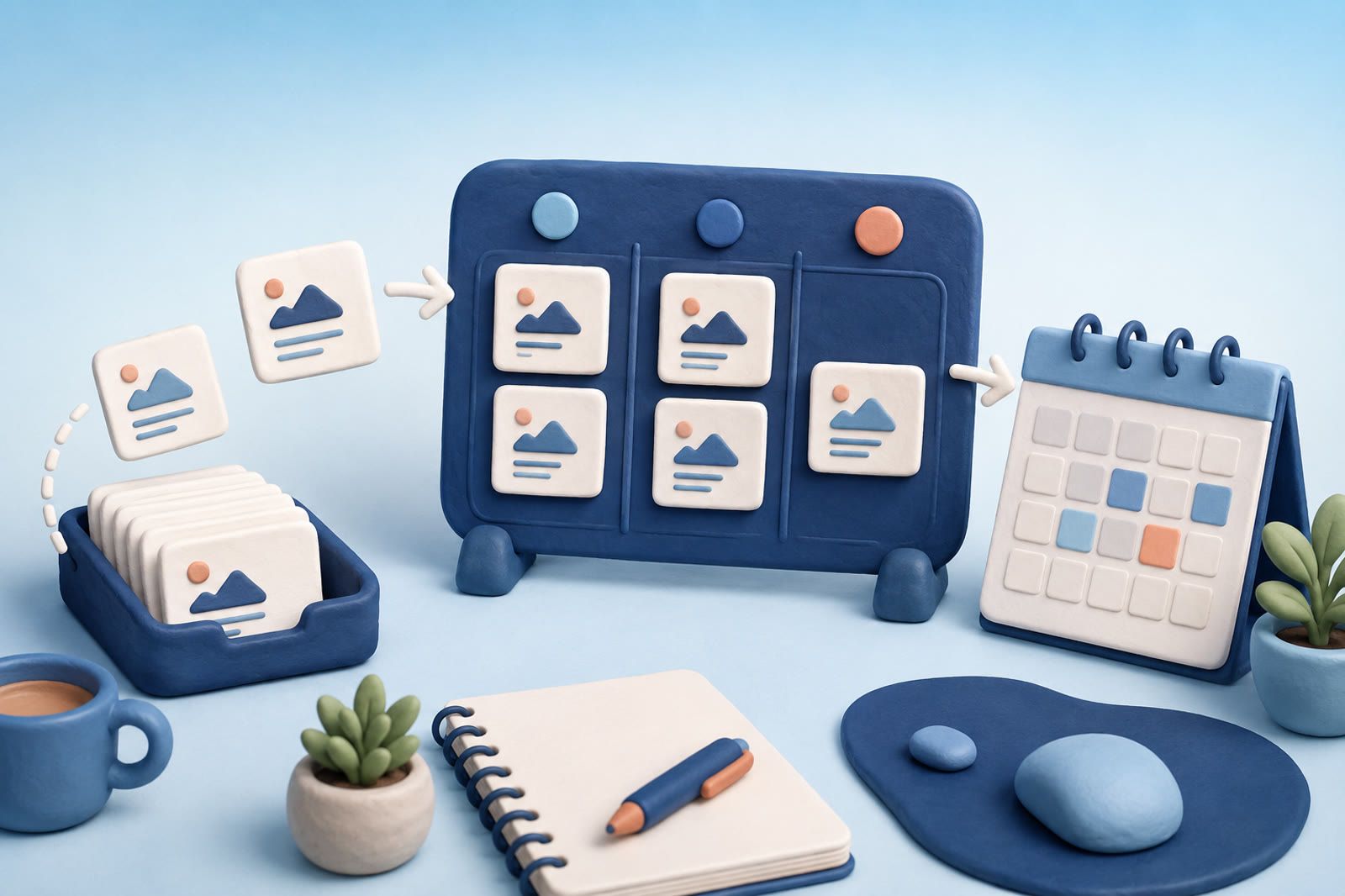
Start with one content database
Hooks often sit in notes, references inside social platforms, drafts in documents, and publishing plans in a separate calendar. Notion can bring the planning layer together.
Create one database for content ideas rather than a database for every channel or format. Each entry represents one possible piece of content: a video, article, carousel, newsletter, or post. Its eventual format can change without forcing it into another system.
Give each entry a specific working title. Three mistakes in product demos will still make sense later; video idea will not.
Track only useful properties
Start with:
- Status
- Format
- Channel
- Publish date
- Source or reference
Use a short status sequence such as Idea → Drafting → Ready → Scheduled → Published. Choose words that match how you already describe your work.
Format might be video, article, short post, email, or another type you make regularly. Channel identifies the intended destination and can stay empty until you decide.
Add a publish date only to work you have genuinely scheduled. Dating every idea turns the calendar into promises you never meant to make.
The source field should point to the post, article, screenshot, or note that sparked the idea, especially when you may need to verify wording or attribution.
Separate capture from planning
Capturing and planning require different attention.
When an idea appears, create an entry with a working title and add the source if available. Leave the other fields empty when filling them would interrupt you.
Later, review entries in Idea. Decide whether each deserves development, then add its format and channel. This avoids two failures: losing an idea because the template demanded too much, and treating every passing thought as committed work.
Create views for real decisions
Each view should answer one recurring question:
- Inbox: New, unprocessed ideas; show the title and source.
- Production: Group active work by status.
- Calendar: Show only entries with a publish date.
- Channel or format view: Add one when you repeatedly ask something like “What is ready to film?” or “What could become a newsletter?”
Avoid a separate view for every imaginable category. Add one only when it supports a real decision.
Store the useful part of the reference
A link alone may not explain why you saved it. Record the opening move, structure, visual treatment, question, or curiosity pattern that caught your attention.
Vague: Strong hook.
Useful: Starts with the cost of the mistake before explaining the fix.
Describe the move in your own words. Do not copy another creator's work; identify the underlying technique and apply it to your subject and voice.
For screenshots, voice memos, and saved social posts, retain enough context to find the source again. Platform saves are quick to capture but increasingly hard to search as references accumulate.
Turn an idea into a workable brief
When an entry moves to Drafting, add:
- The audience question
- The main point
- The opening hook
- Supporting examples
- The next action for the viewer or reader
Keep the brief direct. For a video, add required shots or source material. For an article, list the question each section must answer. For a carousel, describe the progression from first frame to final action.
If the idea remains vague, return it to the backlog. Scheduling an unclear idea rarely makes it clearer.
Review around your publishing rhythm
Before planning the next batch:
- Remove duplicates.
- Archive ideas you no longer want.
- Combine entries making the same point.
- Promote the strongest ideas to Drafting.
- Check what is waiting for a reference, edit, recording session, or decision.
- Move only ready pieces onto the calendar.
After publishing, update the status and add the live link when you may reuse or update the piece. A published archive can reduce repetition and reveal ideas worth adapting into another format.
Keep reference storage separate when useful
Not every saved article, video, PDF, screenshot, or voice note belongs inside the planning database. Large reference collections can make the workspace noisy.
Keep the Notion entry focused on what you intend to make. Link one outside reference when it clearly supports the idea.
If the main problem is finding a half-remembered reference across formats, dEssence can serve as a separate recall archive while Notion remains the calendar and production tracker. Save through the Chrome extension, Telegram bot, or web app at dessence.ai.
The practical division is:
- Notion: What you are making and what happens next.
- Reference archive: The material that informed it.
Resist rebuilding the system every week
Your setup works when you can capture quickly, choose what to make, and see the state of active work. Change a property or view only when the current database repeatedly fails to answer a real production question.
A plain database you trust will support more published work than an impressive template you avoid opening.