How to Clear Your YouTube Watch Later Backlog
Your YouTube Watch Later list is a queue, not a commitment. Cut what no longer matters, choose a small active list, and give every remaining video a purpose.
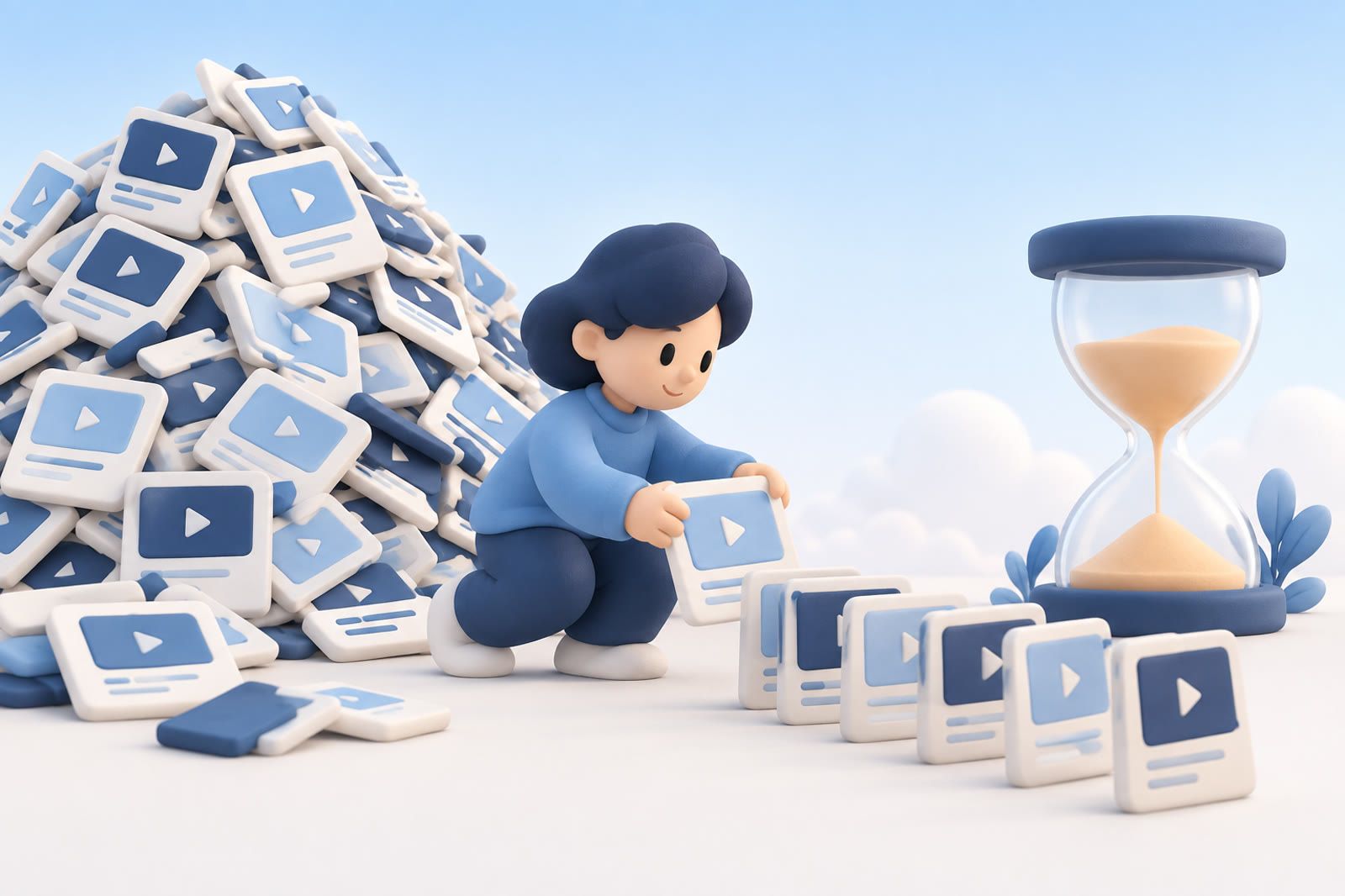
Stop treating Watch Later as a promise
A saved video is a possibility, not unfinished work. Saving took one quick decision with limited information; removing it later is simply a better-informed decision.
You can delete a video because the title no longer interests you, the advice no longer applies, the project ended or you learned the same thing elsewhere. You do not need to earn permission by watching it.
Why the pile feels heavier over time
A 2007 cross-cultural study found that about 20 percent of adults self-identified as chronic procrastinators. The pattern held across six countries in samples of more than 1,000 adults each.
A meta-analysis covering 691 correlations identified task aversiveness, low confidence that effort will pay off and impulsiveness as important drivers. A read-later pile combines all three: the work is deferred, the reward is uncertain and new recommendations remain one tap away.
Each saved item can also become an open loop—I should deal with this later. Capture is easy, but most tools leave you as the only retrieval mechanism. That is a population-level pattern, not evidence of a personal defect.
Clear obvious misses without pressing play
Open Watch Later and scan titles only. Remove:
- Topics tied to abandoned projects
- Stale news or commentary
- Duplicates
- Videos saved because you felt you should watch them
- Titles that no longer make sense or interest you
Do not open every video to make a perfect decision; that turns cleanup into another viewing session. Ask: Would I choose this if YouTube recommended it today? If not, remove it.
The survivors still have a believable use. That does not mean you must watch all of them.
Give every remaining video a job
One Watch Later list may contain:
- Entertainment for a quiet evening
- Tutorials for a current task
- Reviews for a possible purchase
- Interviews to hear while walking
- Reference material that does not require full viewing
A comedy clip and a technical tutorial can both be worth keeping, but they suit different moments. If you want them inside YouTube, create playlists named for the occasion or purpose—Weekend viewing, Current project or Listen while walking. Avoid vague categories that become new dumping grounds.
Keep Watch Later for videos you could realistically choose next. Move durable reference material elsewhere or remove it.
Preserve why an important video mattered
Titles rarely preserve your original reason for saving. For a tutorial, review, lecture or interview, record the question it might answer, the project it supports or the section you expect to need.
The note can live in a notes app, project document or beside other sources. dEssence is one option for keeping videos, articles, screenshots and notes in a searchable archive and asking about saved items later.
This is not a promise to finish the video. The useful outcome may be one explanation or example.
Use videos in the context of real work
Open the tutorial that helps with the next step of something you are already doing. Pause and apply it: take the measurement, change the setting, write the paragraph or test the technique.
The goal is the result, not the end of the progress bar. Watch product reviews while comparing real options, travel videos while planning the trip and recipe videos while choosing what to cook.
Remove videos after they have done their job
Once watched or used, remove a video from Watch Later. If it remains useful, keep the note or move it to a clearly named reference playlist. Do not mix completed videos with open choices.
Repeat the quick scan whenever the list becomes hard to open: remove stale choices, refresh the active queue and retain references only when they have a clear reason to stay.