How to Clear Your YouTube Watch Later Backlog
Clear an overwhelming YouTube Watch Later list without watching every video. Keep what still matters and make future saves easier to use.
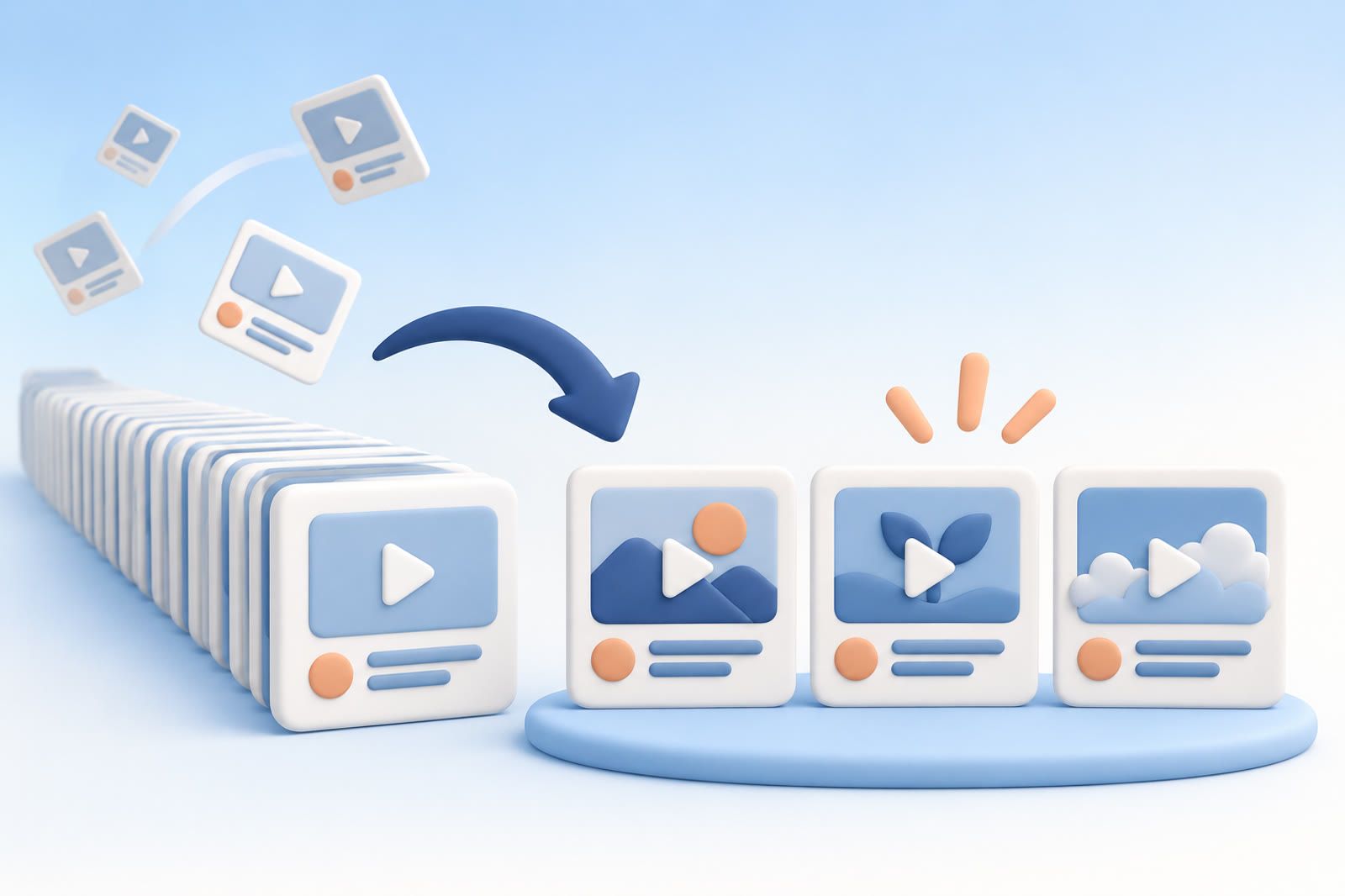
Stop treating Watch Later as unfinished work
The name implies that every saved video should eventually be watched, but a moment of interest is not a commitment. You may have saved a title because it looked useful, the topic might matter later, or you did not want to interrupt what you were doing.
The backlog becomes uncomfortable when every item carries a quiet obligation. Change the meaning of the list: Watch Later is a temporary holding area, and videos are allowed to become irrelevant.
Clear the easiest videos first
Start with obvious removals rather than reviewing the list from beginning to end. Remove a video when:
- You no longer remember why you saved it.
- The topic no longer interests you.
- You learned the answer elsewhere.
- The title promises something you no longer need.
- You repeatedly skip it when it appears.
Titles and thumbnails often provide enough context. If you must persuade yourself to keep a video, it probably does not belong in the active list.
Keep only current interests
Pick a few subjects that matter now: learning a tool, planning a trip, cooking a particular dish, or understanding a work problem. Keep videos connected to those subjects and remove or ignore the rest.
A video can be good and still be irrelevant to your current life. If you hesitate over an older item, ask when you expect to use it. A clear answer earns it a place; someday does not.
Watch by purpose, not age
The oldest video is not necessarily the most useful. Search or scan for the topic you need today. If you are learning a skill, choose one video that appears to answer your immediate question before selecting alternatives.
You also do not have to finish a long video simply because you started it. Leave once you have the answer. The goal is to solve a problem or enjoy the video, not complete the list.
Create smaller playlists only when they have a job
Useful playlists represent real projects: meals to cook this month, exercises for a current routine, or tutorials for software you are actively learning. Avoid vague categories that merely relocate the backlog.
The same rule applies beyond YouTube. Decluttering digital saves without treating them as a personal failure starts by deciding what must remain findable.
Use a stricter rule for new saves
Ask: What will make me return to this video?
Good answers are specific: before buying a camera, while fixing a sink, or when beginning a design project. You can also watch the opening immediately to check whether the title's promise matches the video.
For a lasting idea, write a short note, keep the link with its project, or save it through dEssence when you want to retrieve it later by describing what it covered.
Decide what Watch Later is for
Give the list one role: videos to watch soon, videos for active projects, or entertainment for free time. If you need a permanent reference library, build it separately and selectively.
The warning sign is emotional rather than numerical. When opening the list produces guilt instead of useful choice, remove a few items before adding more.
You saved the videos because they looked promising at the time. Some still are. Keep those, and let the expired intentions go.
The original supporting material also noted a study of 846 people in which the degree of digital accumulation explained 37 percent of the variance in anxiety. The weight is not proof of poor discipline; it is a reason to reduce maintenance. A useful saving system should help material return when relevant rather than depend on exact-title recall.