Heptabase alternatives for visual thinkers in 2026: honest tradeoffs
Heptabase is the canvas PKM tool most visual thinkers default to, but the price climbed, the mobile app stayed thin, and the AI features arrived after the field.
What visual thinkers use Heptabase for
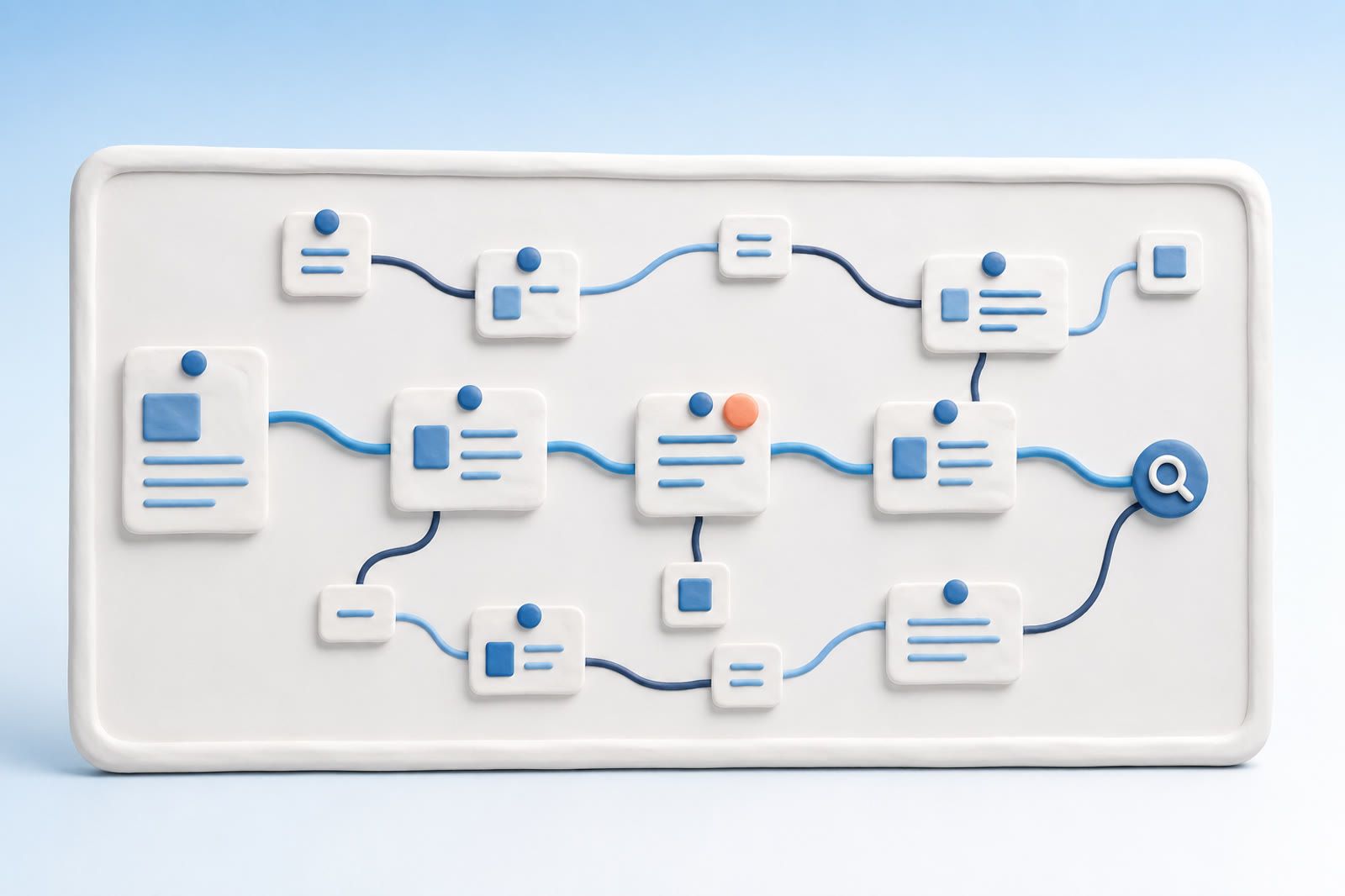
Heptabase made the whiteboard the unit of thought. Its value is layout, not simple storage: research clippings become cards, related ideas sit beside one another, arrows expose an argument, and zooming changes the level of thought.
Three jobs sit underneath that workflow:
- Map source material before writing. PDF highlights, web clips, voice memos, and original notes share one surface.
- Keep a long project visible. The spatial layout helps you resume after time away.
- Connect ideas across projects. Linked references combine with canvas geography.
Heptabase keeps cards first-class, handles whiteboards with a few hundred cards smoothly in ordinary use, and uses journals and tags as a backbone. Heavy PDF highlights and whiteboards with hundreds of cards can introduce lag. Its own performance troubleshooting guide recommends reducing the number of cards on a whiteboard.
Why reconsider Heptabase in 2026?
- Price: $11.99 per month on the monthly plan or $8.99 per month with annual billing, with a seven-day trial and no permanent free plan (Heptabase pricing).
- Mobile parity: capture is available on mobile, but the mobile app remains secondary to desktop. Stylus-first iPad users often look at Muse.
- AI timing: Reflect, mem.ai, and Storyflow introduced chat-with-your-notes earlier. Heptabase's AI is competent, but no longer a unique reason to choose it.
- Performance under load: large boards and dense PDF annotations are the recurring pressure points.
Storyflow summarized the trajectory as higher pricing, later AI features, a secondary mobile app, and journaling that can feel added on (Storyflow, 2026). The practical question is not simply whether to leave. It is whether the whiteboard still supports your work enough to justify its price and maintenance.
A broader look at Heptabase alternatives for visual thinkers can help separate productive spatial work from workspace upkeep.
Which alternatives preserve the canvas?
Obsidian Canvas
Obsidian's free core Canvas feature supports notes, PDFs, images, video, and audio on an infinite surface (Obsidian Canvas). It is the rational first choice when Markdown ownership and avoiding a monthly fee matter most. The cost is setup: plugin overhead and vault complexity tend to grow together.
Scrintal
Scrintal is the closest paradigm match: whiteboards, bidirectional notes, card-level connections, PDF annotations, and citation management. Pro costs about $9.99 per month, with a free Rover plan rolling out. Its community and template library are smaller than Heptabase's.
Kosmik
Kosmik treats moodboards as first-class. Its Rover plan includes unlimited notes and bookmarks, 100 file imports per month, and 50 AI requests; Pro removes those limits for roughly $11.99 per month (Kosmik pricing). It suits designers and visual researchers more than conventional note collectors.
Muse
Muse is the strongest fit when Apple Pencil input is central. It combines spatial sketching and typing on iPad, but stays inside Apple's ecosystem and is less suited to text-heavy research.
Logseq Whiteboards
Logseq combines an open-source outliner with a canvas. It is free and local-first. Sync and mobile maturity remain its main compromises.
Designers often begin with screenshots, tabs, and saved posts rather than formal notes. Bringing scattered moodboards into one retrievable workspace helps clarify whether you need to arrange those references or simply recover them.
When a canvas becomes a tax
A canvas rewards people who enjoy laying out ideas, drawing connections, and revisiting that geography. For a dissertation or long research project, that maintenance can repay itself. For “the article I read last month,” it may be unnecessary work.
The common failure pattern is simple: save five cards, leave them in a corner, plan to tag them later, and return months afterward without remembering which whiteboard contains them.
“I always feel Tana's and Capacities' learning curves are so steep. I tried these apps several times, but the degree of adjustment required is overwhelming for me.”
The observation applies broadly to structured PKM: the system rewards investment, but returns less when that investment stops. Visual layout and recall are different jobs.
Where dEssence fits
dEssence is recall-first memory, not a workspace. Save through the Chrome extension, Telegram bot, or web app at dessence.ai, then search in the words you naturally remember.
There are no folders, tags, or whiteboards to maintain. A query can sound like “the flat-design article from a designer's Substack,” “the team-review whiteboard screenshot,” or “the voice memo from the walk where I solved the architecture.”
It complements Heptabase when spatial thinking is valuable but routine captures do not belong on a maintained board.
Honest limits
- There is no native iOS or Android app.
- There is no canvas, team feature, or shared archive.
- Capture uses the Chrome extension, Telegram bot, or dessence.ai.
- A nearly empty account offers little material to recall.
- Free is $0 forever: up to 20 saves a day, with 100 watched items checked daily and no card.
- Pro is $10 per month: a higher daily save limit, 100 watched items checked hourly.
Frequently asked questions
What is the cheapest canvas alternative?
Obsidian Canvas is free for personal use. Logseq Whiteboards is also free and open source. Both avoid Heptabase's $8.99–$11.99 monthly price.
Is Scrintal a genuine Heptabase alternative?
Yes. It is the closest direct match because it combines a whiteboard with bidirectional notes, citations, and PDF annotation. Its smaller community and template library are the main compromises.
Can Obsidian Canvas replace Heptabase?
It can when Markdown ownership and free personal use matter most. Expect more setup and plugin-related complexity.
When should I skip canvas tools?
Skip them when your problem is finding saved material rather than arranging ideas. A recall-first tool removes the layout maintenance.
Does dEssence support canvas-style thinking?
No. It stores material for later retrieval by description. Use a canvas when spatial arrangement is part of the work.