Best App to Save YouTube Videos for Later
Use YouTube Watch Later for a simple queue, custom playlists for subjects and Raindrop when you want video links beside other saved pages.
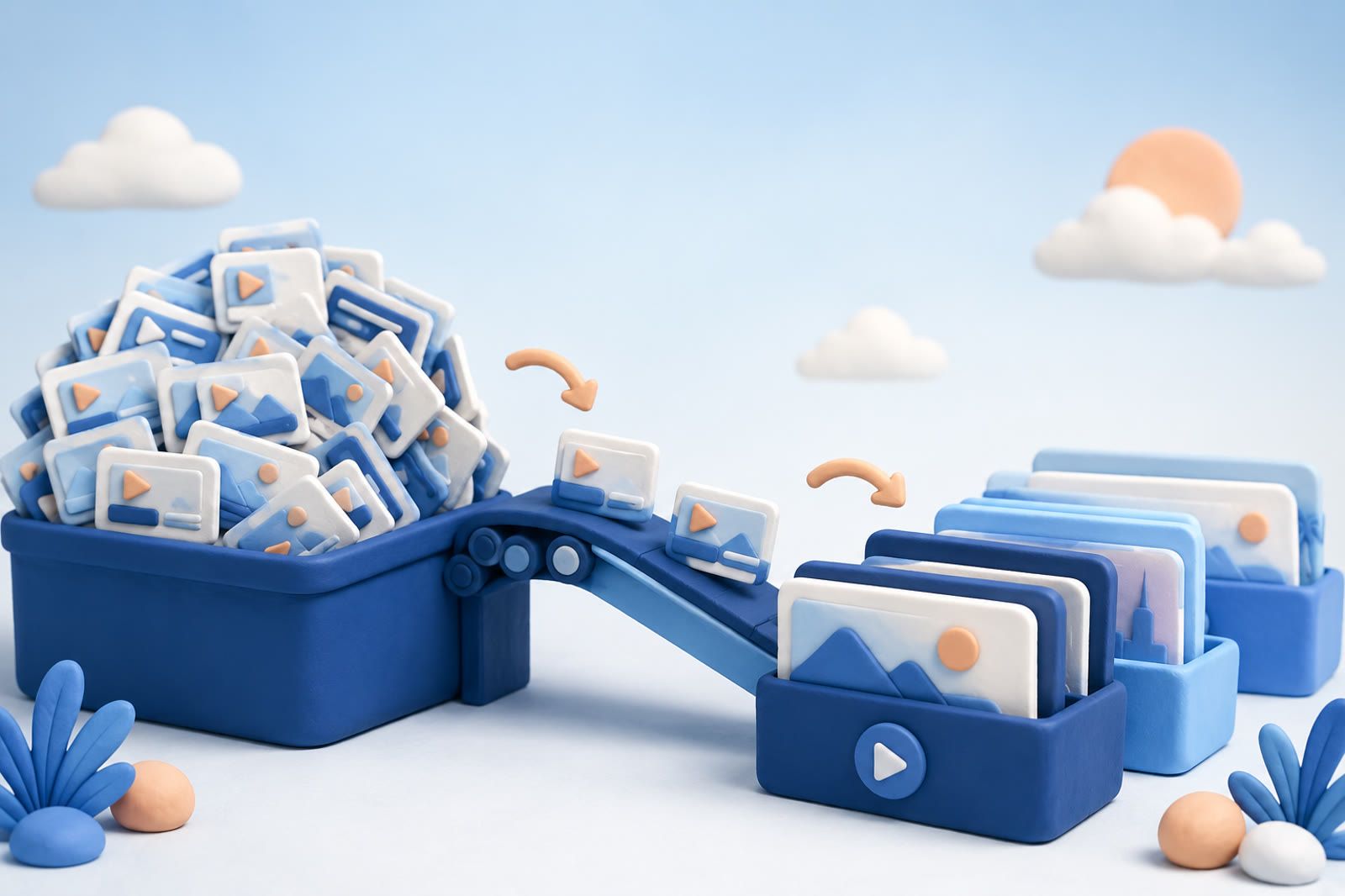
Start with YouTube Watch Later
Watch Later is built into YouTube, so you can save without switching apps, copying a link, or choosing a category. It is ideal for a tutorial you cannot play at work, a long weekend interview, or a recipe demonstration for dinner.
Its weakness appears as the queue grows. Old intentions sit beside recent ones until the list stops helping you choose.
Treat Watch Later as temporary:
- Watch items you still want soon.
- Move durable subjects into custom playlists.
- Remove anything that no longer interests you.
If the queue already feels impossible, clear YouTube Watch Later without watching everything. The aim is a useful queue, not completing an old obligation.
Use custom playlists for recurring subjects
Custom playlists work when you repeatedly return to a topic. Name them after an action rather than a vague category:
- Watch soon for a short queue
- Learn for tutorials and explanations
- Make for recipes and practical projects
- Revisit for videos worth keeping after you watch
Learn guitar is more useful than Interesting. Meals to cook is clearer than Food.
Avoid a playlist for every minor subject. Too many destinations slow saving and make retrieval uncertain. Preserve the distinction between an unfinished queue and a lasting collection.
Choose Raindrop for visual link collections
Raindrop saves video links as thumbnail cards inside collections. It works well when a bicycle-repair project might include a YouTube demonstration, written checklist, and product page.
Raindrop has a free tier and a paid Pro plan. It suits visual browsers who already save several kinds of links. It does not replace YouTube playback: opening the card returns you to the video. If all you need is a short queue, a separate bookmarking app adds unnecessary work.
Use a read-later service for mixed media
A read-later service makes sense when videos and articles compete for the same time. You can keep a written guide, interview, and tutorial about one skill together.
The risk is familiar: saving is faster than consuming. Choose this approach only if you already work comfortably from a read-later inbox. If you mainly watch YouTube, its built-in tools are simpler.
Do not rely on a bare notes file
Pasting YouTube links into a note or private chat works for a handful of links tied to one project. It becomes unreliable when every URL looks alike and unrelated reminders surround it.
If you use notes, add one line explaining why you saved each video, such as knife-sharpening demonstration or database-index explanation. That description will outlast your memory of the title.
Plan for how you will find the video
YouTube titles are designed to attract a click, not necessarily to match your future memory.
- Playlists help when you remember the broad subject.
- Visual bookmarks help when you recognize the thumbnail.
- Notes help when you recorded why the video mattered.
If those cues do not match how you remember, dEssence can keep videos with other saved material and let you ask about your saves in your own words. It does not replace YouTube's player, playlists, or viewing controls.
Short videos present the same problem with even less title context. See why TikTok favourites become difficult to search.
Match the app to your habit
- YouTube Watch Later: something you intend to watch soon
- Custom YouTube playlists: lasting collections around a few recurring subjects
- Raindrop: visual collections mixing videos with articles, products, and other pages
- Read-later service: one queue for watching and reading
- Notes app: a small project where your own explanation matters most
The best app is the one that lets you recover a saved video without turning the collection into another task.