The AI-augmented PKM landscape in 2026: what actually works
Five AI-augmented PKM tools compared, plus dEssence as a recall-first memory layer. What each one actually does well and where each falls short.
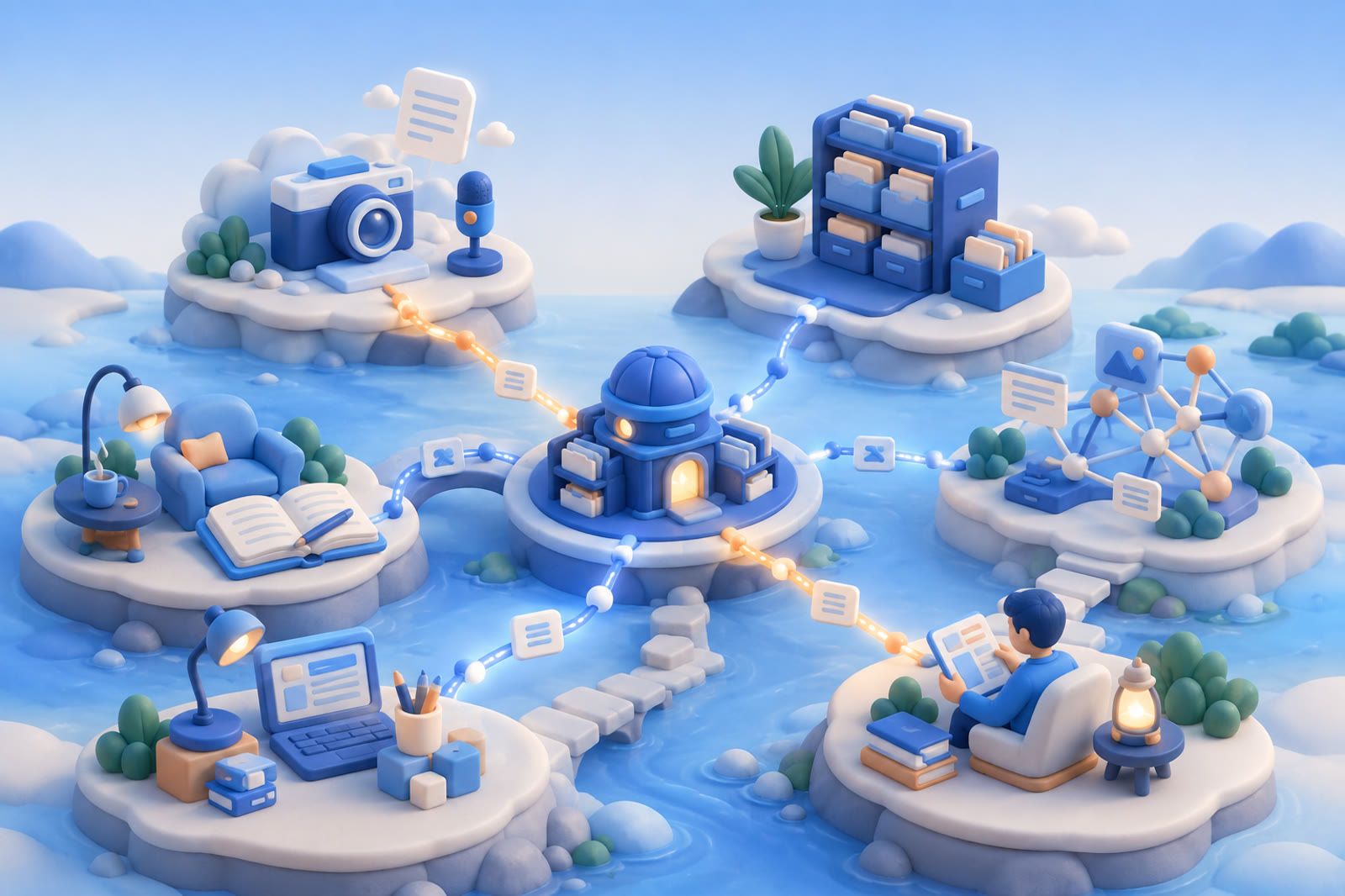
Personal knowledge management has long promised that the right tool will help you remember everything you read. AI gave that promise new features, but by 2026 the practical distinction is clearer: some features change daily use, while others remain more convincing in demonstrations than in a mature archive.
This comparison covers five AI PKM tools plus dEssence as a recall-first layer beside the category. Every option has meaningful weaknesses. The aim is to match the tool to the work—not sell a stack.
The three jobs that matter
- Capture: what you can save and how little attention the save costs.
- Connect: whether useful relationships surface without constant graph maintenance.
- Recall: whether you can retrieve the right thing using natural language.
Capture was already cheap. AI was expected to make connecting and recalling cheaper. In practice, tools that apply AI to plain-language recall have aged differently from tools centered on automatic themes, tags, or clusters. Some users report that generated organization drifts away from how they would group the same material. Recall-first tools can look modest in a demo and become useful after months of data.
Ask yourself: Do I expect a save to enter a structure, or simply to be available when I ask later?
See personal knowledge base apps when you want the archive itself compared, or AI note-taking apps for recall when daily writing matters more than saved references.
Google renamed NotebookLM to Gemini Notebook in 2026. The address notebooklm.google now redirects to notebook.google, and Google uses the new name across its own pages, including the plans page. This article uses the new name; reviews written earlier describe the same product under the old one.
mem.ai: the AI inbox
mem.ai centers on self-organizing notes and chat. Mobile and desktop apps make it easy to capture a thought, meeting note, or URL without deciding where it belongs. Chat can surface something written weeks earlier, while mentions connect notes by topic or person.
Tradeoffs: Input is smoother than retrieval. Chat works best when you remember roughly what you wrote, and some users find automatic tags or groupings increasingly out of sync as the archive grows.
Best for: Heavy note-takers who write more than they save and are comfortable making chat their main recall surface.
Reflect: the AI daily-note app
Reflect grew from the Roam-style daily-note tradition. Its fast daily workflow, reliable backlinks, end-to-end-encryption positioning, voice transcription, generated outlines, and writing assistance suit journaling and meeting notes.
Tradeoffs: It sits toward the higher-priced end and offers a trial rather than a substantial free tier. Its opinionated daily-notes-plus-backlinks model can feel empty outside journaling or meetings, and its AI features are useful but not unique.
Best for: Daily journalers and meeting-note takers who already think in Roam, Logseq, or Obsidian patterns.
Mymind: the visual collection
Mymind saves images, articles, quotations, and links into a private visual archive. Chrome capture is fast, image recognition supports discovery, and there are deliberately no folders, manual tags, or social feed.
Tradeoffs: It sits toward the higher-priced end with no free tier. The product is locked to its visual aesthetic, and it is strongest for visual references rather than long-form text.
Best for: Designers, art directors, moodboarders, and other visual collectors.
Capacities: the object database
Capacities treats a Person, Book, Project, or Meeting as a structured object with its own fields and relationships. The graph view exposes connections, core individual features have a free tier, and AI writing and ask-your-content features are integrated.
Tradeoffs: Defining object types takes meaningful setup, and users may rebuild their model before it settles. The mobile app is less mature than desktop, while AI feels added to the structured system rather than fundamental to it.
Best for: People willing to invest in an object model and who prefer structured types to free-form pages.
Gemini Notebook: the research notebook
Google's Gemini Notebook is designed for source-grounded work over uploaded documents, PDFs, links, and audio. It surfaces citations to underlying materials, offers podcast-style audio over sources, has a free tier, and works well for a defined research project.
Tradeoffs: It is project-scoped rather than life-scoped. It is not designed as a years-long home for everything you read, and it lacks a lightweight save-from-web flow comparable to a bookmark or read-later extension. As daily PKM, it complements other tools rather than replacing them.
Best for: Researchers, students, and analysts working with a bounded corpus.
dEssence: the recall-first memory layer
dEssence is a live product for the recall side of PKM: save it, move on, and ask for it later. Its three save surfaces are the Chrome extension, Telegram bot, and web app at dessence.ai. You can save articles, links, thoughts, PDFs, screenshots, videos, or voice notes, add why something mattered, then ask for it naturally. It searches by meaning and shows its sources without a graph, folder system, tag taxonomy, or daily-note ritual.
Tradeoffs: There is no native iOS or Android app, offline mode, team workspace, or shared collection. It is not for backlinks, structured object types, long-form writing, or daily-note workflows.
Free is $0 forever with up to 20 saves a day, 100 watched things checked daily, and no card. Pro is $10 a month with a higher daily save limit, 100 watched things checked hourly.
Best for: People whose main problem is finding saved material rather than organizing it.
How the tools compare at a glance
mem.ai is the AI inbox. Reflect is the AI daily-note app. Mymind is the AI visual collection. Capacities is the AI object database. Gemini Notebook is the AI research notebook. dEssence is the recall-first memory layer.
Some serious PKM users pair a structure tool with a recall tool: Obsidian or Capacities can hold structured work while dEssence retrieves saved references; Gemini Notebook may sit beside either for a bounded project. mem.ai or Reflect can be sufficient alone when note volume is moderate.
If you can afford only one, begin with the daily job. Capacities, Gemini Notebook, and dEssence offer no-cost starting paths. Pricing and trial structures for mem.ai, Reflect, and Mymind have changed over time, so check their current pricing pages before committing.
Frequently asked questions
What is the difference between PKM and read-later?
Read-later software optimizes articles you intend to read. PKM covers notes, links, voice memos, documents, images, and connections intended for a longer-lived archive.
Do AI PKM tools need AI to be useful?
Not necessarily. The strongest applications are source-grounded answers, as in Gemini Notebook and dEssence, or assisted writing and chat, as in mem.ai, Reflect, and Capacities. Automatic tags and clusters may age less well when their categories drift.
Is mem.ai worth it in 2026?
It depends on whether you write actively. Daily note-takers can benefit from low-friction capture and chat, while lighter users may create another inbox they stop checking. Check current pricing before deciding.
What are the lowest-cost ways to test AI PKM?
Capacities and Gemini Notebook have free tiers. dEssence has a $0-forever Free plan. Other products' free and trial structures can change, so verify them directly.
Can I use multiple PKM tools?
Yes—if one tool owns each canonical item. Let other tools feed that home or retrieve from it rather than duplicating ownership.
mem.ai, Reflect, Mymind, Capacities, Gemini Notebook, Obsidian, and dEssence are trademarks of their respective owners. User-reported patterns above summarize community discussions.