How to Stop ADHD Safari Tab Hoarding
Hundreds of Safari tabs are usually a failed reminder system, not a character flaw. Separate current tasks from useful references so tabs can close safely.
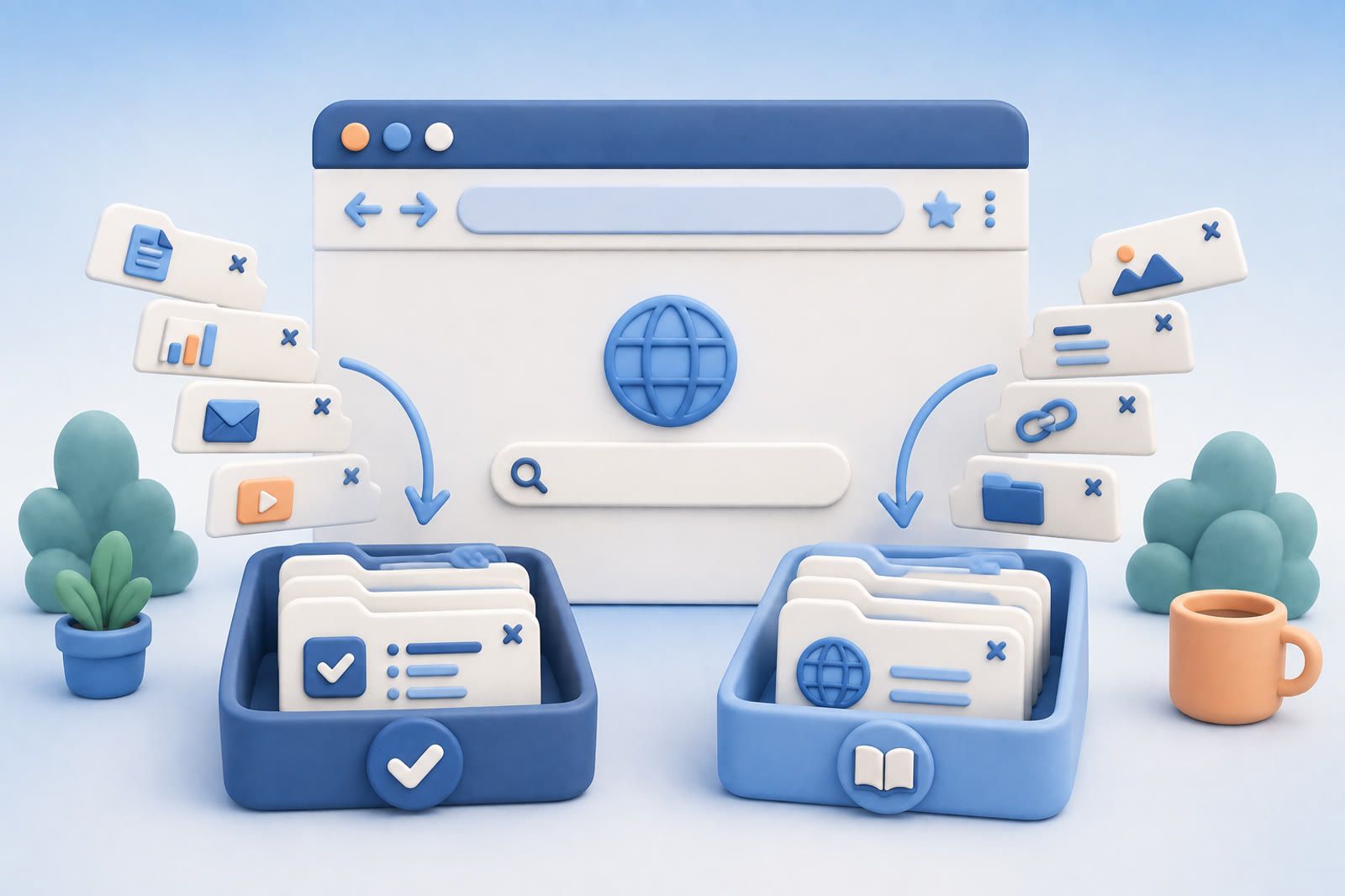
Why Safari tabs become a holding system
An open tab may be an article to read, a product to compare, a form to complete or a search to continue. Leaving it open avoids deciding whether the page matters, where it belongs and how your future self might find it.
That works for a few active pages. It breaks when tabs become a substitute for memory and every page carries the instruction remember why this mattered.
For someone with ADHD, saving can happen during the spark of interest while organizing requires a separate round of attention. Capture is immediate; filing asks you to pause, predict a future need and make a decision with no immediate reward. The result is usually a mismatch between easy capture and difficult retrieval, not carelessness.
Decide whether the tab is a task or a reference
A task tab requires action: buy something, send a reply, submit a form, watch a video or read for a current project.
A reference tab contains something you may want later: a recipe, guide, product, article or idea. It does not need action now; it needs a reliable route back.
Tasks belong in the actual task system. References belong in searchable storage. Neither needs to remain open indefinitely.
Finish this sentence:
I kept this open because I need to…
- If the answer contains a clear action, capture that action.
- If it is vague, such as remember this or maybe read this, save the page as a reference.
- If you cannot complete the sentence, close the tab.
Process the tab already in front of you
Do not turn hundreds of tabs into a giant cleanup project. Process old tabs when they appear during normal browsing:
- Do the action now if it is genuinely quick and relevant.
- Record a task if the page requires action later.
- Save the page if it is useful reference material.
- Close it if you no longer know why it matters.
Closing completes the transfer. Saving while leaving the tab open keeps both systems active.
The backlog may shrink slowly, and that is acceptable. You are changing what happens to new and resurfacing tabs instead of creating another cleanup plan to avoid.
Give saved pages enough context
A bookmark can become another graveyard when its title is vague. Add the words that exist in your memory.
Instead of sleep article, write sleep article about late caffeine for my travel week. Other useful descriptions include gift idea for Maya, compare with current headphones and use in client proposal.
You do not need an elaborate tagging system. The description should sound like what you would type when trying to recover the page.
Choose one home for references
Safari becomes unmanageable when useful pages are scattered across open windows, bookmarks, screenshots, messages and several note apps. Choose one main destination for reference material: browser bookmarks, a notes app, a read-later tool or another saved-item service.
Keep tasks elsewhere so a page you might read does not sit beside a form you must submit.
For products, articles and videos, dEssence is one possible destination. You can save items, organize related material on boards, ask questions about saved content and set a watch yourself when you want to follow an item. It is available through the Chrome extension, Telegram bot and web app at dessence.ai; there is no native iOS or Android app.
Use the tool you will actually return to. A simple system you trust is more useful than a detailed one that creates filing work.
Handle the existing backlog gently
Start with recently used tabs because they are more likely to connect to current tasks. Move each action or reference to its proper place, then close it.
Older tabs can remain until they resurface or you feel ready to review a small portion. If closing everything would create anxiety, do not force a dramatic reset. The system improves as soon as new tabs stop joining the permanent backlog.
The source material cites a study of 846 people in which digital hoarding explained 37 percent of the variance in anxiety. That association fits the experience of a backlog that feels like a low background hum of unfinished decisions. A reachable reference does not carry the same pressure as an unexplained open tab.
The target is not a particular tab count. It is a Safari window representing what you are doing now, while useful pages live elsewhere with enough context to return when needed.