Omnivore Alternatives for Articles and Highlights
Compare Omnivore alternatives for reading, highlights, link storage and recall, then test imports and exports before moving your library.
What happened to your Omnivore library
Omnivore wound down its hosted service in late 2024. In the team's own farewell post, dated 31 October 2024, they said they were joining ElevenLabs, that exports would be supported through 30 November 2024, and that user data including links, highlights and folders would be erased after that period. The reason they gave was the rising cost of running the service. If you exported your library before the shutdown, keep an untouched copy: it is the starting point for any migration.
If you did not export before 30 November 2024, the open-source Omnivore code on GitHub cannot recover your personal saves. The code is still maintained by the community, but your hosted data is gone. In the same post the team recommended Readwise Reader or Wallabag as replacements. The hosted library was separate from the software. You may need to rebuild from browser bookmarks, original files, forwarded links and highlights stored elsewhere. Start with material you still expect to use.
Decide whether you need a reader or an archive
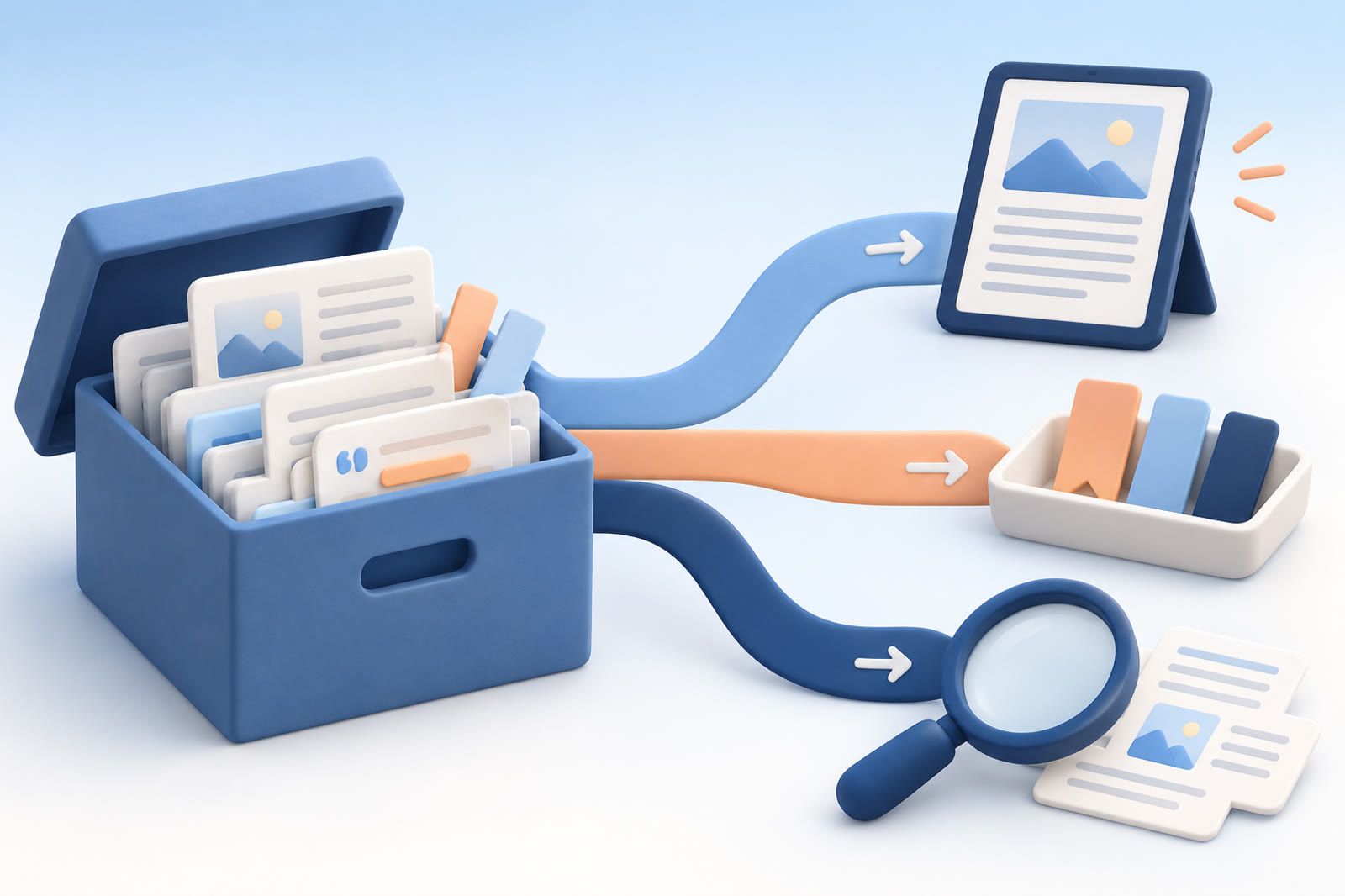
Omnivore combined several jobs:
- Saving articles to read later
- Providing a cleaner view for long pages
- Creating highlights
- Storing links for future reference
- Searching old material while writing or researching
If reading and highlighting were central, begin with a read-later service. If you mostly accumulated URLs, a bookmark manager may be enough. If you rarely read from a queue but often need old information, prioritize retrieval. This prevents you from rebuilding a backlog when you actually need a searchable reference collection.
The main alternatives
Readwise Reader: reading and highlights
Readwise Reader is the closest fit when you want a dedicated home for saved reading and highlights. Import ordinary pages and highlighted material first. Confirm that article text remains readable, highlights stay attached to the correct source and your normal capture route works on the browser and device you use.
Instapaper: a straightforward reading queue
Instapaper suits the basic read-later job without requiring a detailed knowledge system. Test a normal article, a long page and a source that caused trouble in Omnivore. If highlights matter, verify them separately: an importer may accept article URLs without preserving every annotation.
Raindrop: when the links matter most
Raindrop is a better conceptual fit when your collection is a link archive rather than a reading queue. If the export's value lies mainly in URLs and titles, migration may be simple. If its value lies in captured text or highlights, test those elements before committing.
You do not need to recreate every folder and label. Rebuilding an old structure can consume time without improving retrieval.
Move a large archive in verified batches
An importer that succeeds with a few items may fail on a large file. Begin with recent saves or material tied to active projects, confirm that it arrived correctly and then import older material in batches.
Bring content over before spending days classifying it. Add organization only when it supports a real task. Old news, duplicate links and unread articles you no longer recognize can remain in the export instead of becoming clutter in the new service.
Keep the original export after the migration appears successful. The destination should never be your only backup.
Understand self-hosting
You can self-host Omnivore's open-source code, but that means taking responsibility for updates, backups and downtime. It cannot restore deleted hosted data. Treat it as an ongoing technical project, not a continuation of the old account. A hosted replacement requires less maintenance for most people.
Reader, archive or retrieval tool?
Choose a read-later app when you miss Omnivore's reading view and highlights. Choose a link manager when you mainly need organized URLs.
A recall tool addresses a different problem. dEssence can save products, articles and videos and answer questions across those saves. It is not an Omnivore clone or a replacement for a polished reading view. Capture is available through the Chrome extension, Telegram bot and the web app at dessence.ai.
Whichever direction you choose, test capture, reading, retrieval and export with your own material. A shorter feature list that supports those four tasks is more useful than a close visual copy that cannot move your archive safely.