How to Organize a Pinterest Renovation Board
Organize Pinterest renovation ideas by room, separate inspiration from decisions and keep specifications outside Pinterest where contractors can use them.
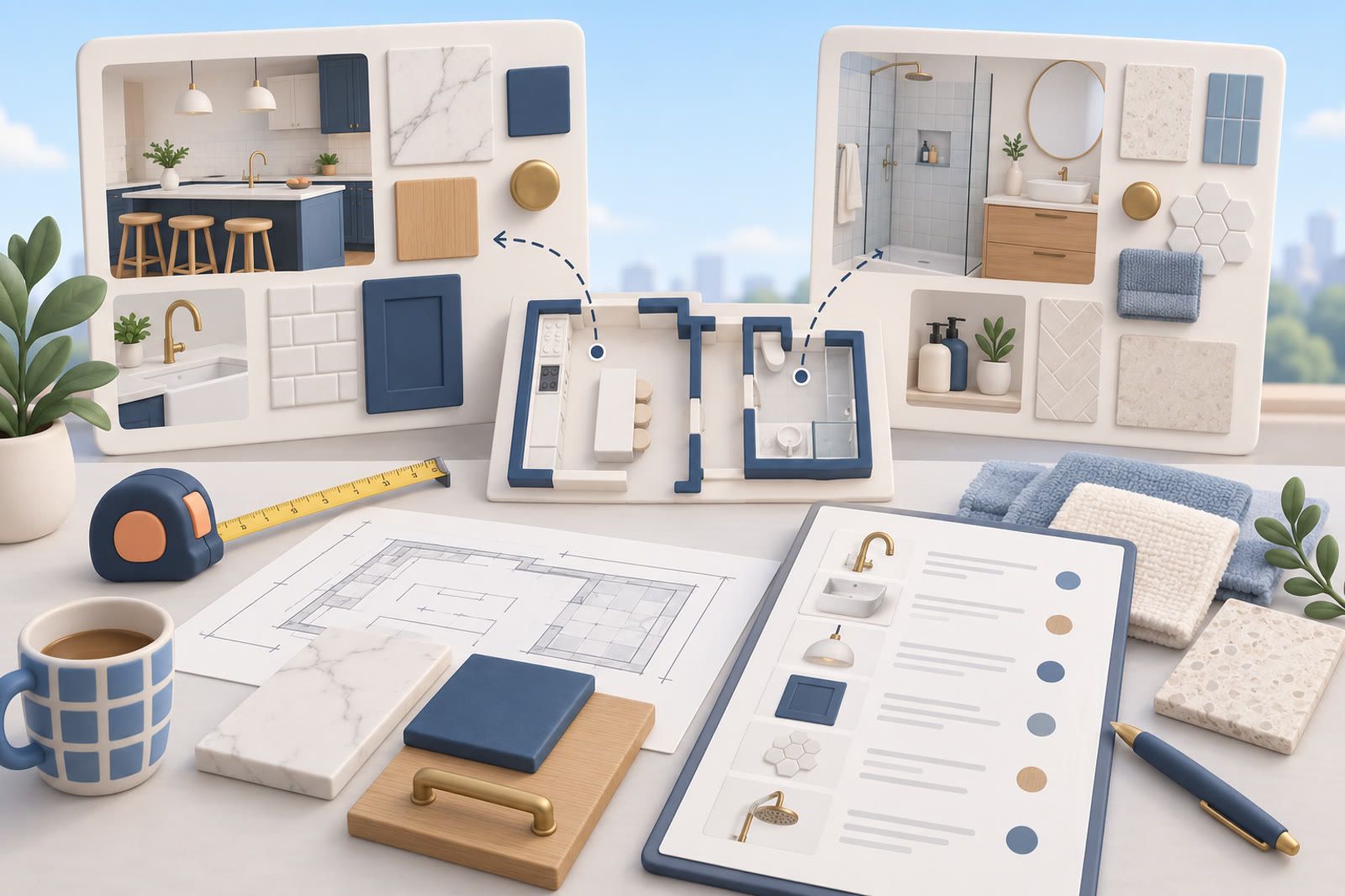
Create one board for each room
A single renovation board becomes difficult to scan when kitchens, bathrooms, lighting and exterior ideas mix together. Separate boards according to the conversations you will actually have.
Useful names include:
- Kitchen renovation
- Main bathroom renovation
- Bedroom lighting
- Flooring throughout the house
- Exterior and entrance
Use the room names you and your contractor already use. If everyone says downstairs bathroom, keep that name.
Choices that affect several rooms—such as flooring, door hardware and paint—may need project-wide boards rather than a home inside one room.
Separate inspiration from decisions
An inspiration image means you like something about it; it does not mean you approve everything in the room.
Keep early ideas in the room board. When you make a real choice, move or resave the relevant reference into a smaller decisions board containing only images you would comfortably show a contractor as direction.
For every decision, state what you selected:
- Cabinet color only
- Layout reference, not the materials
- Use this tile pattern with darker grout
- Pendant shape; final product not selected
A photograph of a green kitchen does not reveal whether you liked the cabinets, wall color or brass handles. The note prevents the whole image from being mistaken for approval.
Remove ideas that no longer fit
Review one room at a time and remove an image when:
- You no longer like it.
- It does not fit the room.
- It conflicts with a confirmed choice.
- You cannot explain what you wanted from it.
- You would not show it to the contractor.
Similar tiles, nearly identical taps and repeated rooms make decisions harder. The board should reflect the renovation you are planning now, not every version you once considered.
Keep specifications outside Pinterest
Pinterest is useful for visual references, but not for the working records that turn an image into an order.
Keep a separate document or spreadsheet for:
- Product names and links
- Paint names and codes
- Room measurements
- Contractor quotes
- Appliance specifications
- Warranty documents
- Order status and delivery details
Give each confirmed item a room and status such as considering, approved, ordered or installed. Place the Pinterest link beside the record when it helps explain the choice.
Deal with ideas saved in other apps
A friend may text a tap, your partner may send a paint color in chat, a contractor may email a PDF, or your camera roll may hold a hotel-bathroom photo.
Give each type a clear home:
- Visual inspiration → the relevant Pinterest board when possible
- Product details → the project record
- Files → a clearly named project folder
- Measurements → the room record
- Decision-making conversations → a summary in the decision log
The summary matters. Months later, you should not need to search a chat to learn whether a color was approved.
If copying links between apps becomes the avoided step, dEssence can serve as a searchable place for scattered references. It should support the Pinterest boards and project record, not replace contractor-ready details.
Prepare for a contractor meeting
Do not hand over a crowded inspiration board. Review the room and choose the few images that explain the current decision.
For each image, be ready to state:
- Which feature matters
- What can be ignored
- Whether it is inspiration or approved
- Which product record or specification belongs with it
- Which question remains open
Open the relevant images before the meeting and keep the product record beside them. If internet access at the property is unreliable, save essential references somewhere available offline.
Use one naming pattern everywhere
Use names such as Renovation: kitchen, Renovation: main bathroom, Renovation: flooring and Renovation: approved choices.
Avoid vague labels such as dream home or house ideas. Apply the same room names to boards, files and decision records so you do not have to translate your own system.
Archive the useful final record
When a room is finished, preserve final products and specifications. Remove or archive discarded inspiration so it cannot be confused with what was installed.
The lasting record should identify the paint color, tile, fittings, appliances and suppliers. Those details matter for repairs and repeating a finish elsewhere.
Pinterest preserves the visual trail. The project record preserves the final answer.