Apple Notes vs Google Keep: Which Should You Use?
Choose Apple Notes for richer notes on Apple devices. Choose Google Keep for quick cards that work across Android, iOS and the web.
The main difference
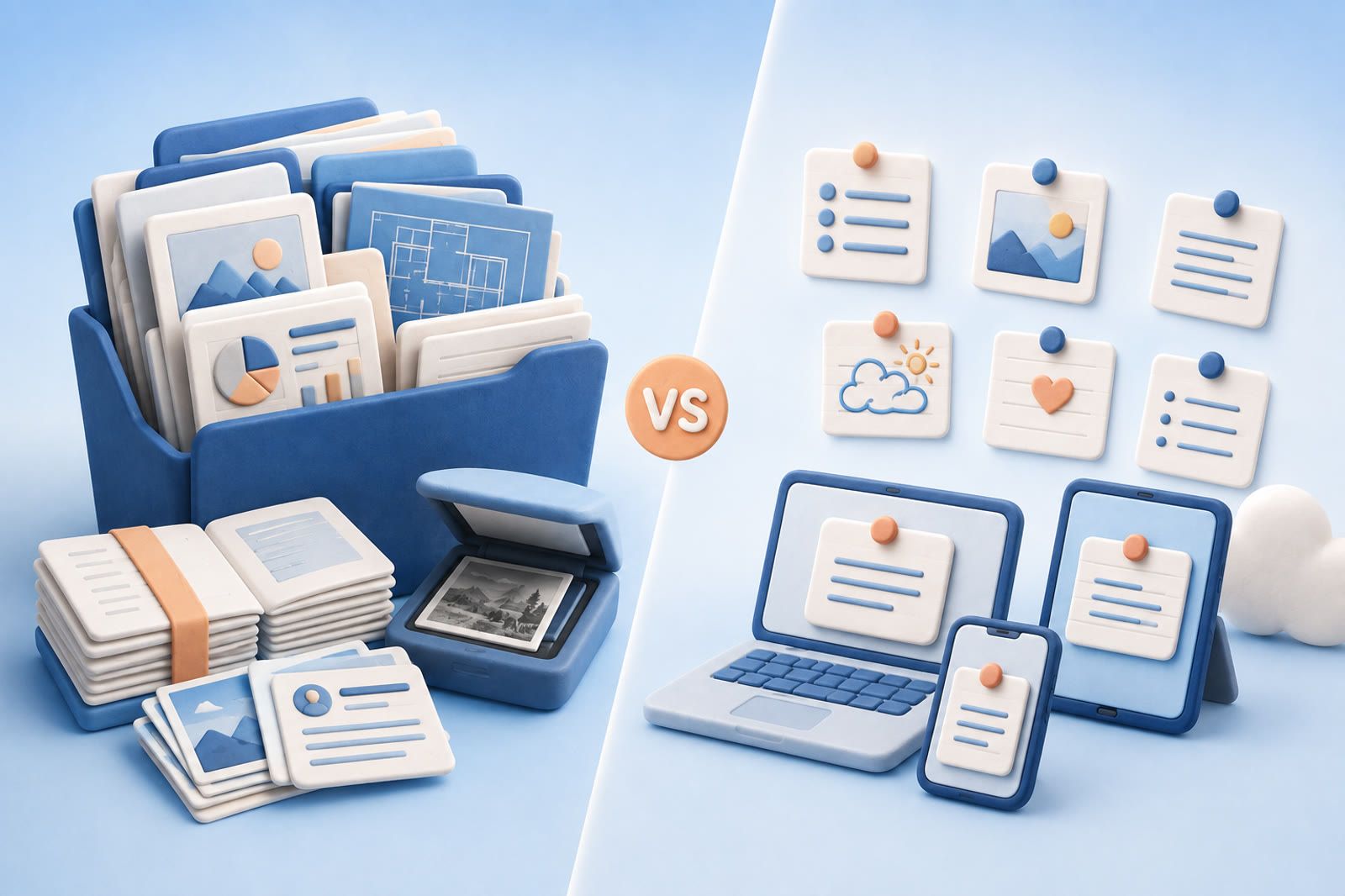
Apple Notes behaves like a traditional notes app. Notes live in folders and can contain formatted text, checklists, sketches, and scanned documents. It fits best when your phone, tablet, and computer are Apple devices.
Google Keep behaves like a wall of cards. Each card can hold a short note, checklist, or reminder. Labels and colors provide light organization. It prioritizes quick capture over long, carefully formatted documents.
Ask two questions:
- Which devices do you use?
- Are you keeping short reminders or building longer notes?
Choose Apple Notes for richer notes
Apple Notes handles formatted text, checklists, scans, and sketches in one place. Folders and tags help organize meeting notes, plans, references, and personal documents.
It fits naturally across iPhone, iPad, and Mac through iCloud. Its limitation is reach: there is no native Android app. Windows users can use iCloud on the web, but that is not the same as the native Mac experience.
Choose Apple Notes when: Your devices are primarily Apple products and your notes need richer content or structure.
Choose Google Keep for quick capture
Keep is strong for shopping lists, addresses, short ideas, reminders, and temporary details. It has a dedicated Android app, works on iOS, and is available through a desktop browser.
Labels and colors group cards without requiring a deep folder structure. The trade-off is intentional simplicity: long notes become awkward, and a large wall of similar cards can be difficult to scan.
Choose Google Keep when: You want quick notes and checklists that follow you across mixed devices.
Compare the features that matter
| Need | Apple Notes | Google Keep |
|---|---|---|
| Best device fit | iPhone, iPad, and Mac | Android, iOS, and web |
| Organization | Folders and tags | Labels and colors |
| Longer formatted notes | Better fit | Basic fit |
| Quick cards | Available, but not central | Core format |
| Document scanning | Strong fit | Not the main focus |
| Reminders and checklists | Supported | Central to the experience |
| Offline note use | Strong inside Apple apps | Depends on how you access Keep |
Both apps are free.
Which is better for Windows and Android?
Google Keep is simpler. Android has a dedicated app and Windows users can open it in a browser. Apple Notes has no native Android or Windows app; Windows access is through iCloud on the web.
If access beyond Apple devices is the main issue, Keep solves it with less friction. You can also compare cross-platform Apple Notes alternatives.
Which is better for long notes?
Apple Notes is better for long notes because its formatting, folders, and document features support growing material. Google Keep works best when each card has one clear job.
You can use both: Keep for quick capture across mixed devices, and Apple Notes for longer personal documents if you still use a Mac or iPhone.
What happens when you have too many notes?
Both become harder to use. Apple Notes develops crowded folders; Keep becomes a long wall of cards and labels. Keyword search helps when you remember the original wording but less when you recall only the situation or idea.
Inspect the last few notes you failed to find:
- If they were trapped on an inaccessible device, choose Keep or another cross-platform app.
- If they needed richer formatting, choose Apple Notes.
- If you remembered the subject but not the wording, the issue is recall rather than note format.
dEssence can hold articles, videos, PDFs, screenshots, and voice notes, then answer questions about those saves in your own words. It complements a notes app rather than replacing checklists, formatting, reminders, or offline editing.
Test both without moving everything
Create the same checklist, long note, reminder, and cross-device reference in each app. Use both for several ordinary days. Notice which one you open without thinking, whether it is available on every device, and how quickly you retrieve an older note.
Do not migrate the archive until one app clearly handles your regular work better.